If you used Pinterest for planning, you already know the problem. Saving a pin is easy. Remembering why you saved it is hard.
Pinterest notes, including features commonly referred to as Notes to self or pin notes, solved that gap. They let you attach your reasoning to a pin. Measurements, paint codes, recipe tweaks, budgets, sizing, comparisons, next steps.
Then, for many users, that workflow disappeared. Notes stopped showing up, the note option vanished, and in some cases even older notes were no longer accessible.
This article explains what changed, what you can still recover, and how to get private notes back in a way that is reliable and searchable.
What Pinterest notes were and why they mattered
Pinterest has experimented with notes in multiple ways over the years. In 2020, Pinterest rolled out new board features that included board notes, explicitly positioned as a way to annotate saves for lists, tasks, and projects. You can see this documented in TechCrunch coverage of Pinterest board notes. Source.
Later, Pinterest also introduced additional organizing features tied to notes and board workflows. TechCrunch covered Pinterest adding notes and related tools as part of a broader effort to support planning and collaboration on boards. Source.
Users relied on these capabilities for a simple reason: boards store content, notes store intent. A pin without intent is just a pretty bookmark.
Common ways people used notes
- Recipes: substitutions, cook time fixes, family rating, tried status
- Renovation and decor: dimensions, paint codes, part numbers, budget notes
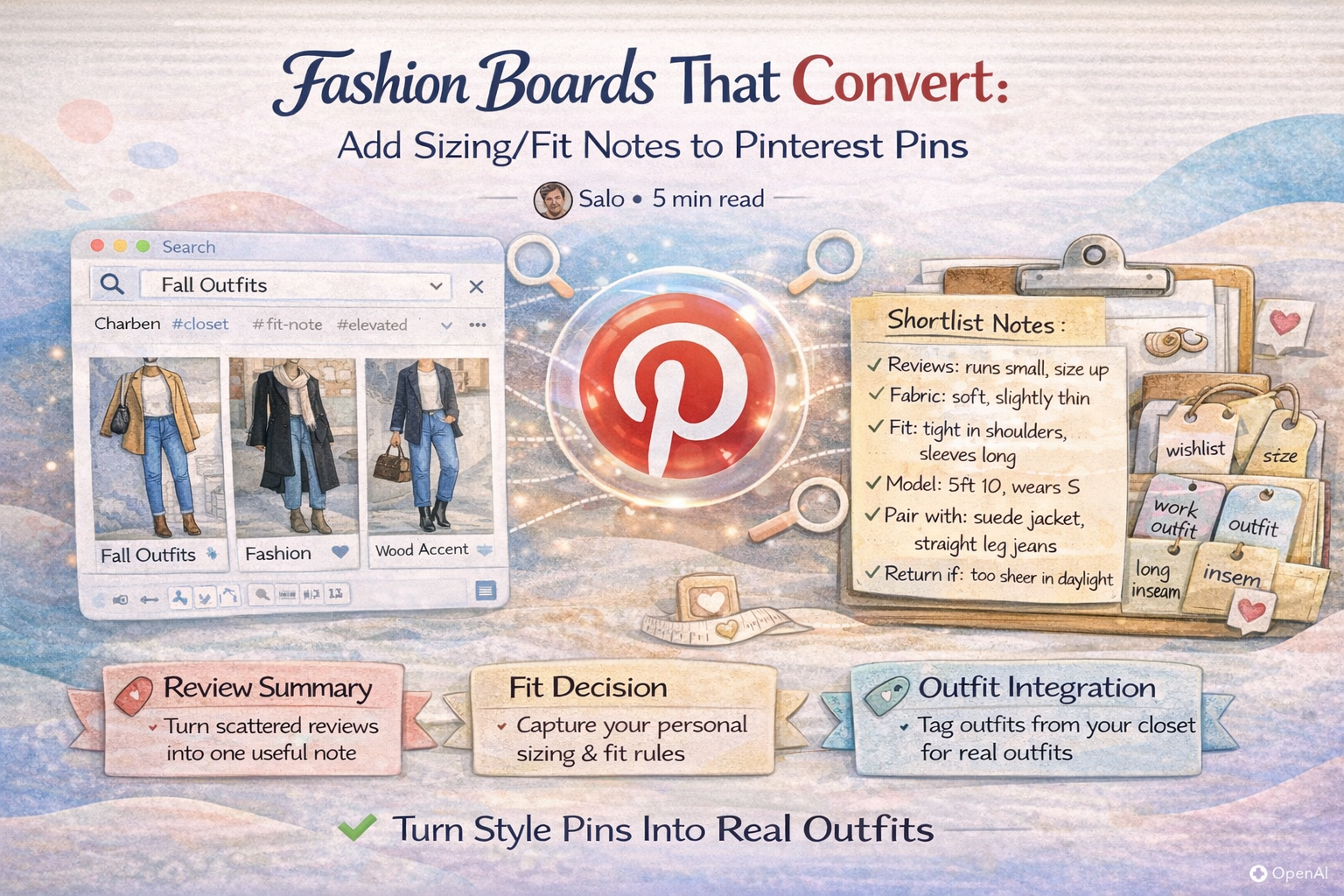
- Shopping: sizing, materials, return policy reminders, price targets
- Branding and design: hex codes, typography choices, client feedback
- Planning: pros and cons, next action, why this option made the shortlist
What changed and why users think notes were removed
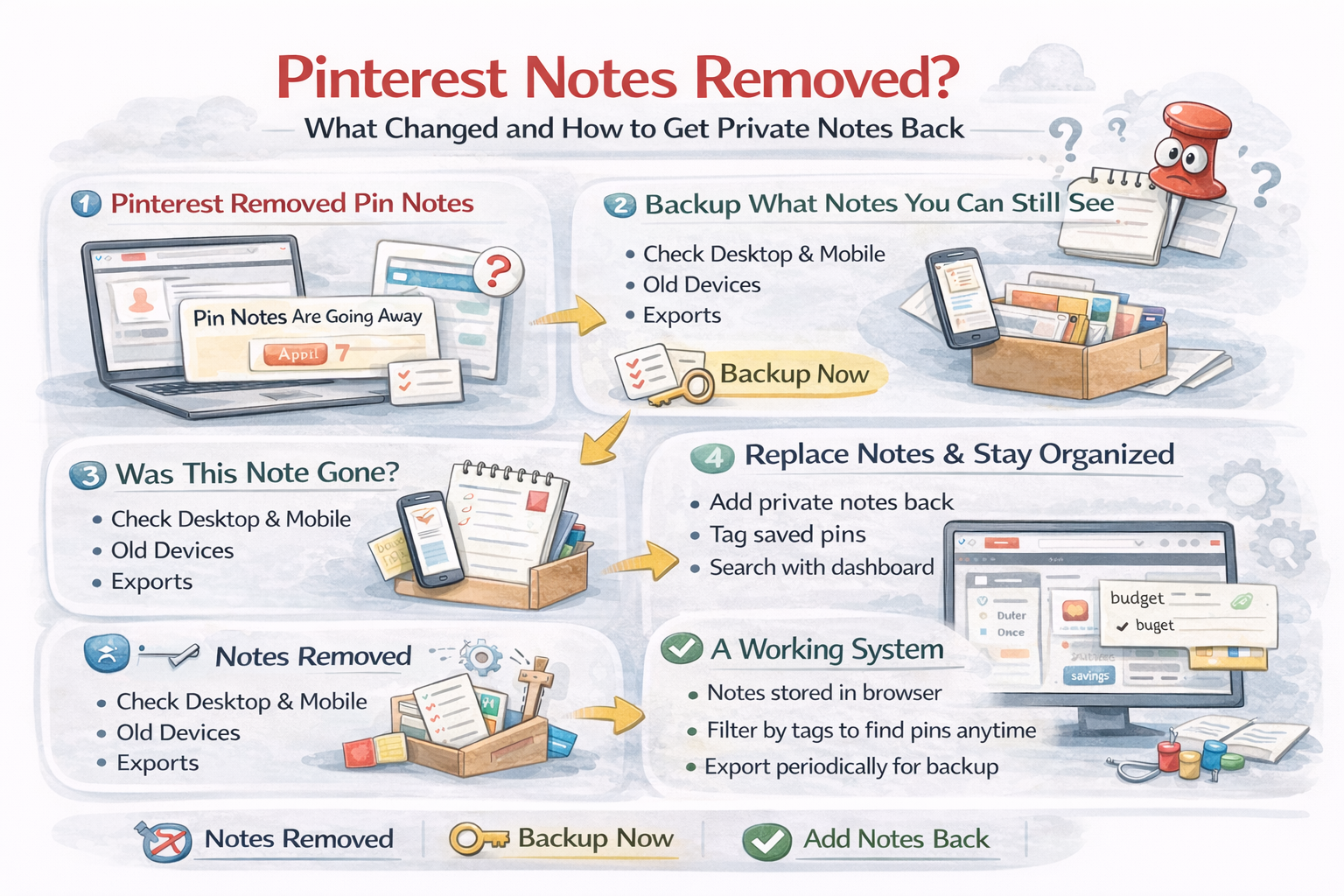
The visible story in 2025 is not one clean public announcement. The most consistent public evidence is user reports that the note option disappeared and that Pinterest notifications indicated pin notes were going away on a date that users frequently cited as April 7, 2025.
You can see examples in community threads where users discuss a notification and later report that both the feature and the older note data became inaccessible. User reports.
Multiple additional threads around the same period report notes being gone across browsers and devices, including claims that older notes were present for a while and then later disappeared. Examples: Notes missing and Notes data removed.
Based on these reports, the most accurate description is this: many users experienced a staged removal where the note interface went away first, and later the accessibility of older notes became unreliable.
If Pinterest publishes an official help center post about the deprecation in the future, it is worth linking it here. Until then, treat the current state as: Pinterest pin notes are not a dependable feature for most users.
Can you recover your old Pinterest notes?
Sometimes. Often, no.
Recovery depends on whether Pinterest still exposes your notes anywhere. If you can still see notes in any client, treat it like a temporary window and extract them immediately.
Recovery checklist
- Check web and mobile. Sometimes features persist longer in one client than another.
- Check old devices and old sessions. If you have an older device that stayed logged in, it might still render legacy UI.
- Search in exports. If you ever saved pin URLs and notes in docs, screenshots, or spreadsheets, consolidate them now.
- Assume there is no restore button. If Pinterest no longer shows notes anywhere, there is typically no user facing recovery path.
If you do find any accessible notes, copy them into a durable system right away. Even a simple “Pin URL + Note” document is better than waiting.
How to get private notes back with a workflow that actually works
The goal is not just to type text. The goal is to recreate what made Pinterest notes useful:
- Notes attached to a pin while you browse
- Fast retrieval later
- Searchable and filterable
- Works across boards and projects
- Backup option, so you do not lose context again
Option 1: Use a Pinterest notes extension
A browser extension can restore the missing layer by letting you add private notes directly on Pinterest pins, plus tags and search for retrieval. This is the closest experience to the original idea, with a better planning layer.
Notestopin is built specifically for this: it adds private notes and searchable tags directly on pins while you browse Pinterest, plus a dashboard to search, filter, and manage your notes. Learn more.
Notestopin also states it is local first, with notes stored in your browser using chrome.storage.local and export available for backup. Privacy details.
Option 2: Use a separate notes system with pin links
If you do not want an extension, a durable fallback is a dedicated notes doc:
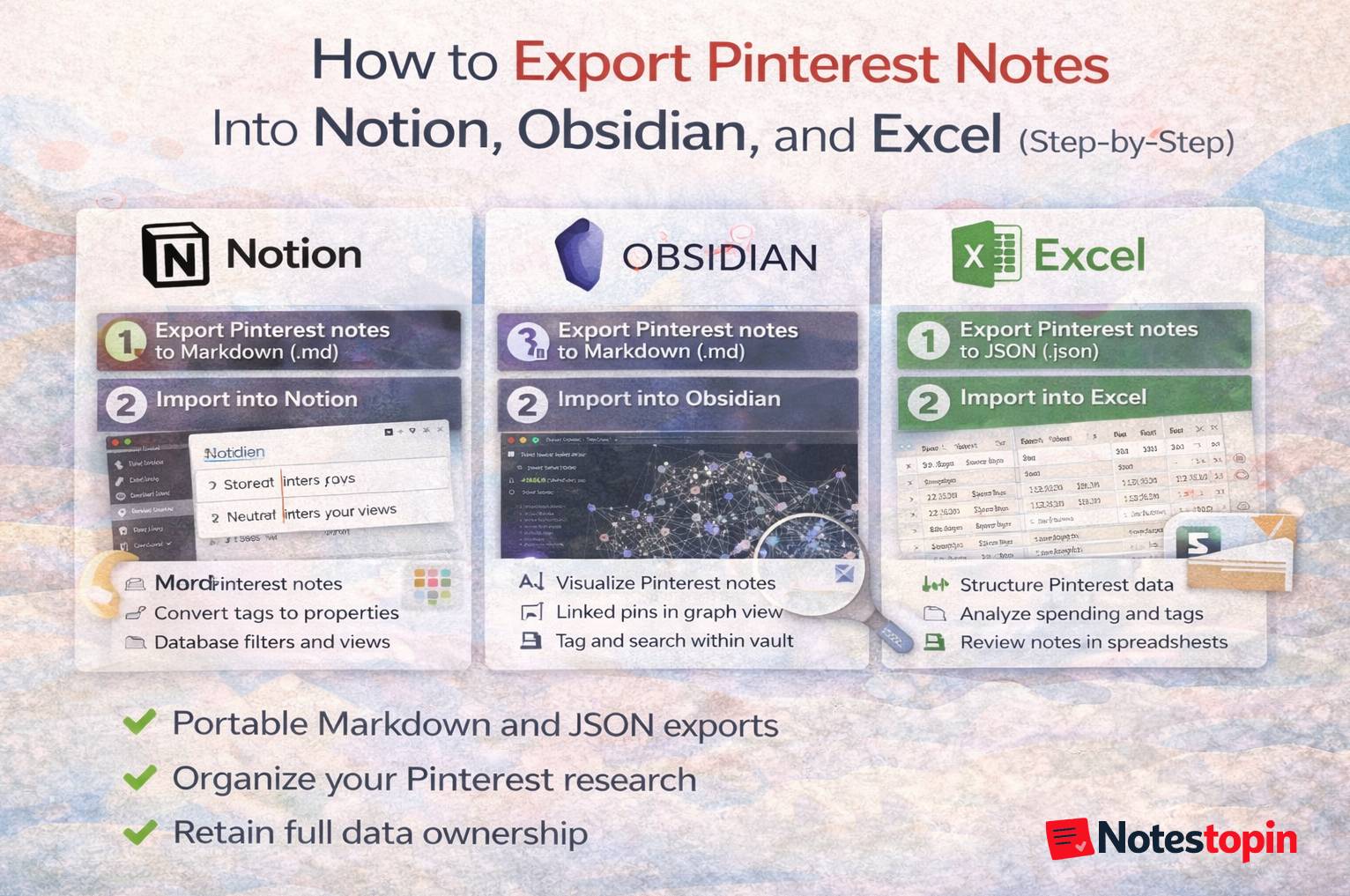
- Create a doc called “Pinterest Notes” in Google Docs, Notion, Obsidian, or Apple Notes
- For each pin, store: pin URL, short title, your note, and tags
- Use your notes app search as retrieval
This is reliable, but it adds friction. That friction is why Pinterest notes were valuable in the first place.
Option 3: Use board structure only, with constraints baked in
This is the weakest replacement, but it can help in a pinch:
- Use sections as constraint buckets, like “Under $1000”, “Small space”, “Finalists”
- Adopt consistent board naming, like “Kitchen Planning”, “Kitchen Final Picks”
- Use descriptions sparingly if that matches your workflow
Boards and sections can organize themes, but they do not replace searchable reasoning. If your goal is planning and execution, you eventually need notes and tags.
A simple system that makes Pinterest feel like planning again
If you want an execution system, use this structure:
1) Write one sentence as soon as you save a pin
- Fits 36 inch cabinet height
- Paint code matches the sample
- Budget friendly alternative
- Reduce salt by half next time
- Size up, runs small
2) Tag by constraint, not theme
Theme tags are fine, but constraint tags are what make retrieval fast:
- #under1000
- #smallspace
- #petfriendly
- #needscomparison
- #finalist
3) Search and filter when it is decision time
When you revisit a board, do not scroll. Filter by tags. Search by a detail you remember. Read your notes and choose.
This is how you reduce decision fatigue and stop restarting from zero every time you return to a project.
FAQ
Did Pinterest remove Notes to self or pin notes?
Many users reported that pin notes and Notes to self were removed or became unavailable, including reports of notices that pin notes were going away. Pinterest has not published a single widely linked help center post that clearly documents the timeline, so public evidence is largely user reports plus product history coverage from outlets like TechCrunch.
Can I recover my old Pinterest notes?
If the notes are still visible in any Pinterest client, copy them out immediately. If Pinterest no longer exposes the data, there is typically no user facing restore option.
How can I add private notes to Pinterest pins now?
The closest replacement is a browser extension that adds a private note layer on top of Pinterest pins, plus tags and search for retrieval. Another fallback is storing pin URLs and notes in a separate notes app, but that adds friction.
Are notes I add with an extension public on Pinterest?
No. A private note layer added by an extension is not posted publicly to Pinterest. For example, Notestopin states notes and tags are stored locally in the browser unless you export them. Source.
Action plan
- Check if any old notes are still visible anywhere. If yes, copy them out now.
- Pick a replacement system that is searchable and durable.
- Start rebuilding notes only for active projects first. Do not try to migrate everything at once.
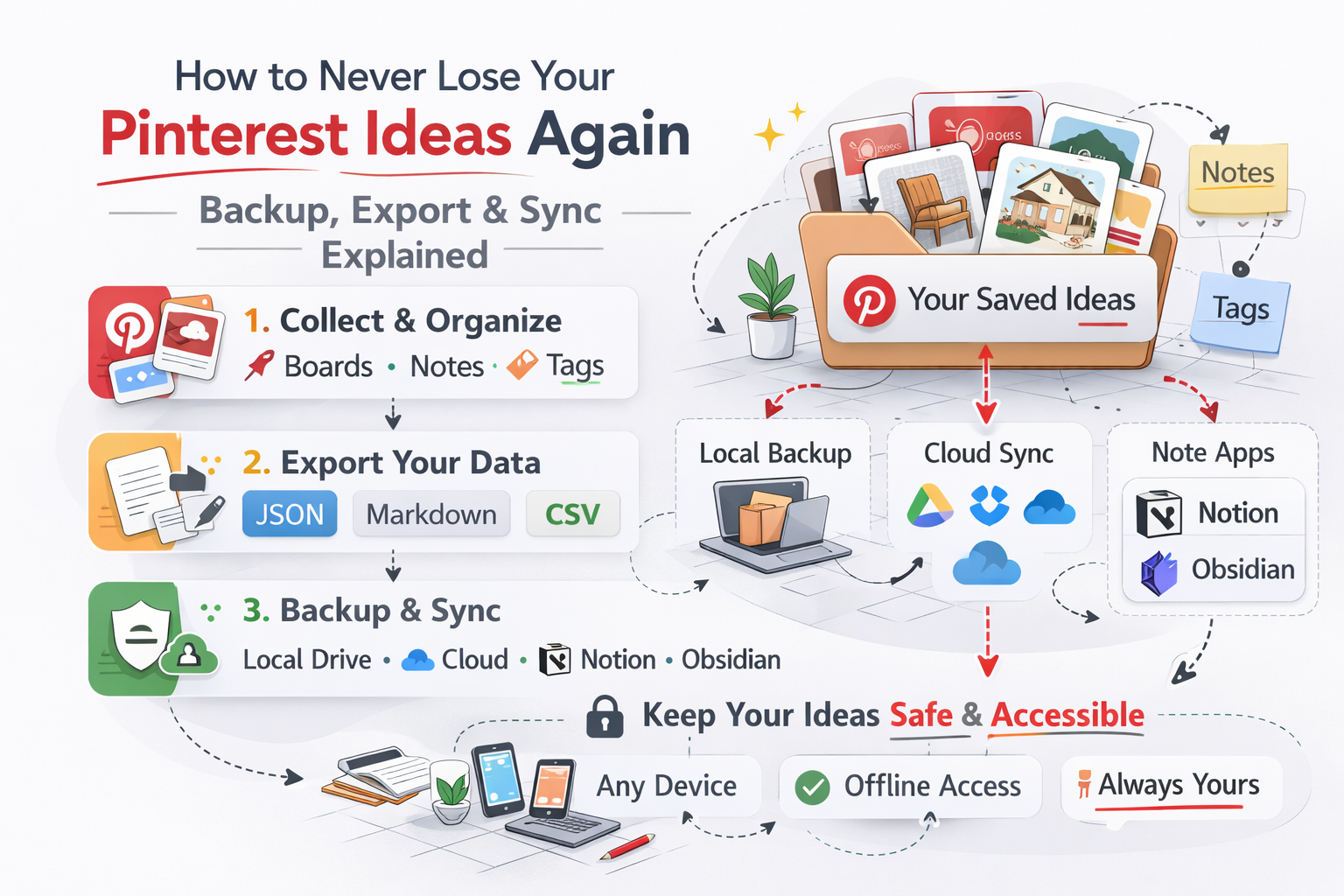
- Back up periodically. Export is the simplest safety net.
Pinterest is still excellent for inspiration. If you add back the missing context layer, it becomes useful for execution too. ✅

Get the Notestopin Chrome extension
Add private notes to any Pin, tag them, and search your saves later.
Add to Chrome