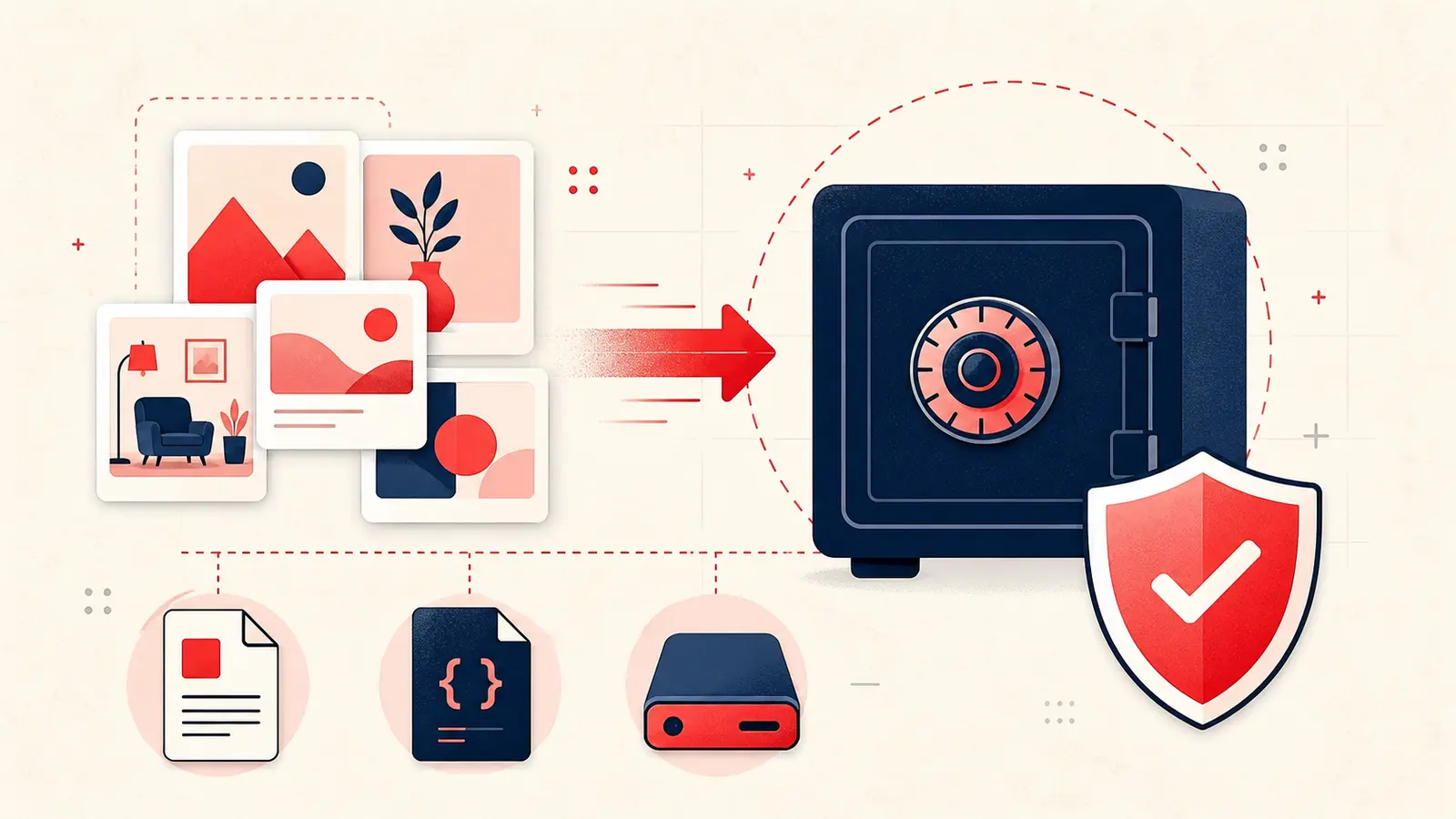
You can spend years building Pinterest boards that reflect your taste, your research, your projects, and your goals. Over time those boards become more than saved images. They become a map of decisions you have made and decisions you plan to make. If you use Pinterest for interior design, recipes, education, product research, or professional inspiration, your saves are a form of knowledge base.
The uncomfortable truth is that your knowledge base lives on a platform you do not control. Your boards may feel personal, but they are still hosted on someone else’s infrastructure, governed by someone else’s policies, and subject to changes you do not get to approve. That does not mean Pinterest is unreliable. It means you should treat it like any other cloud service: useful, but not a permanent archive unless you have a backup strategy.
This article explains what data ownership means for Pinterest users in practical terms, how exporting works, what can be lost over time, and how to build a realistic backup workflow for your saved knowledge. It also covers a common gap: your private reasoning. The most valuable part of a board is often not the image itself, but the decision context in your head, which disappears unless you capture it.
What you actually own when you save pins
There is a difference between ownership of a platform account, ownership of content, and control of access. When you save a pin, you are typically saving a reference to content that may be hosted elsewhere. Sometimes the pin links to an external site. Sometimes it is an upload by another user. In either case, the original content can change, move, or disappear.
What you do own, in a practical sense, is your selection and your organization. Your boards, your categories, your curation choices, and any original descriptions you wrote are part of your personal dataset. If you create original pins, images, or writing, you also hold rights in that original content. But the platform still controls how that content is stored, displayed, and accessed through its service.
This is why data ownership discussions for Pinterest users usually come down to one operational question: can you reliably export your data and keep a usable copy independent of the platform.
The Terms of Service reality in plain language
Most social and content platforms operate with a similar legal structure. You keep rights to content you create, but you grant the platform a license to host, copy, distribute, and display that content as needed to run the service. That license is how the platform can show your content to you, sync it across devices, and deliver it to other users depending on your settings.
The practical part is this. A license to use content is not the same as a promise to keep it forever. Platforms can change features, retire products, update policies, restrict access, or remove content that violates rules. Even if your account remains in good standing, content can still disappear because of decisions made by the original uploader, changes in external links, or removal of a website that hosted the source.
So if your boards matter to you as a long term asset, you should treat them the way you treat any important work product. Assume you may need a copy you control.
How saved knowledge is lost over time
People often assume data loss means an account gets deleted. In reality, Pinterest knowledge bases degrade in quieter ways. You still have your boards, but parts of them become unusable or incomplete.
Common failure modes include:
- Broken sources: A pin links to a web page that moves, changes, or is removed.
- Deleted originals: The original uploader deletes the pin or the image is removed from the source.
- Content drift: A product page updates and no longer matches the version you saved, which matters for pricing, materials, and specifications.
- Account restrictions: Access issues due to security events, policy updates, or regional limitations.
- Platform change: Features are redesigned, export formats change, or integrations stop working.
None of these require bad intent. They are normal outcomes of the modern web. The key is not to panic, but to build resilience by separating your knowledge from the platform whenever the stakes justify it.
Exporting your Pinterest data: what to expect
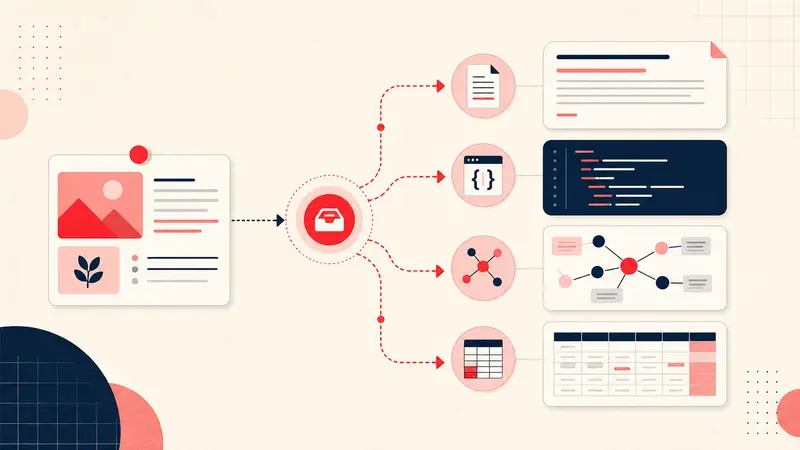
Exporting is the first step toward ownership. It is also where many users get disappointed, because exports rarely produce a neatly organized, ready to use knowledge base. In most platforms, a data export is designed for portability and compliance, not for day to day usability. You may receive structured files that require processing.
In general, an export may include lists of boards, pins, URLs, timestamps, and sometimes metadata. What it often does not include is the rich context you actually care about, such as why you saved something, what you planned to do with it, and what decisions you made after saving it. That context typically lives only in your head unless you write it down.
This is the core insight: the highest value part of your Pinterest usage is not the images. It is your interpretation of them. Exporting links without capturing your thinking still leaves you vulnerable to knowledge loss.
Backup is not just storage, it is retrieval
A backup that you cannot search is barely a backup. If you export files and never touch them again, you may not be able to reconstruct anything when you actually need it. A good backup strategy has three properties:
- Durability: the data survives platform changes and link rot.
- Portability: you can move it between systems without losing meaning.
- Retrievability: you can find what you need quickly, by keyword, tag, or project.
For Pinterest users, retrievability is the hardest part, because boards are visual, but your future questions are often textual. What was that linen sofa in oatmeal. Which pins were tagged for spring patio. Which sources included measurements. What was the budget range I set for kitchen lighting. These are not questions images answer well. They are questions notes answer well.
The local backup mindset
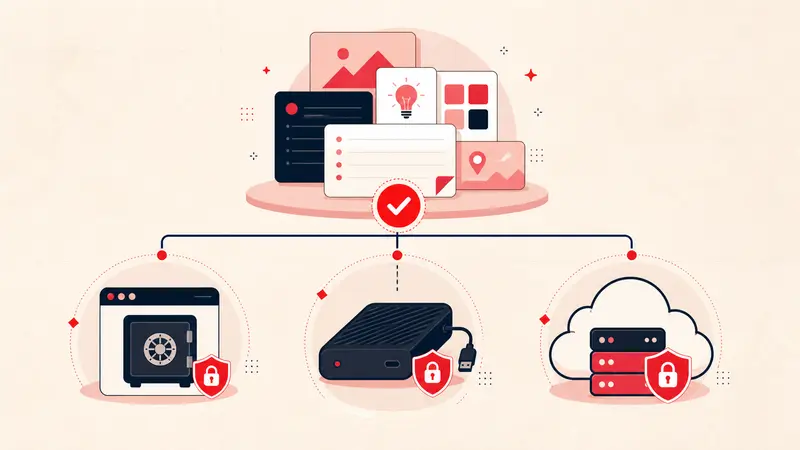
If you want to own your saved knowledge, store a copy in a place you control. For most people that means at least one local copy and one cloud copy under your own account. Local storage matters because it is independent of service outages, account access issues, and subscription changes. It is also faster for certain workflows.
A realistic approach looks like this:
- Primary capture: your boards on Pinterest for discovery and browsing.
- Knowledge layer: your notes, tags, and decisions stored in a separate system you control.
- Redundancy: a periodic export or sync so the knowledge layer exists outside any single vendor.
The key is that the knowledge layer must be lightweight enough that you will actually maintain it.
How Notestopin supports data ownership
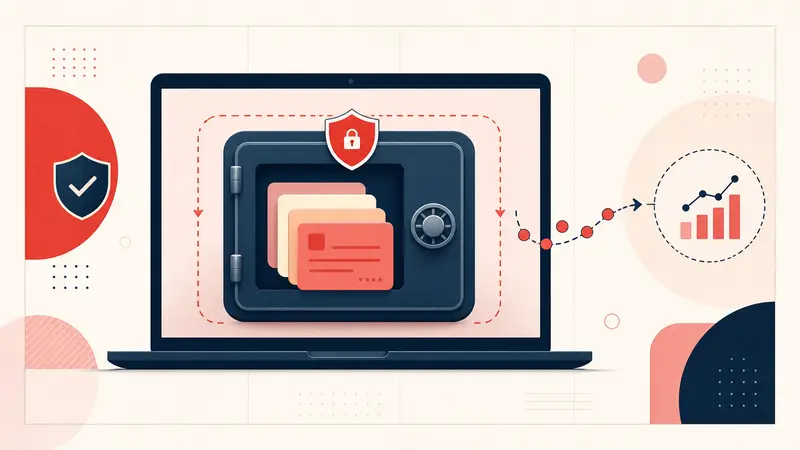
Notestopin focuses on the part of your Pinterest workflow that is uniquely yours: your private notes, your tags, and your thinking. Instead of leaving your reasoning trapped inside a platform that does not prioritize your long term archival needs, you capture it alongside the pin in a structured way.
The practical benefit is resilience. If a pin disappears because the original uploader deletes it or the source link breaks, your note can still preserve the key information you needed: dimensions, materials, budget assumptions, vendor names, alternative options, and next steps. In many workflows, that context is the true asset.
This is the idea behind a local shadow copy of your most important data. You are not trying to replicate Pinterest in full. You are preserving the part that makes your saves actionable and meaningful.
Your saved images can disappear. Your decisions should not.
What to record so your backup is useful later
If you want your saved knowledge to remain usable years from now, your notes should capture a minimum set of fields. The exact fields depend on your use case, but these are broadly applicable across design, shopping, research, and planning.
- Intent: why you saved it and what you planned to do with it
- Key specs: dimensions, materials, finish, or ingredient list depending on category
- Source: vendor name, creator name, or link context
- Budget: target price or acceptable range
- Timing: lead time, season, or deadline
- Status: shortlist, approved, ordered, tested, completed
- Alternatives: at least one backup option
This set is small enough to maintain, but rich enough to make a future export or archive actually valuable.
A practical backup workflow for Pinterest power users
You do not need a complex system. You need a repeatable one. Here is a workflow that works for most people who rely on Pinterest for serious projects.
First, treat your boards as a discovery layer. Save freely, but do not assume every save deserves permanent preservation. Second, create a shortlist process. When a pin becomes a real candidate for purchase, build, or implementation, add structured notes and tags. Third, export or sync the knowledge layer on a schedule you can maintain, such as monthly or quarterly.
If you are a designer or researcher working on multiple parallel projects, add project tags from day one. That makes it possible to export subsets later and hand them to clients, collaborators, or your future self.
Security and privacy considerations
Data ownership is also about privacy. Notes can contain sensitive details like budgets, client preferences, addresses, or vendor pricing. If you are backing up locally, protect your device. Use disk encryption and a strong login. If you store backups in a cloud drive, use an account with strong authentication and avoid sharing exports casually.
A good rule is to treat your notes as professional documentation. Write them as if they might be read later by a teammate, but store them as if they are confidential.
Conclusion: build a knowledge base you control
Pinterest is a powerful discovery platform. But discovery is only one part of the work. If your boards represent years of research, taste development, and project planning, then your saves function like a personal knowledge base. Knowledge bases deserve backup and portability.
Exporting is helpful, but it rarely preserves what matters most: your thinking. To truly own your Pinterest knowledge, capture context in notes, organize with tags that reflect your workflow, and maintain a backup habit that prioritizes durability and retrieval. Tools like Notestopin support this by preserving the part of the system that is uniquely yours: your annotations, decisions, and planning.
The end goal is simple. Your saved knowledge should remain accessible, searchable, and useful even if a platform changes, a link breaks, or an original pin disappears. When you control the knowledge layer, you control the long term value of your work.
Get the Notestopin Chrome extension
Add private notes to any Pin, tag them, and search your saves later.
Add to Chrome