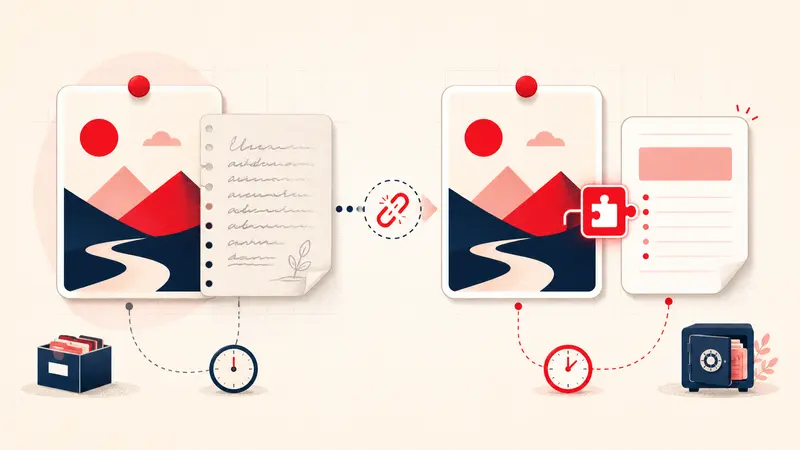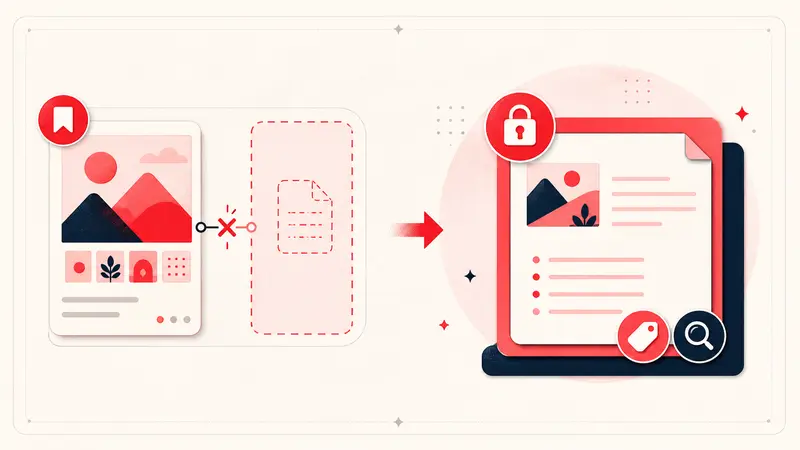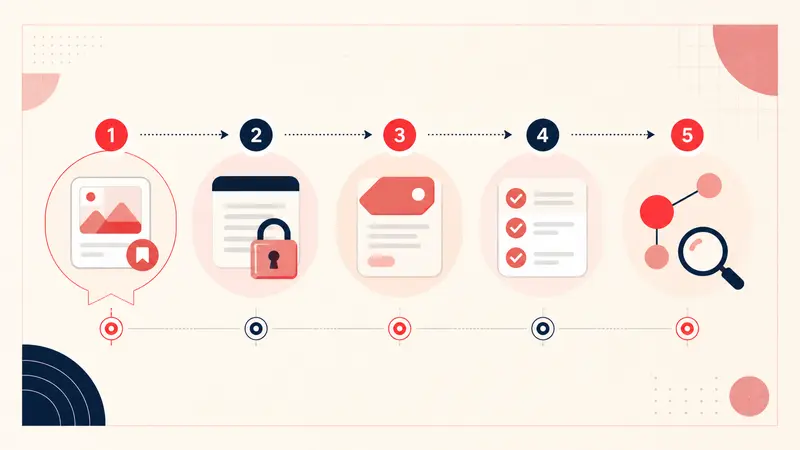
The useful lesson from Pinterest's former Pin notes is not a guessed business motive. It is a product-design problem we can examine from observable behavior: people attached private context to individual Pins, access to that workflow disappeared for many users in 2025, and Pinterest's current help center emphasizes boards, sections, and saved-Pin search rather than a replacement private note field.
Without a public Pinterest postmortem, claims about advertising strategy, commerce priorities, or engineering cost remain speculation. This review focuses on requirements that any durable annotation feature should meet.
Requirement 1: discoverability
A feature cannot become a habit if people do not know where it exists or on which surfaces it works. Pin-level context should appear consistently on detail pages, saved-Pin views, and the devices the product promises to support.
Good discoverability includes a clear entry point, a visible saved state, and onboarding that explains whether the content is private or public.
Requirement 2: retrieval
Writing a note is only half the job. People need to retrieve it later by text, tag, project, status, or the associated Pin.
Pinterest currently documents searching your saved Pins, which is useful for finding what a Pin depicts. A personal annotation feature must additionally find private language such as “rejected because delivery path is 32 inches.”
Requirement 3: clear scope
Pin notes should not pretend to replace boards, project-management software, or collaborative documents. Their strongest job is narrower: preserve why one visual reference matters to one person.
Products work better when that boundary is explicit. Boards group; sections subdivide; notes preserve reasoning; task systems assign work.
Requirement 4: portability
User-created annotations should have an export that preserves the note, Pin identifier, URL, tags, and timestamps in a documented format. A readable format such as Markdown supports human access; structured JSON supports restoration and migration.
An export is not complete merely because a download button exists. Users should know what is included, what is omitted, and how to test a restore.
Requirement 5: graceful change and exit
When a feature holds user-authored content, deprecation deserves advance notice, repeated reminders, a clear deadline, a direct export path, and documentation that remains available after the change. If migration is possible, the product should explain the destination and fidelity limits.
This is not only a courtesy. It lets people decide whether the feature is safe for irreplaceable work.
Requirement 6: trust boundaries
Users should be able to answer:
- Who can read the note?
- Where is it stored?
- Does it sync, and to which account?
- What happens on uninstall or account deletion?
- Is note content used for analytics, personalization, or model training?
- How can it be exported and deleted?
“Private” is a user-facing promise; the implementation and policy must define what it means.
A better minimum design
- Add a compact note control on the Pin detail page.
- Show a clear private-state label.
- Autosave with visible confirmation and conflict handling.
- Provide text search plus a small tag/status vocabulary.
- Support stable Pin identifiers rather than fragile page position.
- Offer complete documented export and import.
- Publish retention, synchronization, and deprecation behavior.
How to evaluate a replacement
Test the entire lifecycle with non-sensitive data: create a note, find it from memory, reopen its Pin, export it, inspect the file, restore it safely, then remove the test. A tool that excels only at capture has not solved the long-term problem.
The product lesson
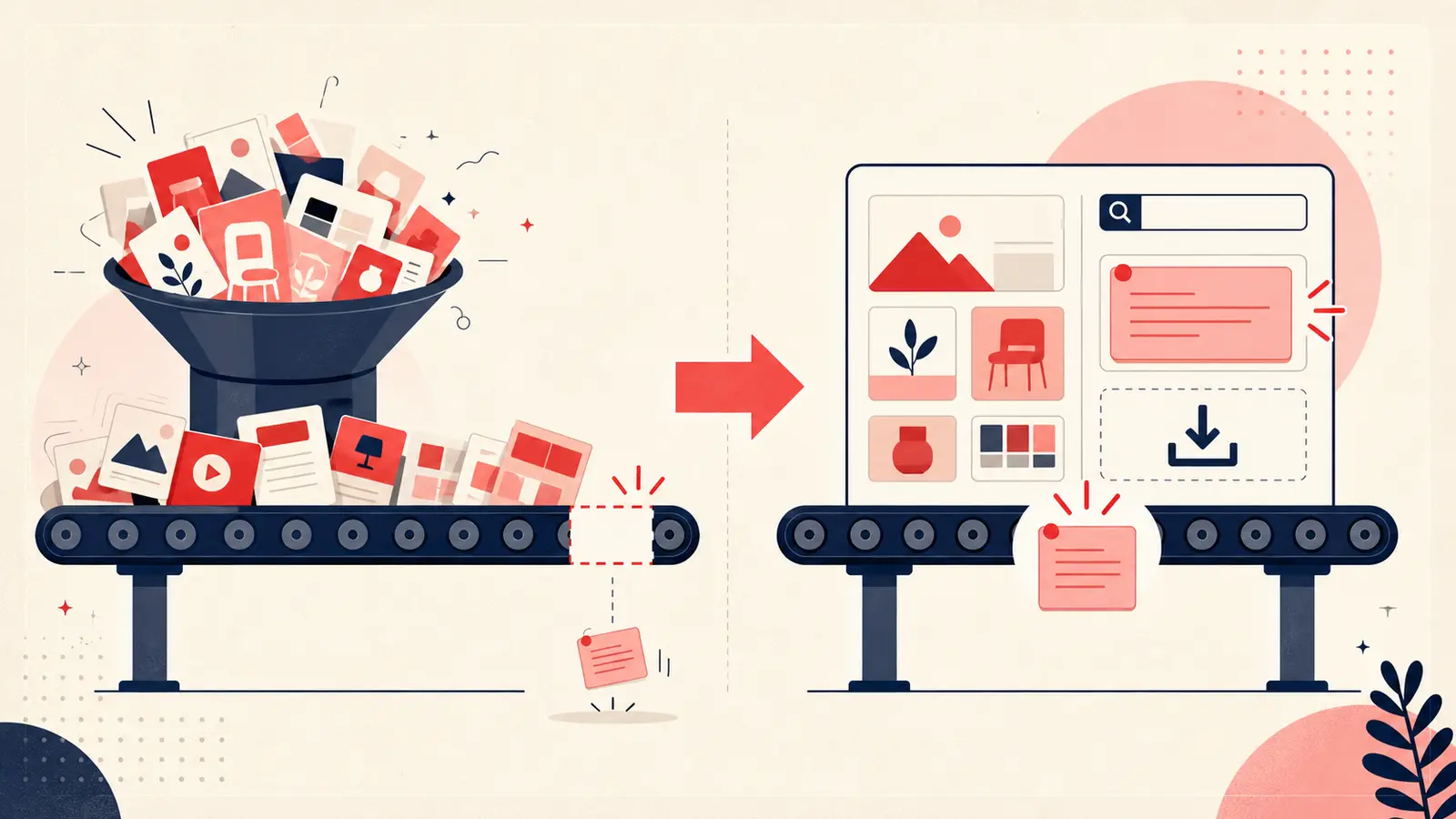
The failure mode is broader than one removed control: capture without dependable retrieval and exit creates fragile user value. A durable annotation layer should be easy to find, narrow in purpose, searchable, portable, and honest about its trust boundaries.
Keep building your Pinterest system
Continue with the guide that matches your next step:

Get the Notestopin Chrome extension
Add private notes to any Pin, tag them, and search your saves later.
Add to Chrome