Ten thousand pins sounds extreme until you meet the people who use Pinterest as a working tool. Interior designers, stylists, architects, artists, content creators, researchers, and long time hobbyists can reach that number quickly. Save a few ideas a day for a couple of years and the count climbs without you noticing. The problem is not saving. The problem is retrieval.
At small scale, a board based system feels fine. You create a board called Living Room, another called Kitchen Ideas, and another called Outfits. You scroll occasionally, and you find what you need. At ten thousand pins, scrolling becomes a waste of time. Boards start to overlap. You forget where you saved something. You create duplicate boards to compensate. Then you end up with a library that feels big but behaves like a junk drawer.
Power users need a different mental model. You do not organize ten thousand items by filing them into rigid folders. You organize them by labeling them, ranking them, and making them searchable. That is the only approach that scales.
Why boards stop working at high volume
Pinterest boards are essentially folders. Folders are good when each item has one obvious home. Real ideas rarely have one home. A rustic chair is simultaneously furniture, living room, cabin style, wood tone inspiration, and maybe a reference for a client project. If you have to choose only one place to store it, you lose information. If you duplicate it across boards, you create clutter and you lose trust in your own system.
Boards also fail for a second reason: they are hard to query. When you have thousands of pins, you want to ask questions like “show me blue vintage lighting saved last year” or “find linen sofas under a certain budget” or “pull the shortlist for the guest bedroom.” A board does not answer questions. A board is a container.
When volume grows, you need two abilities: flexible categorization and precise search. Boards alone cannot provide that.
The core shift: stop filing, start labeling
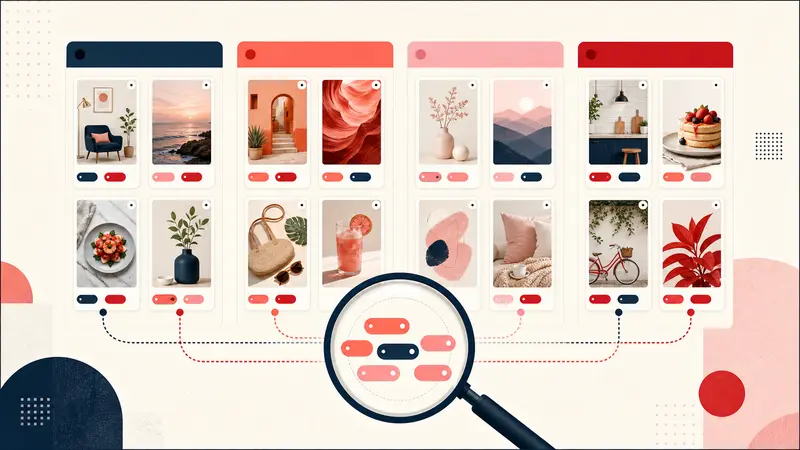
Filing forces a single location. Labeling allows multiple meanings. That is why tagging beats boards for large libraries. A tag system lets one pin belong to many categories at once without duplication. It also lets you query your library by combining tags.
Think of tags as metadata. You are not deciding where an item lives. You are describing what it is, why it matters, and how you plan to use it. That description can include style, color, room, budget tier, project name, and status. As your tag vocabulary becomes consistent, your library becomes searchable in seconds.
The board limit: use boards for broad buckets only
Boards still have value, but their role changes. At ten thousand pins, boards should be broad buckets, not detailed taxonomies. Use boards for high level domains like:
- Home
- Recipes
- Fashion
- Travel
- Work projects
Avoid creating boards that are too specific, like “Blue Mid Century Lamps in Brass.” That is a search query, not a folder. When you create hyper specific boards, you create brittle structure that you will not maintain. You also create decision fatigue every time you save something.
A scalable system removes friction at the moment of capture. You should be able to save quickly and classify later using tags and notes.
Tagging beats filing because ideas are multi dimensional
Every pin has multiple dimensions. A single image can represent:
- Category: chair, rug, salad, jacket, hotel
- Style: rustic, minimalist, vintage, coastal, industrial
- Attributes: blue, walnut, linen, brass, marble
- Use case: living room, guest room, weeknight, workwear, weekend trip
- Constraints: small space, budget friendly, quick, long lead
- Status: inspiration, shortlist, approved, ordered, done
Boards can usually capture one dimension. Tags can capture all of them. That is why tags scale.
Build a tag system that stays consistent
The biggest risk with tags is chaos. If you tag randomly, you end up with duplicates like “midcentury” and “mid century” and “mcm.” The goal is not to have more tags. The goal is to have a stable vocabulary that you actually reuse.
A practical approach is to create tag families. Each family has a clear purpose and a limited set of options.
Useful tag families for Pinterest power users:
- Color: blue, green, black, warm white
- Style: vintage, modern, rustic, minimal
- Material: linen, leather, oak, brass, marble
- Room or context: living room, kitchen, workwear, carry on
- Status: shortlist, approved, ordered, done
- Budget tier: value, mid, investment
- Timing: this month, phase one, phase two, someday
Keep tags short and predictable. Use singular nouns. Avoid synonyms. If you want synonyms for search, handle that in notes, not in tags.
Add notes to capture intent that tags cannot express
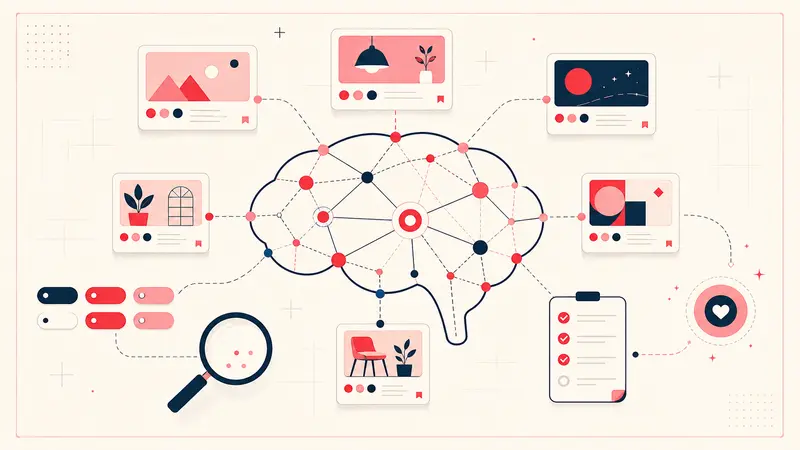
Tags are great for categories. Notes are where you capture meaning. With a large library, notes prevent you from re learning the same decisions.
Examples of high value notes:
- “Love the fabric, hate the legs, look for similar upholstery with slimmer base.”
- “Target width 72 to 80 inches, must fit 32 inch door, performance fabric.”
- “Make again, reduce sugar, bake 3 minutes longer.”
- “Client prefers warmer tone, avoid cool gray.”
Notes are also where you store identifiers like product codes, dimensions, links, lead times, and budget caps. These are details you will need later but will not remember.
The search superpower: query your own library, not the public web
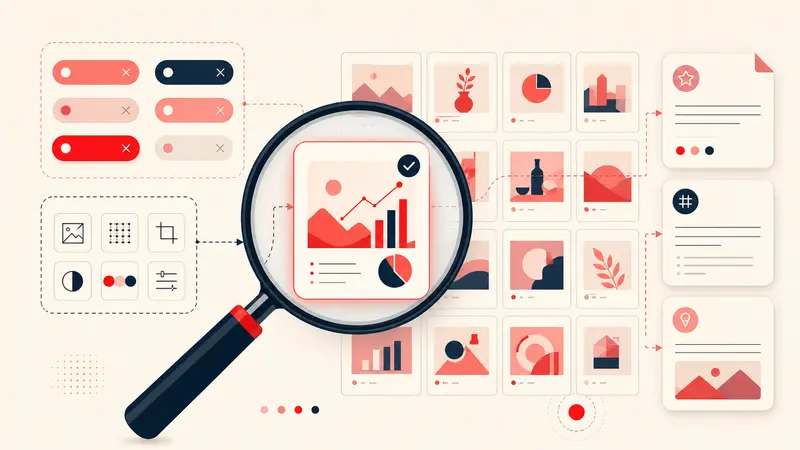
At ten thousand pins, the interface you need is not a feed. It is a database search. You want to filter down to the few items that match your exact constraints. That means combining tags, keywords, and time.
Examples of queries power users make:
- “Show me pins tagged blue and vintage.”
- “Show me living room shortlist items with linen in the note.”
- “Show me recipes tagged weeknight that I rated 4 or higher.”
- “Show me travel pins tagged Tokyo saved last year.”
- “Show me all approved items for guest bedroom.”
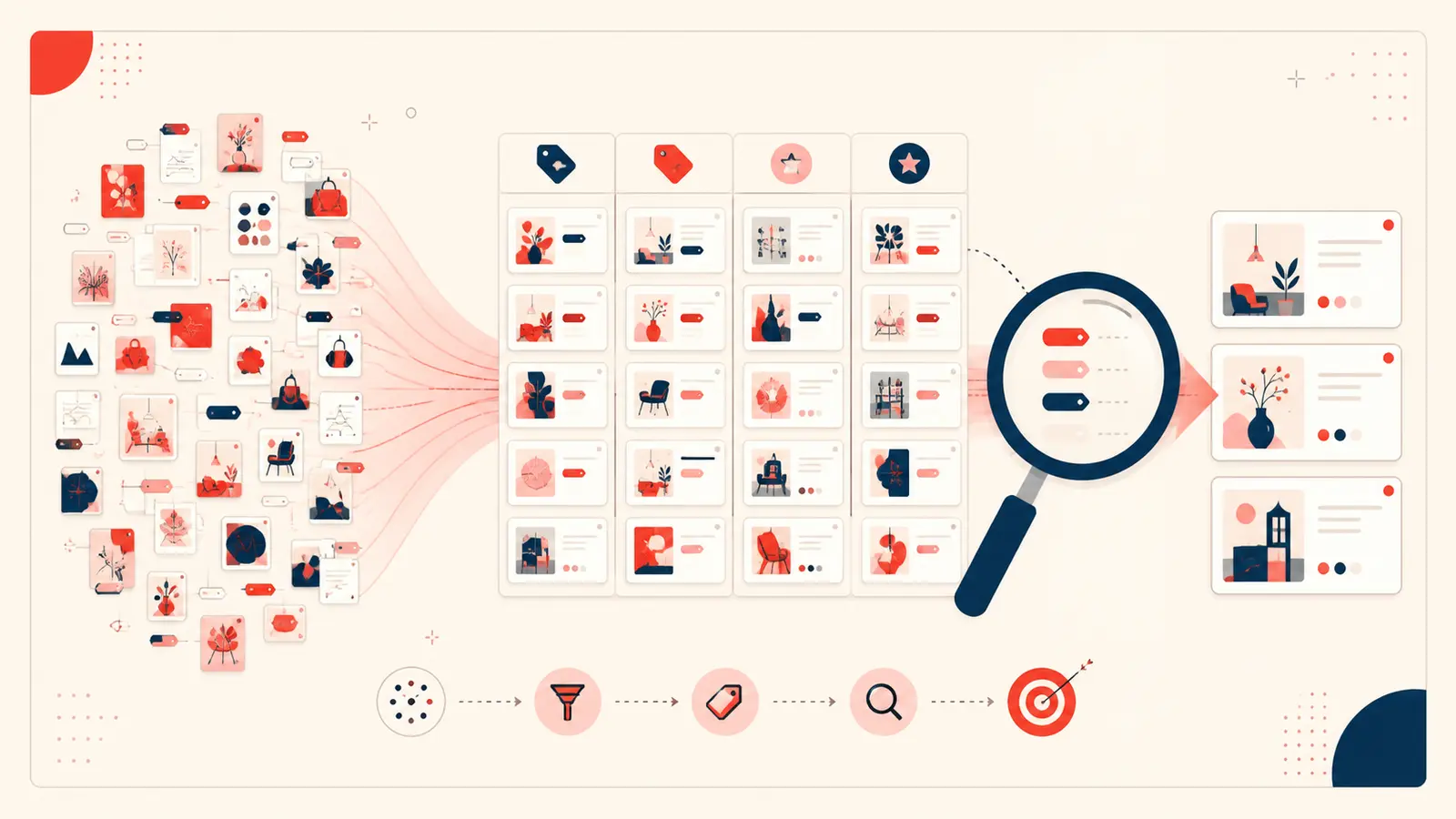
This kind of search is what turns a large library from overwhelming to useful. The goal is to cut ten thousand items down to the three that matter right now.
A practical workflow for organizing 10,000 plus pins
You do not need to reorganize everything in one weekend. That usually fails. Instead, use a progressive system that improves the library as you use it.
Step one: keep boards broad. Stop creating new boards for minor differences. Use boards as top level buckets only.
Step two: tag at the moment of relevance. When you save something casually, add one or two broad tags. When something becomes actionable, add full tags plus a note. That keeps effort proportional.
Step three: use status tags to control attention. A library is only overwhelming when everything feels equally important. Status tags create focus. Most power users only work out of a shortlist tag. The rest is archive.
Step four: do a weekly cleanup sprint. Ten minutes a week is enough. Pick a single board or a single project tag. Standardize tags, merge duplicates, and update statuses. Small maintenance beats big reorganizations.
How Notestopin fits this power user system
Notestopin is designed to solve the exact scaling problem boards cannot solve. It gives you flexible tagging for each pin and private notes that capture the details Pinterest images do not hold. The result is flexible categorization without duplication and personal search that works the way a power user thinks.
Instead of choosing where to file a pin, you tag it with everything it is. Instead of scrolling, you search and filter. Instead of losing context, you keep your decision making attached to the pin. That is how you manage a library of ten thousand items without feeling buried.
Common mistakes to avoid
Large libraries fail for predictable reasons. Avoid these and your system stays usable.
- Too many boards: creates duplication and uncertainty about where things live.
- Uncontrolled tag synonyms: creates fragmentation and makes search unreliable.
- No status tags: everything feels equally important, which destroys focus.
- No notes for actionable items: you lose key details and you re research later.
Conclusion: the scalable strategy is tags, notes, and search
Organizing ten thousand pins is not about working harder. It is about using a structure that matches how ideas work. Ideas are multi dimensional, so your system needs multi dimensional labels. Boards are useful as broad buckets, but tags and notes are what make retrieval fast and reliable.
If you are a Pinterest power user, focus on three moves. Use boards for broad categories only. Use tags to capture multiple meanings without duplication. Use notes to preserve intent, constraints, and decisions. Then rely on search to cut ten thousand pins down to the few you need in the moment.
Done this way, a massive Pinterest library becomes an asset, not a burden. It becomes a searchable archive of taste and knowledge that gets more valuable the longer you use it.
Keep building your Pinterest system
Continue with the guide that matches your next step:

Get the Notestopin Chrome extension
Add private notes to any Pin, tag them, and search your saves later.
Add to Chrome