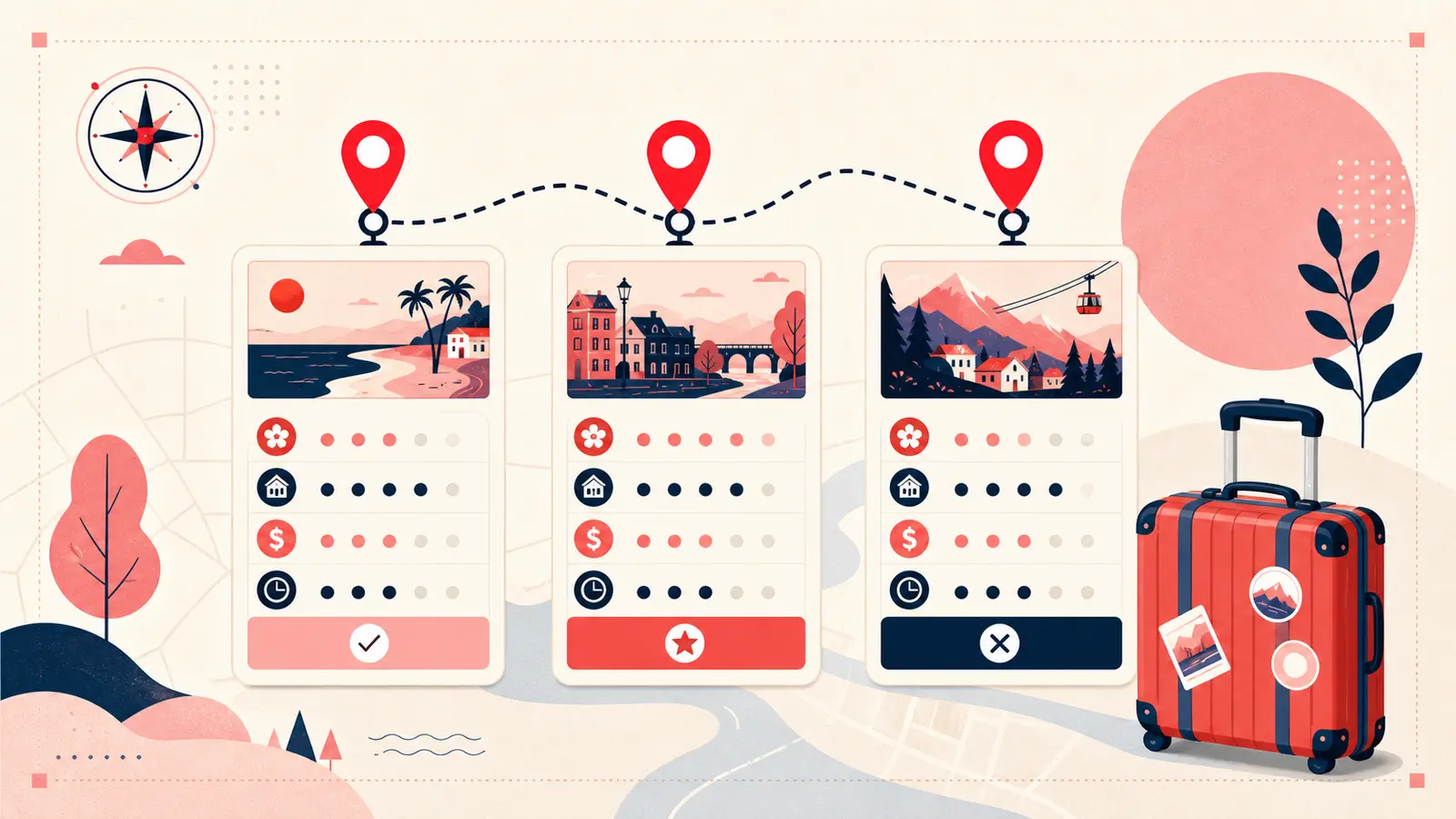
Travel pins are seductive because they compress a destination into one perfect image. A beach with no crowds. A mountain road at golden hour. A quiet cafe with the ideal view. Pinterest makes it easy to collect these moments, but planning a real trip requires more than saving “pretty place” photos. You need seasonality, logistics, costs, and honest judgment about what is worth your time.
The destinations, prices, opening conditions, and timing examples below are planning illustrations—not live travel advice. Verify current details with official transport, venue, government, and accommodation sources before booking or traveling.
Without that context, travel boards become fantasy scrapbooks. You arrive in December and discover the lake is foggy, the road is closed, or the town is mostly shut down. You plan a day around a famous spot and realize it is a tourist trap with long lines and a fee you did not budget for. The fix is simple. Add a logistical layer to your travel pins using notes and tags.
This article shows how to turn Pinterest travel boards into practical itineraries by annotating pins with season, location, do or skip decisions, and planning details like entry fees and reservation requirements. The goal is not to over plan. The goal is to capture the few facts that prevent disappointment and wasted time.
Why travel boards fail without season and logistics
Most travel pins are taken in ideal conditions. Good weather, best light, low crowds, and a photographer who knows exactly where to stand. Real trips involve constraints: weather windows, opening hours, transport time, closures, and crowds.
If you want a travel board that you can actually use later, your pins need to answer practical questions:
- Is this destination worth it in the season I will be there.
- Where is it exactly, and how long does it take to get there.
- Do I need tickets, reservations, or timed entry.
- Is it genuinely great, or just famous.
- What should I do nearby to make the trip efficient.
Notes are where you record these answers while you are researching, so you do not repeat the same work later.
Logistical layering: season, cost, access, and truth
The most useful travel notes are short and concrete. You are trying to capture facts and decisions, not write a travel diary.
A strong logistical note typically includes:
- Best time to visit: months, seasonal notes, weather risks
- Exact location: neighborhood, town, region, plus a landmark
- Access: nearest station, parking situation, hike time
- Costs: entry fee, pass, tour cost, or free
- Constraints: reservations, closed days, time slot rules
- Decision: do, skip, or maybe, with one reason
Example note:
Best time: May to June | Location: Trastevere, Rome | Access: tram to Belli stop | Cost: free to wander | Do: evening walk for atmosphere | Skip: midday, crowded
Another example for a famous attraction:
Best time: early morning | Tickets: timed entry required | Fee: 20 euro | Tip: enter via side gate if possible | Decision: do once, not worth long lines
These notes prevent surprises and help you decide where to spend limited vacation time.
Do or skip notes: the fastest way to reduce overwhelm
Travel planning becomes stressful when everything looks equally good. A board full of beautiful places does not tell you what to prioritize. The simplest way to make a board actionable is to add a do or skip decision to each pin you are seriously considering.
Do not overthink it. Use three categories:
- Do: high priority, fits your trip constraints
- Maybe: optional, depends on time or weather
- Skip: not worth it for your style of travel
Include a one line reason. Examples:
- “Do: best sunset viewpoint, easy access.”
- “Maybe: only if we have a free afternoon.”
- “Skip: tourist trap, long queue, expensive.”
This turns a board into a decision set. It also makes it easier to plan days because you can quickly choose from the do items instead of scrolling.
Location notes: make your board map like without a map
The second major failure of travel boards is geography. People save pins across a country without realizing the distance between them. Then they plan unrealistic days. A simple location line in your note prevents this.
Add:
- city and neighborhood, or region and nearest town
- a rough travel time from where you will stay
- one nearby pairing idea, like “combine with museum nearby”
Example:
Location: Florence, near Duomo | Travel: 12 min walk from hotel area | Pair with: climb in morning, gelato stop nearby
This makes your board behave like a lightweight map, without leaving Pinterest.
Itinerary grouping: tags that turn pins into a plan
Once you have do or skip decisions and location notes, you can build an itinerary directly from your pins. The easiest method is tagging by day or region.
Examples of itinerary tags:
- Day1 Rome
- Day2 Florence
- Day3 Venice
- North coast
- Old town
- Food stops
The key is that tags let you filter quickly. A trip board can hold hundreds of ideas. Your day tags cut that down to what matters for that specific day. They also let you rearrange plans easily if weather changes.
If you prefer region grouping over day grouping, tag by neighborhoods or areas. That helps you create efficient walking routes and reduces transit time.
What to note for common travel pin types
Different pins require different details. Here are quick templates for the most common types.
Attractions
- best time of day
- ticket requirements and cost
- time needed, like 60 minutes or half day
- do or skip decision
Restaurants and cafes
- reservation needed or not
- what to order
- hours and closed days
- backup option nearby
Scenic spots
- sunrise or sunset suitability
- access notes, like easy walk or hike time
- weather sensitivity
- crowd expectations
Hotels and stays
- neighborhood and transit access
- why it fits your trip style
- price range and booking timing
These simple notes are usually enough to turn saved inspiration into decisions.
How Notestopin helps travel planning stay organized
Notestopin is designed for exactly this type of workflow. You add private notes to any pin, tag them, and search your saves later. For travel, that means you can keep seasonality, location, and do or skip decisions directly on the visual. You can tag by day or region and then filter instantly when you are building an itinerary.
Instead of saving a hundred beautiful places and then starting over in a separate planning tool, you keep the planning layer attached to the pins as you research. Your board becomes a visual itinerary with the logistics embedded.
Conclusion: make travel pins usable, not just inspirational
Travel pins are often just “pretty place.” Useful travel planning requires season, location, costs, access, and honest do or skip decisions. When you add a logistical layer through notes and tags, Pinterest becomes more than inspiration. It becomes a practical planning system that helps you spend your time and budget where it matters.
Start with one upcoming trip. For each serious pin, add best time to visit, exact location, and a do or skip decision. Then tag pins by day or region. When you sit down to build your itinerary, you will already have a filtered, realistic set of options ready to go.
Keep building your Pinterest system
Continue with the guide that matches your next step:

Get the Notestopin Chrome extension
Add private notes to any Pin, tag them, and search your saves later.
Add to Chrome