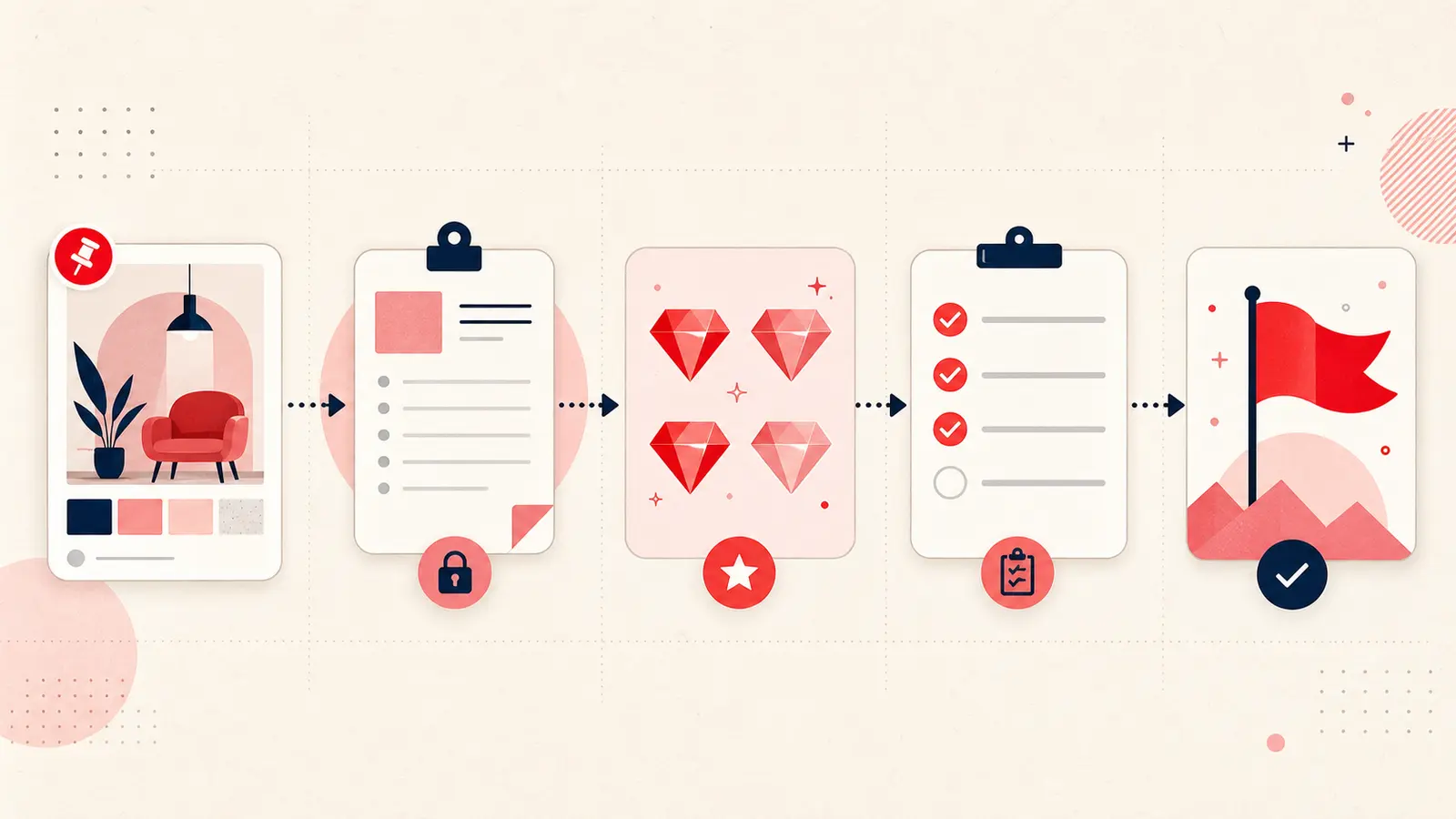
A Pin becomes a plan only when it has a defined outcome, verified constraints, a decision state, and a next action. Adding a long note is not enough; the note must change what happens next.
This guide gives you a project worksheet and a conversion sprint for turning a small set of promising Pins into an executable plan.
Start with a project outcome, not a board theme
“Kitchen ideas” is a topic. “Choose a renter-safe pantry system for the 48-inch wall by Friday” is an outcome. Write the outcome once and reuse a project tag on every relevant candidate.
Project:
Done when:
Deadline or review date:
Non-negotiables:
Promote only decision-worthy Pins
Do not plan from the whole board. Select three to seven candidates that appear capable of meeting the outcome. Everything else remains inspiration.
A candidate earns a planning note when it contains a method, product, layout, or reference you could realistically use.
Use the ACTION note
- A, Aim: the result this Pin supports;
- C, Constraints: budget, size, time, skill, access, safety, or compatibility;
- T, Truth to verify: facts that still depend on the original source or real-world test;
- I, Immediate action: the smallest next step;
- O, Owner: who will do it, if more than one person is involved;
- N, Next review: when the status will be updated.
Worked example: recipe to meal-plan task
Aim: Tuesday dinner for four
Constraints: dairy-free; 35 minutes total; one oven tray
Truth to verify: published time may exclude chopping
Immediate action: check pantry and add missing ingredients
Owner: me
Next review: rate immediately after cooking
After the meal, record actual time, substitutions, and whether it belongs in the repeat rotation.
Worked example: product comparison
Aim: choose a washable guest-room chair
Constraints: width ≤ 30 in; budget ≤ $600; delivery through 32 in doorway
Truth to verify: overall packaged dimensions and cleaning code
Immediate action: open manufacturer specification page
Owner: me
Next review: after sample and delivery details are confirmed
Never treat dimensions, availability, price, safety, or installation advice inferred from an image as verified.
Convert the note into a checklist
Only add tasks that reduce uncertainty or complete the work:
- measure the real space;
- check the original source;
- request a sample or quote;
- compare the finalist against non-negotiables;
- record chosen or rejected with a reason;
- schedule the first implementation step.
Run a 15-minute conversion sprint
- Choose one outcome and one project tag.
- Select no more than five Pins.
- Add an ACTION note to each.
- Mark missing facts as verify, never fill them from memory.
- Complete one immediate action.
- Leave the remaining tasks on a dated checklist.
Use a visible status pipeline
Move candidates through a small set of states: inspiration → verify → shortlist → chosen → done. Record rejection reasons so failed candidates do not re-enter the decision later.
Review by exceptions
During the weekly review, focus on Pins stuck in verify, overdue actions, and shortlists with too many candidates. You do not need to reread every note.
Know when Pinterest is no longer the project system
Use Pinterest and Pin notes for visual evidence and early decisions. Move contracts, shared schedules, final budgets, regulated information, and multi-person task ownership into an appropriate system of record.
A plan is an updated decision record
The final test is simple: can you identify what is being done, what must be true, what happens next, and when the decision will be reviewed? If yes, the Pin is supporting a plan. If not, it is still inspiration.
Keep building your Pinterest system
Continue with the guide that matches your next step:

Get the Notestopin Chrome extension
Add private notes to any Pin, tag them, and search your saves later.
Add to Chrome