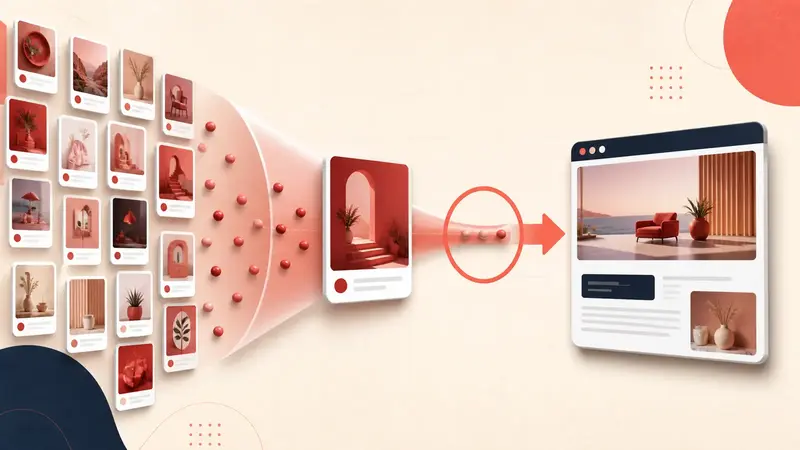
Verified August 31, 2026: a Pin can contain a destination URL without showing a prominent Visit site button. Pinterest says the button is displayed when its systems can establish a clear match between the Pin and a quality landing page. When quality is uncertain, the link may be placed inside the ellipsis menu instead.
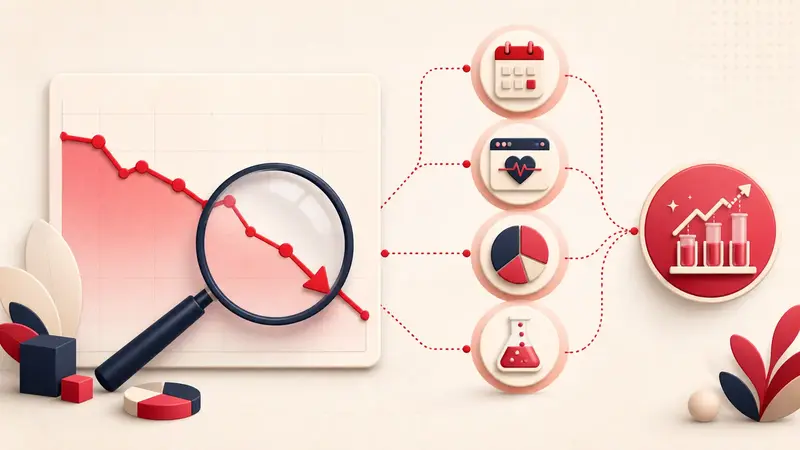
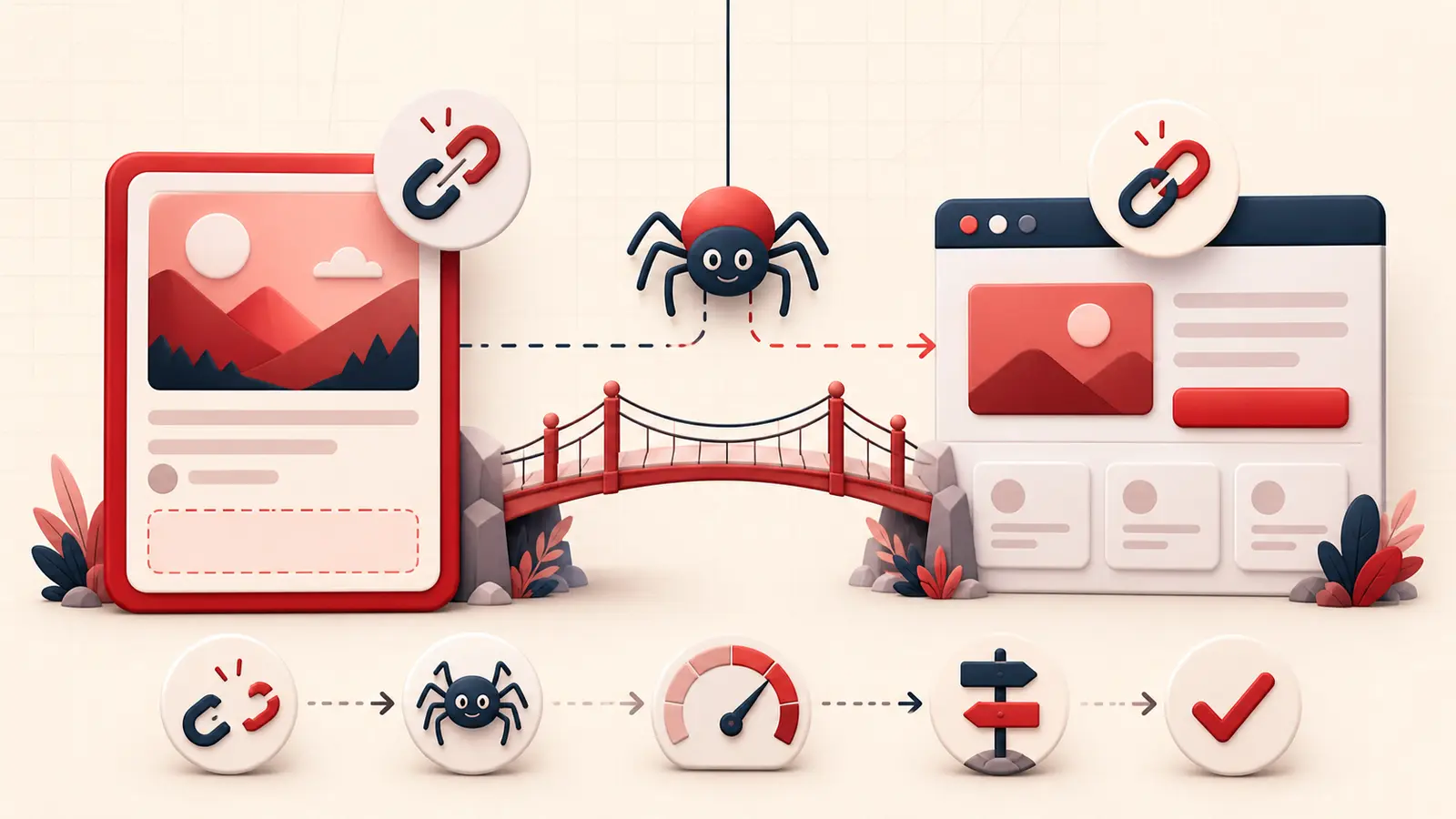
This is not a cosmetic button problem. It is a crawl, destination, relevance, performance, or trust diagnosis. Work through the checks below before republishing the Pin.
Confirm the exact symptom
- Open the published Pin, not the editing screen.
- Check desktop and mobile while logged into a different session if possible.
- Open the ellipsis menu and see whether the destination is still available there.
- Copy the URL from the Pin and compare it with the intended canonical page.
- Check several Pins to learn whether the issue affects one URL, one page type, or the whole domain.
A single Pin suggests a Pin-to-page mismatch. A whole domain suggests crawling, speed, redirect, safety, or site-wide quality.
Use Pinterest's official quality criteria
Pinterest's link-display guidance currently tells publishers to:
- allow and verify Pinterestbot;
- avoid broken links;
- match the Pin's images, text, and keywords to the landing page;
- link to a page with clearly related additional content;
- load the domain in under four seconds;
- maintain a safe domain with clear service information and no spam, suspicious reviews, or unsafe images.
Pinterest says it checks link quality regularly and may restore the button after detecting that the page meets its practices. It does not publish a guaranteed recrawl time.
Test the final URL, not only the link you entered
Use a clean browser session and a mobile connection to follow the destination. Record every redirect. Common failures include:
- HTTP to HTTPS to www to locale redirects;
- tracking links that expire or require cookies;
- mobile redirects to a homepage or app store;
- affiliate or link-shortener interstitials;
- geo-blocking, bot challenges, consent walls, or login requirements;
- soft 404 pages that return status 200 but contain no promised content.
The final page should be publicly reachable and still match the Pin.
Verify Pinterestbot access
Pinterest's crawler documentation says Pinterestbot respects robots.txt and uses crawling to index pages, maintain Pin metadata, and identify broken links. Check:
- robots.txt does not block Pinterestbot from the destination path;
- the server, CDN, or firewall is not challenging or blocking the crawler;
- the page returns a useful HTML response without requiring client-only interaction;
- canonical, Open Graph, and page metadata point to the intended URL;
- crawl-delay rules are not excessive.
Pinterest warns that large crawl delays can affect content distribution and recommendations. Verify crawler requests with Pinterest's documented reverse-then-forward DNS method rather than trusting the user-agent string alone.
Make the relevance match visible
Compare these elements side by side:
- Pin image or video subject;
- text overlay;
- Pin title and description;
- destination URL;
- page title and H1;
- first visible paragraph or product block;
- the promised recipe, item, download, or instructions.
If the Pin says “12 renter-safe pantry upgrades,” the destination should visibly provide those upgrades, not open on a generic decor homepage.
Measure mobile load quality
Test the page on a mid-range mobile viewport and throttled network. Look for:
- slow server response;
- oversized hero media;
- scripts blocking the first meaningful content;
- layout movement that hides the promised section;
- full-screen consent or subscription overlays;
- errors before the primary content appears.
A laboratory speed score is a clue, not the user experience. Confirm that a real visitor can understand and use the page promptly.
Check domain trust and policy risk
Remove deceptive buttons, fabricated reviews, unsafe downloads, forced notification prompts, and misleading redirects. Provide identifiable publisher or business information, working contact details, and transparent affiliate or commercial disclosures where relevant.
Pinterest's enforcement policy says URLs themselves can be moderated when they lead to inappropriate or unsafe sites.
After making changes
- Publish the corrected page at a stable canonical URL.
- Confirm status, redirects, metadata, crawler access, and mobile load.
- Update the Pin's editable title, description, and link where the interface allows.
- Do not create a burst of duplicate replacement Pins.
- Document the change date and monitor button visibility plus outbound clicks.
If the issue persists across a compliant domain, contact Pinterest with example Pin URLs, final destination URLs, crawl evidence, screenshots, and dates.
The important distinction
You cannot force Pinterest to show Visit site with HTML or text on the image. You can make the destination easy to crawl, fast, safe, and unmistakably related. That improves the evidence Pinterest can use to decide how prominently to expose the link.
Keep building your Pinterest system
Continue with the guide that matches your next step:

Get the Notestopin Chrome extension
Add private notes to any Pin, tag them, and search your saves later.
Add to Chrome