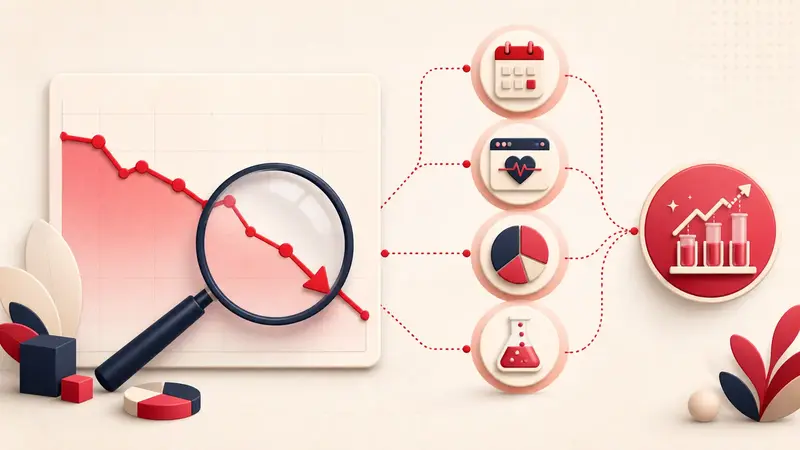
Verified August 31, 2026: Pinterest counts impressions, Pin clicks, and outbound clicks as different actions. A Pin can be seen, saved, or opened without sending anyone to your website. High impressions therefore do not imply high traffic.
This mismatch appears frequently in creator discussions. In one June 2026 example, a creator reported large impressions and saves but very few outbound clicks. The numbers are anecdotal, but the underlying diagnostic question is valid: at which step does attention stop?
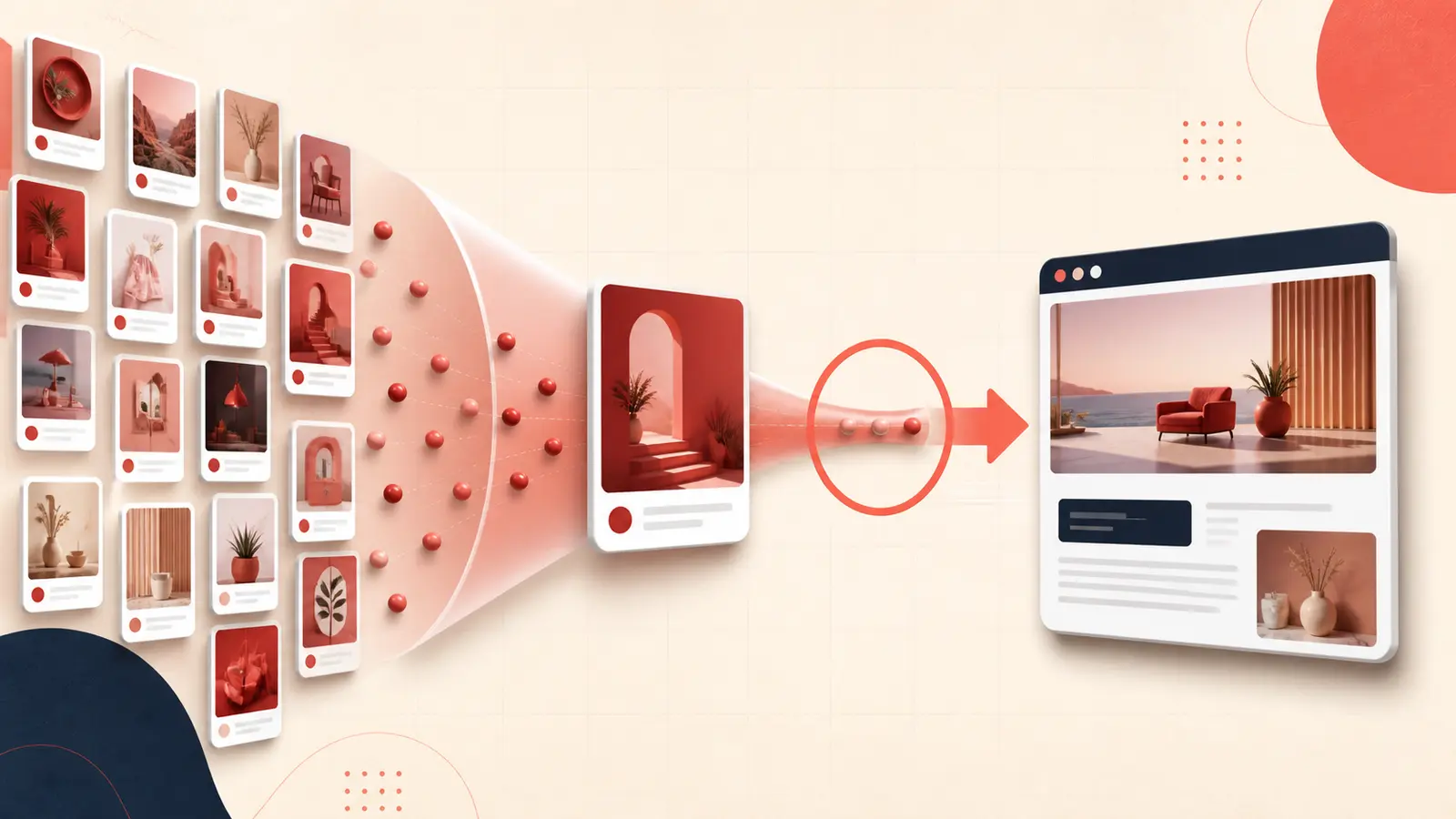
Map the actual click funnel
- Impression: the Pin appeared on screen.
- Pin click: someone opened or interacted with the Pin.
- Outbound click: an action led away from Pinterest to the destination.
- Loaded session: the landing page loaded far enough for your analytics to record it.
- Conversion: the visitor completed the business action.
Pinterest's Analytics definitions state that outbound clicks are measured from the date a link is added. Do not compare a recently added destination with the Pin's lifetime impressions.
Calculate the two rates that locate the leak
Pin click rate = Pin clicks ÷ impressions
Outbound click rate = outbound clicks ÷ impressions
Then compare outbound clicks with Pin clicks:
- Low Pin clicks: the creative, topic, or visible promise is not earning closer inspection.
- Pin clicks but few outbound clicks: the close-up satisfies the curiosity, the next step is unclear, or link visibility/quality is weak.
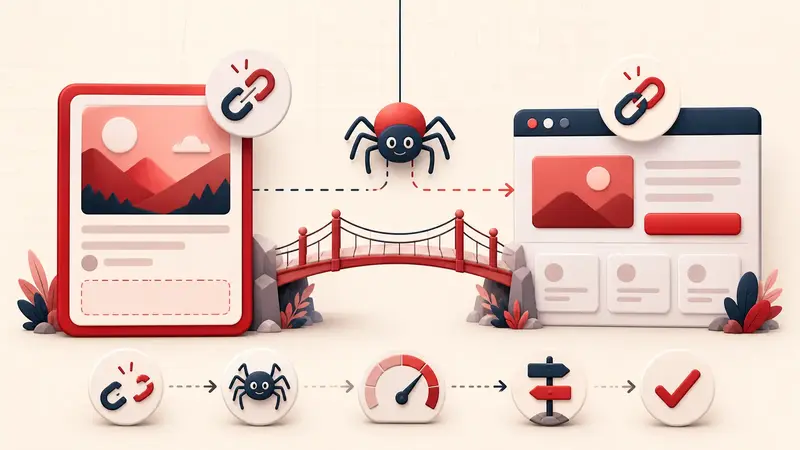
- Outbound clicks but few website sessions: investigate load speed, redirects, consent, analytics blocking, and measurement differences.
Match the Pin to click intent
Some content is naturally consumed on Pinterest. A complete quote, finished room, or full checklist may earn saves without requiring a visit. Content with a legitimate next step, full recipe, measured plan, detailed comparison, downloadable template, product availability, or complete tutorial, creates stronger outbound intent.
Do not hide essential information merely to manufacture clicks. Make the Pin independently useful while leaving a clear, honest reason to continue.
Write a specific continuation promise
Weak: “Click for more.”
Stronger:
- “Open the full ingredient list and tested substitutions.”
- “See all 12 measurements and the printable cut plan.”
- “Compare price, warranty, and delivery constraints.”
- “Get the editable room-planning checklist.”
The destination must deliver that promise immediately.
Check whether Visit site is prominent
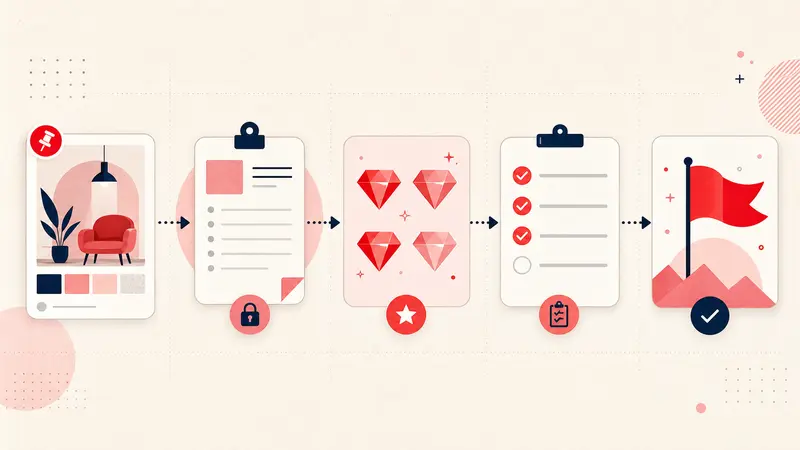
Pinterest says a prominent Visit site button appears when it can establish a clear match between the Pin and a quality landing page. In other cases, the link may be available only inside the ellipsis menu. Inspect the published Pin from another session and follow the dedicated link-quality checklist if the button is missing.
Audit Pin-to-page continuity
- Use the same subject and terminology in the image, title, description, URL, page heading, and visible opening section.
- Link directly to the promised article or product, not a homepage or category maze.
- Remove redirect chains and broken tracking parameters.
- Show the promised content above intrusive overlays.
- Make the page usable on a mobile connection.
- Preserve trust: author, date where relevant, source evidence, clear pricing, and contact/business information.
Pinterest's distribution guidance recommends that domains load in under four seconds and that the Pin's image, text, and keywords match the landing page.
Segment by search intent, not only design
Group Pins into discovery, comparison, and action intent. A discovery Pin may be successful with saves; an action Pin should be judged more heavily on outbound clicks and downstream behavior.
Compare click rates within the same intent group. Otherwise an attractive inspiration image can make a useful tutorial Pin look weak, or vice versa.
Run a controlled four-cell test
- Choose one proven destination page.
- Create two genuinely different hooks: a problem-led promise and an outcome-led promise.
- For each hook, test one visual demonstration and one structured information design.
- Keep the destination, core keywords, and publication window comparable.
- Evaluate impressions, Pin clicks, outbound clicks, loaded sessions, and conversions together.
Do not duplicate the same asset with superficial color changes at high volume. Pinterest warns against repeated duplicate Pins.
Reconcile Pinterest and website analytics
Pinterest counts an outbound action when it sends someone toward another web location. Your site may fail to record the visit if the person leaves before analytics loads, rejects tracking, encounters an error, or is filtered differently. Use tagged URLs, server logs where appropriate, and consistent date/time settings, but expect the platforms not to match exactly.
The useful goal
Do not optimize for clicks in isolation. Optimize for a trustworthy continuation from Pin to page. A lower-volume Pin that attracts the right visitor can be more valuable than a viral image that completes the experience inside Pinterest.
Keep building your Pinterest system
Continue with the guide that matches your next step:

Get the Notestopin Chrome extension
Add private notes to any Pin, tag them, and search your saves later.
Add to Chrome