Verified August 31, 2026: a blank Pinterest feed, endless spinner, failed board, login loop, and broken Save extension are different faults. The fastest resolution comes from finding the smallest failing scope before clearing data or reinstalling everything.
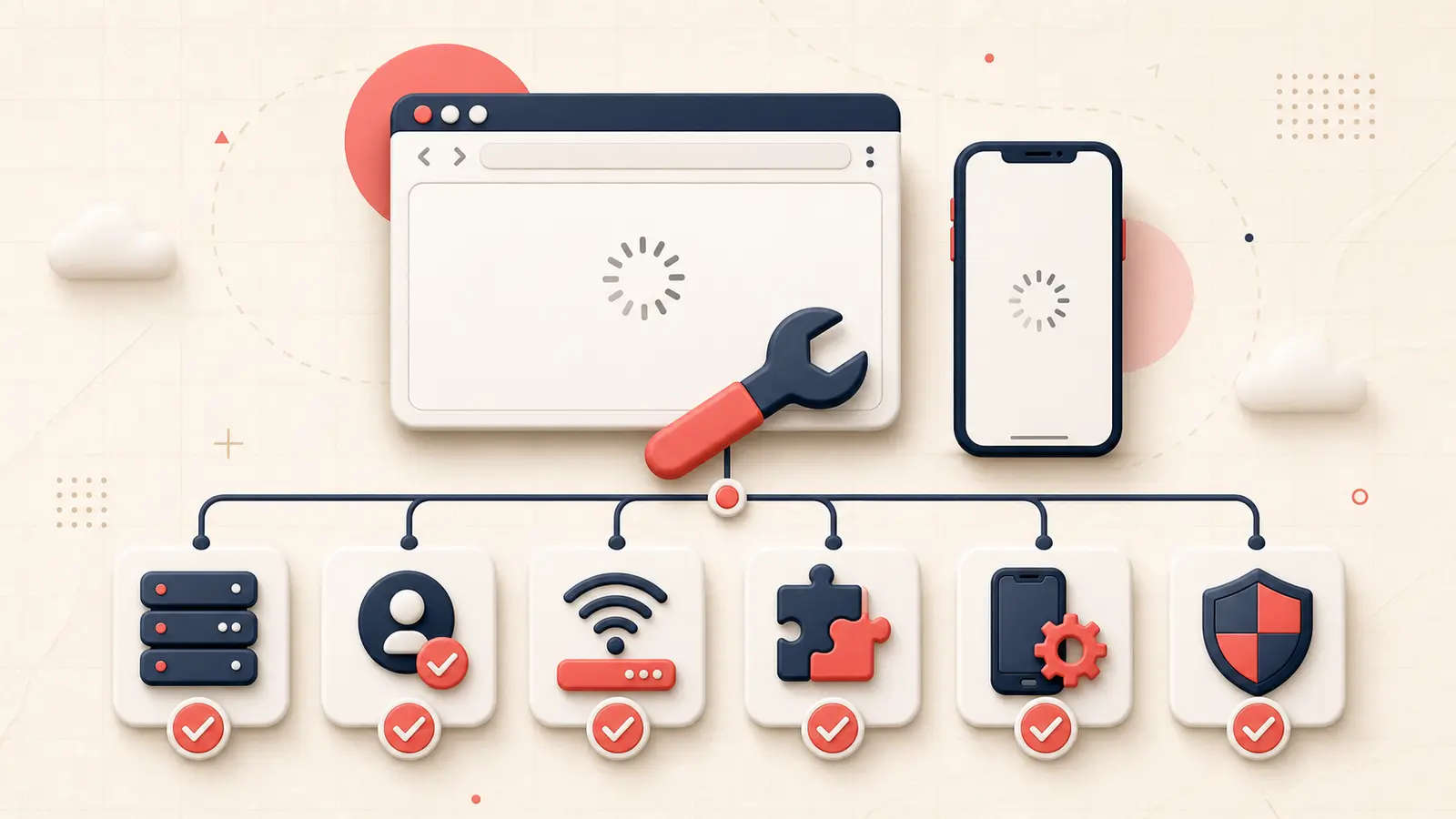
Users still report multi-day loading problems, while other incidents affect only boards or one platform. Use this order: service, account, network, browser/app, then feature.
Define what “not loading” means
- the entire site does not open;
- login fails or loops;
- the home feed spins but profile pages work;
- boards or Pins are blank while counts remain;
- images stay as placeholders;
- only creation or uploading fails;
- only the Save browser extension fails.
Record the exact URL, error text, and time. These distinctions decide which fix is safe.
Check whether the failure is broad or local
- Try Pinterest web and the official mobile app.
- Try another network, such as mobile data instead of Wi-Fi.
- Ask whether another account or logged-out public page loads.
- Check for multiple current user reports, but treat them as signals rather than official status.
- Do not change account data during a likely widespread incident.
If several devices and networks fail at the same time, local cache deletion is unlikely to be the main fix.
Separate login trouble from page trouble
Pinterest's login guide distinguishes forgotten credentials, protected accounts, suspensions, third-party login problems, accidental second accounts, and suspicious-activity limits. Read the message before resetting anything.
- Use password reset only from Pinterest's official domain.
- Check the username if boards appear missing after login.
- If Pinterest says activity is temporarily blocked, it documents that many IP-based limits clear after about 30 minutes.
- If a suspension notice appears, use the suspension appeal, not cache troubleshooting.
Build a clean browser test
- Update a supported browser.
- Open a normal window with JavaScript enabled.
- Disable extensions one at a time, beginning with ad blockers, privacy tools, script modifiers, antivirus browser add-ons, and Pinterest helpers.
- Try a fresh browser profile before clearing the main profile.
- Clear Pinterest-specific cookies and cache only after confirming login credentials and local draft safety.
- Return zoom and hardware acceleration to known settings if rendering is broken.
Pinterest's Save extension troubleshooting specifically recommends a regular window, cache/cookie clearing, JavaScript, browser updates, reinstallation, and disabling potentially interfering extensions.
Build a clean mobile-app test
- Force-close and reopen the app.
- Confirm a stable network and disable a problematic VPN or proxy for one test.
- Update Pinterest and the operating system.
- Check storage plus photo/media permissions for creation problems.
- Restart the device.
- Use mobile web as a comparison.
- Reinstall only after confirming credentials and preserving local-only drafts.
Pinterest says devices running Android 7.0 or older, or iOS earlier than 14.0, cannot update the app; devices that cannot update can use Pinterest in a mobile browser. See its app and mobile-browser guidance.
Check for a network security block
If Pinterest displays “We've detected a bot,” its bot-on-your-network guide says a shared corporate network, VPN, proxy, or hosted environment may be involved. Pinterest recommends trying a different internet connection.
Do not attempt to evade a legitimate block with repeated account creation or automated retries. Remove the automation or problematic network path first.
If only boards or Pins are empty
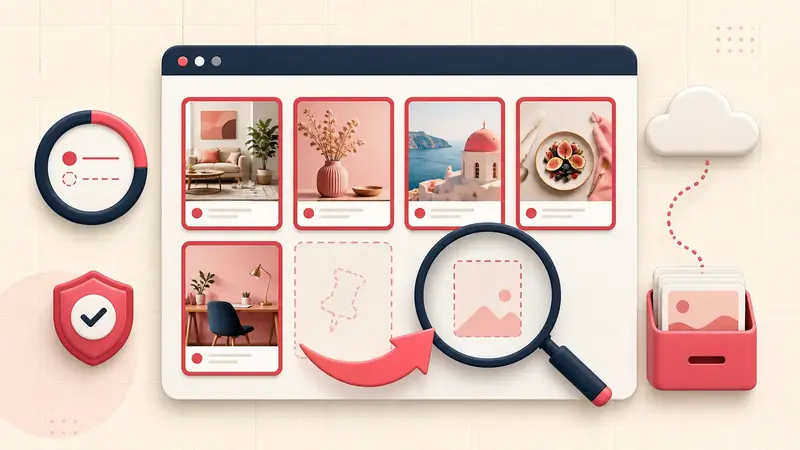
Check Saved versus Created, All saves versus recommendation tabs, archived boards, the correct account, and the Save destination list. A board visibility incident is not the same as the entire site failing. Use the dedicated missing-boards recovery checklist before deleting or rebuilding content.
If only images or video fail
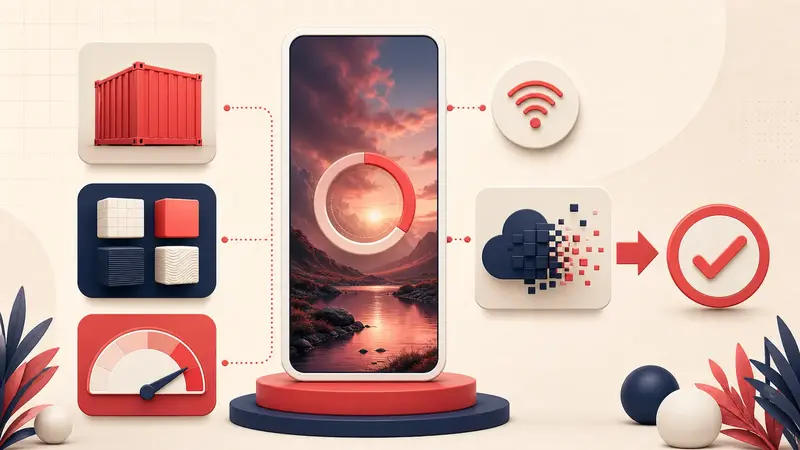
- Images blurry in feeds but sharp in close-up: investigate preview/rendering behavior.
- Upload stuck: validate the actual container and codec.
- All media placeholders: inspect content blockers, DNS filtering, network policy, and service scope.
- One source never loads: the remote image or destination may be unavailable.
Escalate with a minimal reproduction
Account: username, not password
Started: time and time zone
Exact failing URL or feature:
Error text:
Works on:
Fails on:
Networks tested:
Browser/app versions:
Extensions disabled:
Screenshot or screen recording:
The troubleshooting rule
Change one layer at a time and preserve evidence. A service incident needs patience, a suspension needs an appeal, an account mix-up needs the right login, a browser conflict needs isolation, and a malformed upload needs a clean export. Treating all five as “clear your cache” wastes time and can destroy useful state.
Keep building your Pinterest system
Continue with the guide that matches your next step:

Get the Notestopin Chrome extension
Add private notes to any Pin, tag them, and search your saves later.
Add to Chrome