Best fit in 2026: for people who want private Pin-level context without opening another workspace, the strongest replacement is a browser extension that works on Pinterest, supports search and tags, offers a real export path, and clearly distinguishes device-only Local notes from optional Cloud notes.
The right alternative is not simply the tool with the largest editor. It is the one that restores the whole loop: capture, retrieve, connect, act, and leave with your data.
First, define the missing job
Most people searching for a Pinterest notes alternative are trying to preserve one of five things:
- the reason they saved a visual;
- a constraint such as size, budget, timing, or location;
- a comparison or rejection reason;
- a next action or checklist;
- a private status such as shortlist, chosen, or done.
A generic bookmark or document can store the text, but it separates that text from the Pin. The replacement should reduce that translation work.
The seven requirements for a dependable alternative
- Pin-level notes: context reappears on the correct Pin.
- Private by design: note visibility and storage are clearly explained.
- Search: your own words are searchable.
- Cross-board tags: one idea can belong to several practical categories.
- Links and checklists: references can become projects.
- Export: notes can leave the tool in readable and structured formats.
- Resilience: the extension can identify Pins reliably as Pinterest’s page changes.
How the common workarounds compare
Put context in the public Pin description
This may work for Pins you control, but it is not a private personal annotation system and can mix your planning notes with publishable copy.
Use secret boards and board sections
Secret boards control board visibility and sections improve filing. Neither provides rich, searchable private context on every saved Pin.
Use a spreadsheet or notes app
This offers structure and sync, but every save requires copying the URL, image, title, and context into another system. It is strongest when collaboration or reporting matters more than browsing flow.
Use a browser extension
This is the closest replacement when the primary goal is to write while browsing and retrieve context beside the original Pin.
Why Notestopin fits the Pin-level workflow
Notestopin adds a private editor on Pinterest and a separate library for search and organization. It supports notes, tags, checklists, links between Pins, backlinks, and Markdown or JSON export.
Notestopin’s privacy policy distinguishes two workspaces. Local note content and Pin metadata remain in Chrome’s extension storage unless you explicitly merge or import them into Cloud notes. With Sync enabled, new account notes have a server copy for access across supported devices; they are encrypted in transit but are not end-to-end encrypted with a user-only key. Separate product events exclude note text, tag names, search terms, and Pin metadata.
The tradeoffs to understand
- The Local workspace does not automatically sync notes to other devices; optional Cloud notes do.
- Exports remain your independent backup and migration path.
- Browser, Android, and iPhone capture flows differ, so test the devices you rely on.
- No replacement can reconstruct legacy notes Pinterest no longer exposes.
- Local data depends on device and browser-profile security; Cloud notes add account and server exposure.
These are not footnotes. They determine whether the tool fits your workflow.
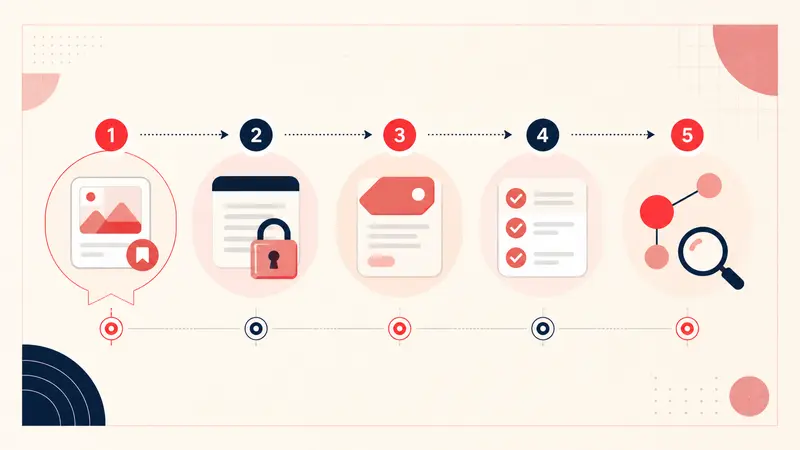
A two-minute evaluation test
- Add a note to one active project Pin.
- Include a phrase the public Pin does not contain.
- Add one project tag and one status tag.
- Find the Pin from the note library using your private phrase.
- Export the library and confirm the note appears in the file.
If a tool passes that loop cleanly, it is doing the real job, not merely offering a text box.
A compact note template to start with
Saved for:
Useful detail:
Constraint:
Status:
Next step:
For most Pins, fill only the lines that matter. The value comes from future retrieval, not note length.
Choose based on the workflow, not the feature list
Choose a Local workspace for device-only, in-context planning. Choose optional Cloud notes when you need the same private account workspace across supported devices. Choose a shared project database for collaboration, because device sync alone is not shared editing. Choose a bookmark manager for text-heavy reading and highlighting. A hybrid system is often sensible, but keep Pin-level context close enough to the visual that you will actually write it.
Keep building your Pinterest system
Continue with the guide that matches your next step:

Get the Notestopin Chrome extension
Add private notes to any Pin, tag them, and search your saves later.
Add to Chrome