Current answer: Pinterest’s former private Pin-note workflow is no longer a dependable, documented feature. Users reported in-product notices and loss of access during April and May 2025. Pinterest’s current help center documents boards, sections, saved-Pin search, and account-data downloads, but not a replacement private annotation field.
Pinterest does not appear to maintain a public deprecation page explaining a single date or business reason. This guide separates the observable change from speculation and gives you the recovery steps that still make sense in 2026.
What is verified and what remains uncertain
- Verified today: Pinterest officially documents saving to boards, organizing with sections, searching your saved Pins, and requesting account data.
- Contemporaneous evidence: users posted screenshots and accounts of warnings that Pin notes were going away in April 2025, followed by reports that existing notes were no longer accessible.
- Not verified: a public Pinterest explanation attributing removal to advertising, commerce, engineering cost, or another strategy.
Examples of the contemporaneous reports include the April 7 warning discussion and a later support-response discussion. Treat these as user evidence, not official product documentation.
Can an extension restore the old notes?
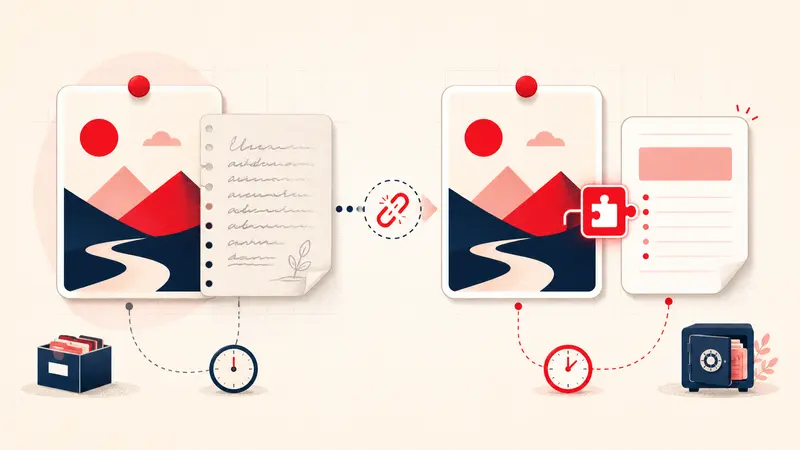
No extension can reconstruct note text that Pinterest no longer exposes and that you never exported. A replacement extension can attach new data to a Pin ID; it is not a time machine or privileged Pinterest-data recovery tool.
Recovery step 1: request your Pinterest data
Use Pinterest’s current first-party process:
- Open Settings.
- Choose Privacy and data.
- Under Request your data, start a request.
- Download the archive from the verified email when it arrives.
- Search the archive for recognizable note phrases or relevant fields.
Pinterest says the download link may take up to 48 hours. The official data-download page is the source of truth for current steps.
Do not promise yourself that legacy notes will be included. The archive content depends on what Pinterest retained and provides.
Recovery step 2: search your own copies
- old Pinterest data archives;
- screenshots and screen recordings;
- project documents, spreadsheets, and email;
- browser downloads and cloud-drive history;
- messages where a Pin and its reasoning were shared together.
Record the Pin URL beside any recovered text before reorganizing it.
If nothing is recoverable
Do not attempt to recreate years of notes from memory. Rebuild only the working context for active decisions:
Reason:
Constraint:
Status:
Next step:
Begin with ten high-value Pins. The goal is not historical completeness; it is preventing the next loss.
Three replacement paths
Boards and sections
Best for native visual grouping. Weak for private, searchable reasoning across boards.
A separate notes database
Best for collaboration, reporting, and multi-device access. Requires copying Pin URLs and context into another workspace.
A Pin-level browser extension
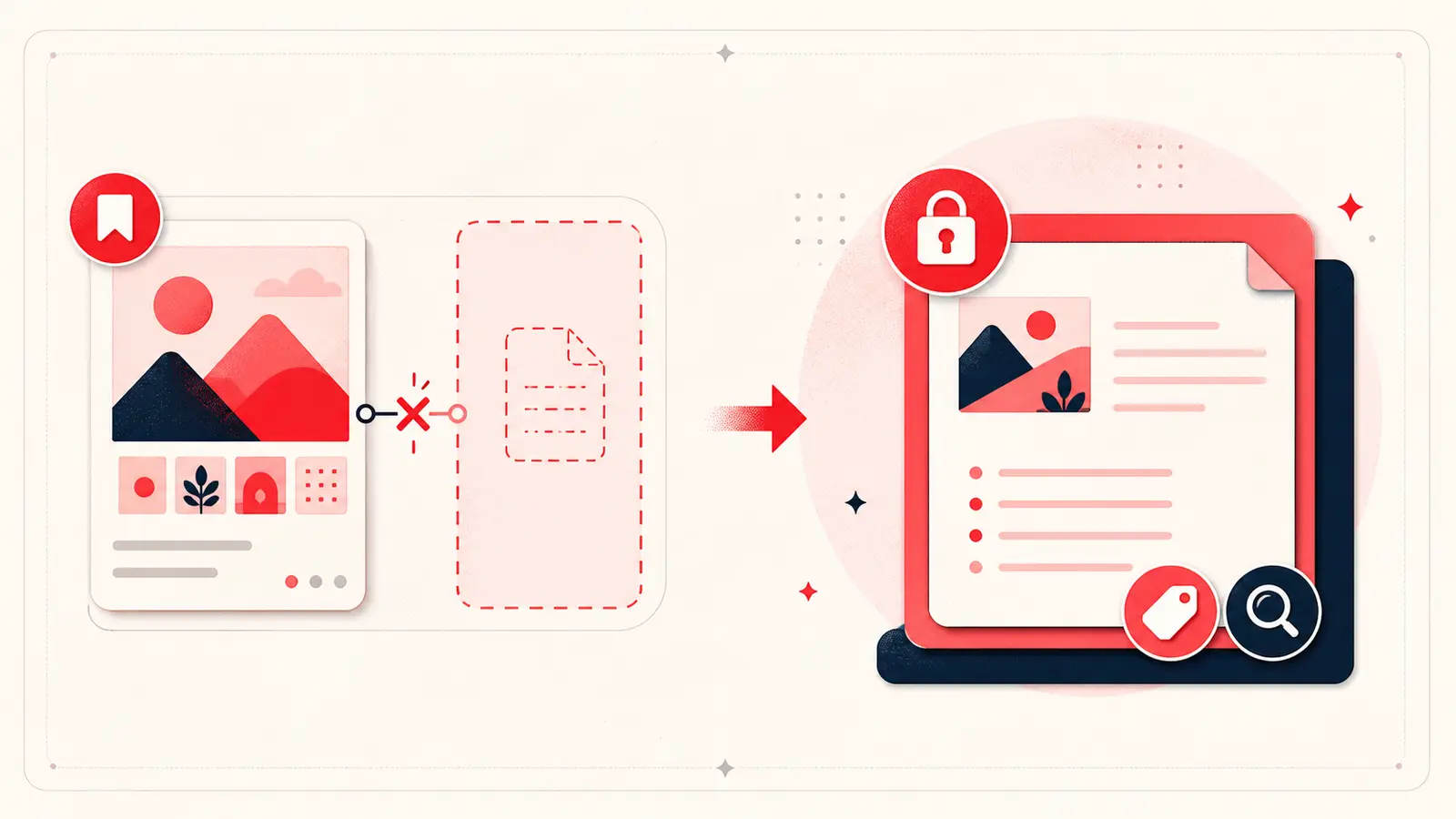
Best for writing beside the Pin on desktop. Evaluate whether the extension uses Local or Cloud storage, which permissions it requests, how search and export work, who is responsible for backups, and exactly what its device sync does.
How to evaluate a replacement safely
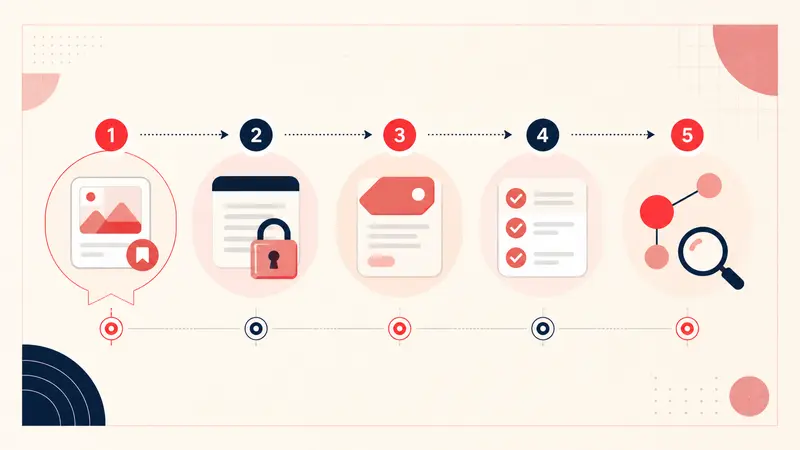
- Create one non-sensitive test note.
- Search for a phrase absent from the public Pin.
- Reopen the exact Pin and confirm the note attaches correctly.
- Export the library.
- Inspect the file and understand restoration.
- Read the privacy policy and permission list before adding sensitive context.
Frequently asked questions
Did Pinterest remove Pin notes?
The former workflow became unavailable for many users in 2025 and is not documented as a current private Pin-note feature. The exact rollout varied in user reports.
Can Pinterest support recover them?
You can contact support and request account data, but there is no documented self-service restore control for the former note field.
Are extension notes public?
That depends on the extension. Notestopin notes are a separate private layer and are not posted as Pinterest descriptions or comments. Local notes stay in the browser profile unless you explicitly merge or import them into Cloud notes; Cloud notes have a private account copy for sync.
The durable lesson
Use Pinterest for discovery and saved-Pin search. Keep irreplaceable personal reasoning in a system with a clear export and tested recovery path. Feature history is uncertain; backup responsibility is not.
Keep building your Pinterest system
Continue with the guide that matches your next step:

Get the Notestopin Chrome extension
Add private notes to any Pin, tag them, and search your saves later.
Add to Chrome