People ask a fair question: why use Pinterest for saving anything when bookmark managers already exist?
Tools like Chrome Bookmarks, Raindrop.io, Pocket, and Notion Web Clipper are excellent at storing links. They are fast, searchable, and built for text-heavy content.
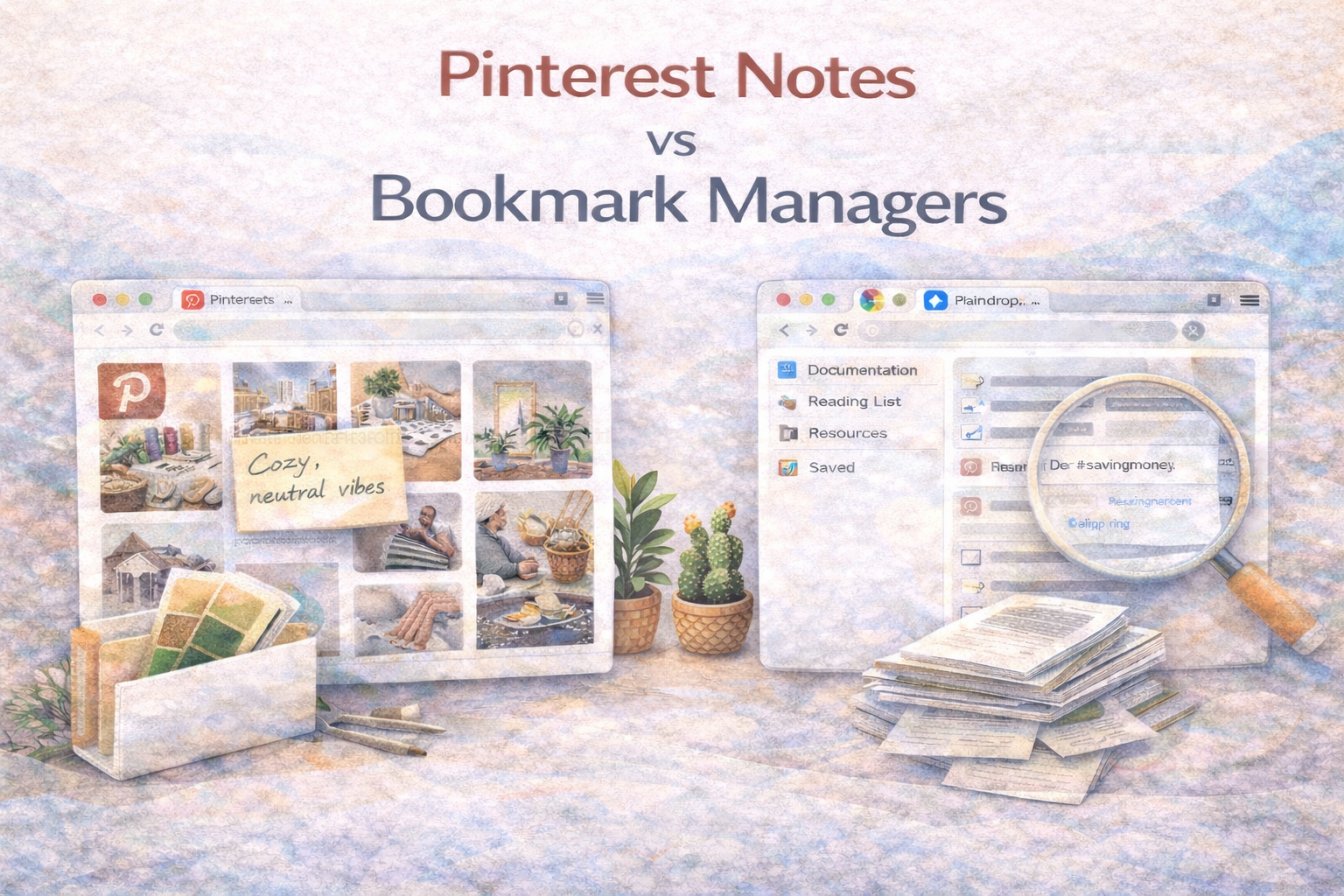
But Pinterest is not really a bookmark manager. It is a visual discovery engine. If your workflow is visual, the difference matters.
This article helps you choose between Pinterest notes and traditional bookmark managers based on your actual workflow. It also explains when a hybrid system is the smartest option.
The Real Difference Is Not Features. It Is Input Type.
Bookmark managers are optimized for content that is primarily text.
Pinterest is optimized for content where the image is the information.
That may sound simple, but it drives everything:
- How you browse
- How you compare options
- How you remember what you saved
- How you retrieve information later
If the image is the main point, Pinterest wins. If the text is the main point, bookmark managers usually win.
When Pinterest Wins
Pinterest is built for visual projects, which means it is strongest when you need to:
- Scan many options quickly
- Compare by look and feel
- Recognize patterns visually
- Build taste and direction over time
This is why Pinterest dominates workflows like:
- Home decor planning and renovation
- Interior design mood boards
- Fashion and outfit planning
- Food and recipe inspiration
- Wedding planning
- Art references and creative direction
A bookmark folder cannot compete with a grid of images when the decision is visual.
When Bookmark Managers Win
Bookmark managers work best when you care about:
- Reading and highlighting articles
- Saving documentation and references
- Storing technical links
- Organizing information by topic and text search
Examples where bookmark tools are usually better:
- Programming documentation
- Research papers and long articles
- Work resources and internal tools
- Productivity systems and knowledge management
These tools are optimized for structured lists and text retrieval, not visual scanning.
The Hidden Problem With Pinterest
Pinterest has one major weakness: context.
People save pins and later forget why they saved them. They remember the image but lose the decision details.
For example:
- Was that sofa under budget?
- Was that kitchen layout meant for a small space?
- Did that recipe need substitutions?
- Was that paint color too warm in real life?
Without notes, Pinterest becomes inspiration storage, not execution support.
The Missing Feature: Notes and Search That Work
This is where Pinterest notes matter.
If you can attach private notes and tags to a pin, Pinterest becomes closer to a true workflow tool. It stops being just a collection and becomes a system.
High-value note examples:
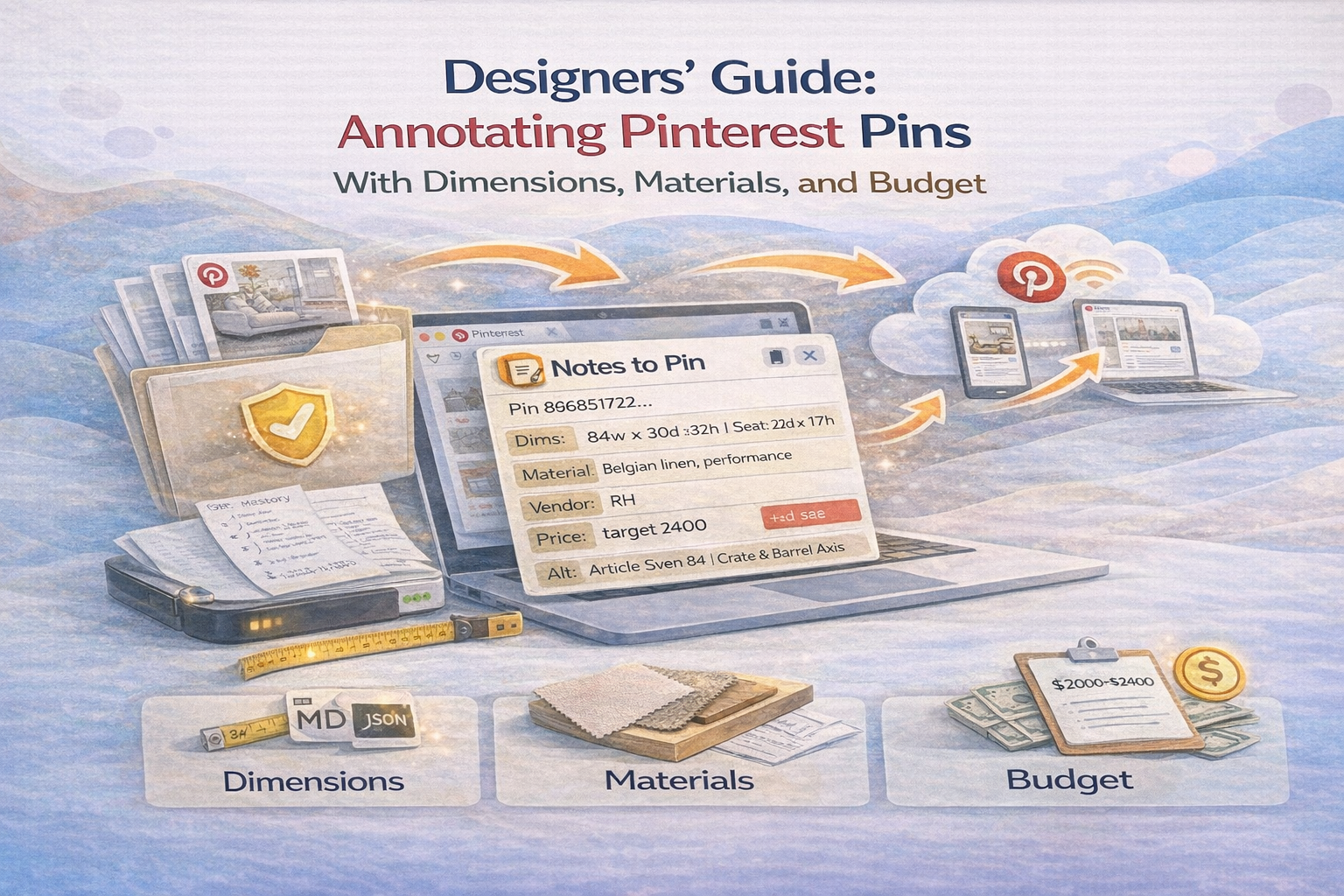
- “Under $900. Pet friendly fabric.”
- “8x10 rug size. Works with this layout.”
- “Make dairy free. Swap yogurt for coconut cream.”
- “Use 4000K lighting for makeup mirror.”
Now you can search your saved pins by the note content. That changes retrieval completely.
A Simple Decision Framework
If you are unsure which tool fits your workflow, use this checklist.
Choose Pinterest if:
- The image is the main value
- You compare options visually
- You want to build a mood board or style direction
- You need visual browsing and pattern recognition
Choose a bookmark manager if:
- The text is the main value
- You want highlights, reading lists, or summaries
- You rely on keyword search across paragraphs
- Your content is technical or documentation heavy
The Best Option for Most People Is Hybrid
In practice, many serious users use both.
A clean hybrid workflow looks like this:
- Use a bookmark manager for articles, documents, and long reads.
- Use Pinterest for visual ideas and inspiration.
- Add notes and tags to Pinterest pins so they remain actionable.
This avoids forcing visual content into text folders where it loses meaning.
Examples of a Hybrid Workflow
Example 1: Renovation Planning
- Pinterest: layouts, decor, materials, lighting ideas
- Bookmark manager: contractor resources, product specs, permits, long guides
Example 2: Recipe System
- Pinterest: visual recipe inspiration and discovery
- Bookmark manager: nutrition articles, meal prep guides
- Pinterest notes: substitutions, ratings, prep time reality checks
Example 3: Design Research
- Pinterest: typography, layouts, color palettes, brand references
- Bookmark manager: case studies, frameworks, research papers
Conclusion
Pinterest and bookmark managers are not competitors. They solve different problems.
If your workflow is visual, Pinterest is the right base. If your workflow is text heavy, bookmark tools are more efficient.
The most productive approach is often hybrid. Use the best tool for the content type. Then add notes and tags so your saved items remain usable later.
The goal is not to save more. The goal is to retrieve and act.

Get the Notestopin Chrome extension
Add private notes to any Pin, tag them, and search your saves later.
Add to Chrome