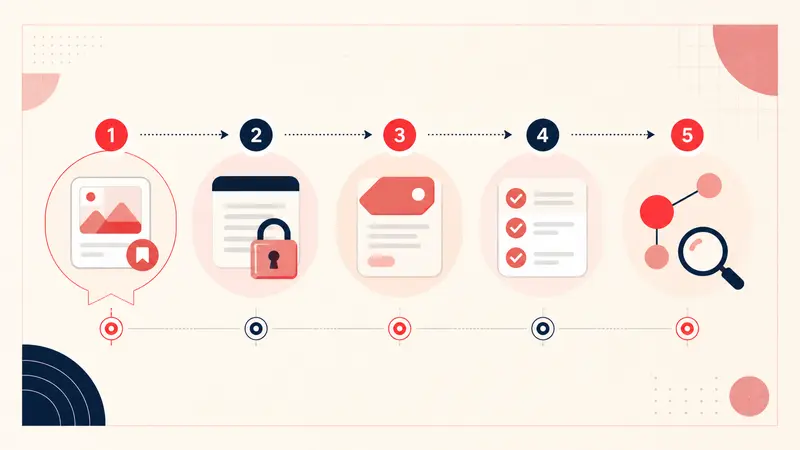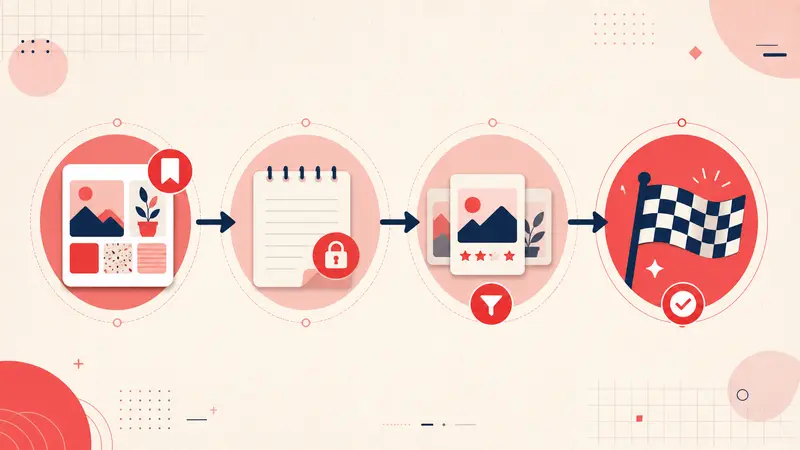
Pinterest has always been more than a place to collect pretty images. For power users, it is a personal operating system for life. People plan kitchens, build wardrobes, map trips, organize weddings, train for races, study new skills, and research purchases that cost thousands. The common thread is simple. Pins capture inspiration, but notes create execution.
When Pinterest offered private annotations through features like Note to Self, users built practical workflows on top of saves. They wrote down measurements, budget limits, substitutions, links, and reminders that the image alone could never hold. That extra layer turned boards into action lists instead of galleries.
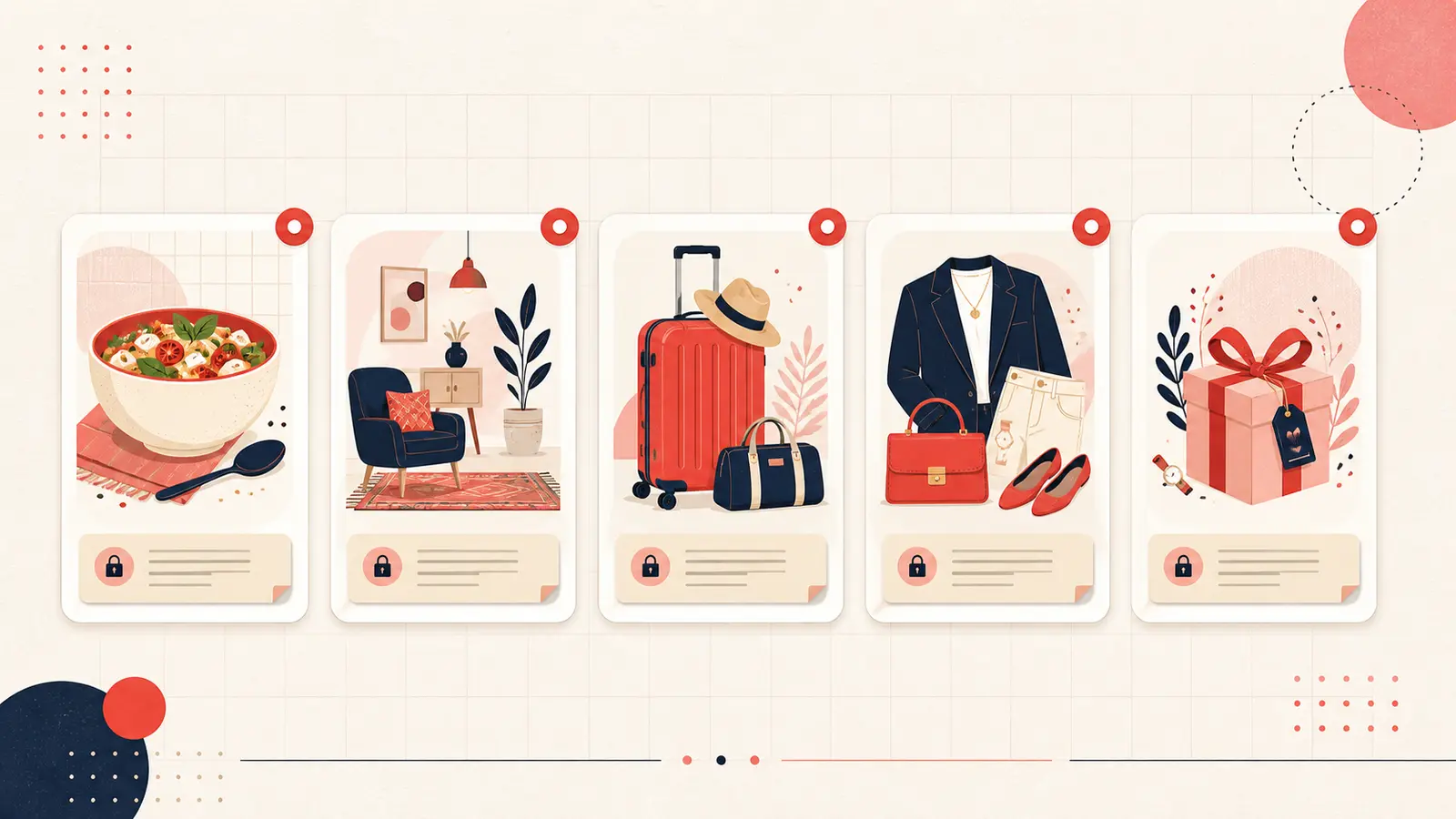
Below are 25 concrete ways people use Pinterest private notes across recipes, decor, fashion, and travel, plus a few high impact categories you might not expect. Use these examples as templates. If you copy the structure, your boards become easier to search, easier to revisit, and far more likely to lead to real outcomes.
Home and decor
Home projects fail less because of creativity and more because of missing details. Notes are where you record the constraints that make an idea workable in a specific space.
-
1. Paint color codes and finish
Record the exact brand, color name, code, and sheen. Add where it is used, like “living room north wall.” -
2. Furniture dimensions and clearance
checks
Add width, depth, height, and the door or stair constraints for delivery. Include “fits 32 inch door” or “needs two person carry.” -
3. Room assignment for generic items
Write “guest bedroom nightstand” or “entry console” so the same pin does not float across multiple boards without context. -
4. Comparison notes between similar options
Add a quick decision line like “cheaper than Wayfair option, but longer lead time.” -
5. Installation requirements
Note what is required to execute, such as stud placement, wall anchors, electrical, plumbing, or a specific tool. -
6. Materials and maintenance reminders
Write “sealed marble, avoid acidic cleaners” or “linen blend, spot clean only” so you do not choose a high maintenance item by accident. -
7. Budget targets and spend caps
Add “target 300, cap 450” to keep browsing realistic and prevent selection drift.
Food and drink
Recipe pins are notoriously easy to save and easy to forget. Notes turn them into repeatable meals by capturing what worked, what failed, and what you want to change next time.
-
8. Recipe modifications
Record changes like “double the garlic” or “reduce sugar by one third” so the next cook is better. -
9. Family and guest reviews
Write a simple rating and why, like “kids found it too spicy” or “great for guests, make again.” -
10. Ingredient substitutions
Add swaps like “Greek yogurt instead of sour cream” or “use oat milk, works fine.” -
11. Meal planning dates
Add “made for Thanksgiving 2024” or “weeknight rotation” so your board becomes a usable planning tool. -
12. Prep timing and workflow
Note “marinate overnight” or “start rice first” to avoid last minute stress. -
13. Grocery list shortcuts
Write the key items you always forget, like “fresh basil, lemons, parchment paper.”
Fashion and personal style
Fashion pins usually show a look, but not how to recreate it with your own closet, your body shape, your climate, and your budget. Notes fill that gap.
-
14. Sizing guidance and fit notes
Record “runs small, size up” or “waist fits, sleeves long” for brands you revisit often. -
15. Outfit pairing ideas
Add “wear with black boots and camel coat” so the pin becomes a ready outfit, not just a photo. -
16. Sale timing and purchase strategy
Write “wait for Black Friday” or “watch end of season clearance” to prevent impulse buys. -
17. Closet inventory connections
Add “matches my navy trousers” or “same tone as my brown belt” so you buy items that integrate. -
18. Fabric and care notes
Write “dry clean only, avoid” or “machine washable, ideal” to align with your lifestyle. -
19. Occasion labels
Tag and note “work presentation,” “wedding guest,” or “travel capsule” so you can search by context.
Travel planning
Travel pins are often aspirational. Notes are what turn them into an itinerary that matches your dates, budget, and preferences.
-
20. Trip specific dates and seasonality
Add “best in April” or “avoid peak August crowds” and tie the pin to your travel window. -
21. Saved place logistics
Record hours, reservation needs, dress code, and “book two weeks ahead.” -
22. Neighborhood and transit notes
Write “near metro line 1” or “walkable area, good for evenings” to reduce planning friction. -
23. Budget estimates per stop
Add a rough cost like “museum 15 euros” or “day tour 90 per person” so the trip stays realistic. -
24. Packing reminders tied to activities
Write “bring rain jacket, boat tour” or “comfortable shoes, old town hills” so you pack for the plan.
Gift lists and life admin
Notes are excellent for turning shopping inspiration into a system that prevents duplicate purchases and last minute scrambling.
-
25. Gift tracking with recipient context
Add “for mom, likes minimal gold, budget 50 to 80, birthday in May” and include sizes if relevant.
Bonus categories that power users rely on
If you want to get maximum value from private notes, these workflows are where the feature shines. They are less glamorous than decor and travel, but they create real leverage.
First, learning and skill building. People save tutorials, but the note is where they capture what to practice, what tools to install, and what part was confusing. A note like “start at minute 6:40, practice this technique” makes the pin reusable.
Second, fitness and habit planning. People save workouts and routines, then forget the details. Notes can record “do this on Tuesdays,” “reduce reps first week,” or “avoid this move, knee pain.” That turns a board into a safe progression plan.
Third, business and creative projects. Writers, designers, and marketers often save reference pins. Notes capture why the reference matters, what element to reuse, and where it fits in the project. That transforms inspiration into a working brief.
How to write notes that stay useful months later
The difference between a helpful note and a forgettable one is specificity. A good private note answers at least one of these questions: what is the next step, what is the constraint, what decision did I make, or what should I remember.
If you want a simple structure you can reuse, write notes using five fields:
- Intent: why you saved it
- Specs: measurements, materials, ingredients, or key details
- Budget: target cost or range
- Timing: when you will use it or do it
- Next step: one action that moves it forward
You do not need to fill every field every time. Even two lines can change everything: “Next step” and “Done when.” Once you add those, the pin becomes a task rather than a placeholder.
Why private notes turn Pinterest into a productivity tool
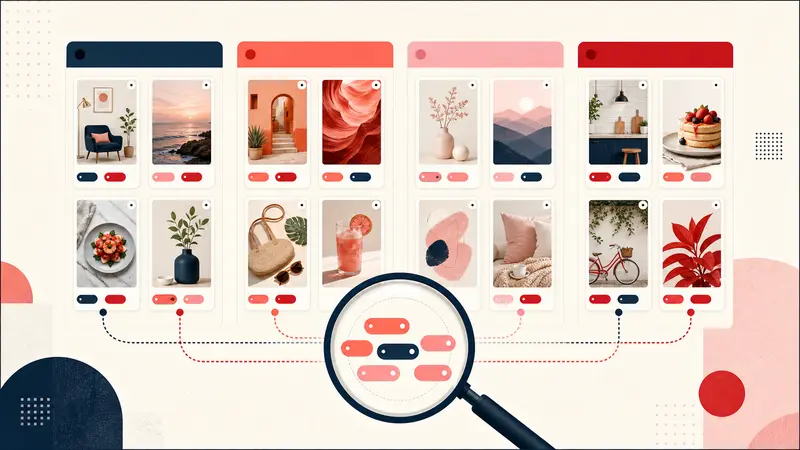
Images are memory triggers, but they are not plans. Notes convert a static reference into an executable record. They also make your boards searchable in the way your brain searches, with words like budget, size, date, and decision.
When you consistently add private notes, you reduce the cost of revisiting old boards. You spend less time reconstructing context and more time executing. Over weeks and months, that shifts Pinterest from a passive inspiration feed into an active planning system.
If you are rebuilding the Note to Self style workflow today, tools like Notestopin are built for exactly this. Add private notes to any pin, tag them, and search them later. That layer is what turns a saved image into saved knowledge.
Start small. Pick one board you actually want to act on this month. Add notes to the top ten pins using any of the examples above. Then filter by your own tags and choose one pin to execute this week. That is how the system becomes real.
Keep building your Pinterest system
Continue with the guide that matches your next step:

Get the Notestopin Chrome extension
Add private notes to any Pin, tag them, and search your saves later.
Add to Chrome