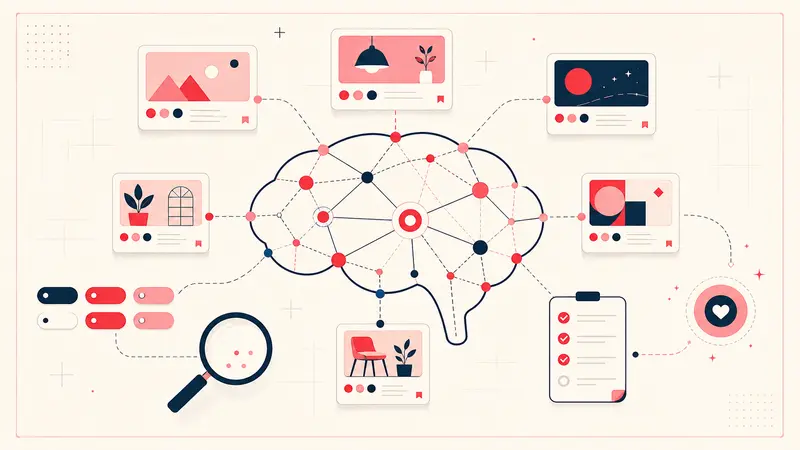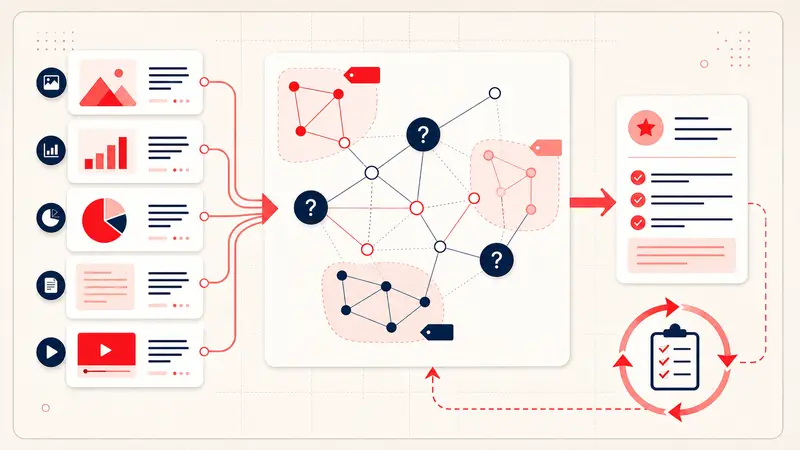
Pinterest notes and bookmark managers solve different retrieval problems. Pinterest starts with a visual object. A bookmark manager starts with a web page. A reference manager starts with a citable source. A notes database starts with your own document.
Choose the system whose primary object matches the work. If several systems are involved, decide which one owns the final decision so you do not maintain conflicting copies.
The decision matrix
| Need | Best starting tool | Why |
|---|---|---|
| Discover and compare visual ideas | Visual recommendations, boards, and saved-Pin search | |
| Remember why a Pin matters | Pin-level private note | Reasoning stays attached to the visual candidate |
| Read or revisit articles | Bookmark or read-later manager | Page-centric organization and reading workflow |
| Cite papers, books, or reports | Reference manager | Bibliographic metadata, attachments, and citation output |
| Collaborate on plans and decisions | Shared notes/project database | Permissions, owners, comments, and structured views |
Choose Pinterest plus annotations when
- the image is the fastest way to recognize the candidate;
- you compare composition, style, materials, recipes, destinations, or products;
- the missing information is personal context such as a constraint, reaction, or next step;
- you want to browse visually and search private reasoning later.
Example: a sofa Pin plus “shape only; too deep; find ≤ 38 in depth” is more useful than a bare bookmark to the retailer homepage.
Choose a bookmark manager when
- the page's text is the main value;
- you need a reading queue, highlights, or full-text page search;
- the URL should remain the primary record;
- visual comparison is secondary.
A browser bookmark is often enough for a small durable set. Do not add a specialized service unless folders, tagging, archiving, or reading features solve a recurring problem.
Choose a reference manager when
Use a reference manager for academic, legal, policy, or technical sources that need author, publication, date, edition, DOI, attachments, or formatted citations. Pinterest may help you discover an infographic or book cover, but it should not replace the original paper or catalog record.
Choose a shared notes or project system when
Move an item into a collaborative system when it needs an owner, approval, deadline, budget roll-up, version history, or team-visible status. A private Pin annotation can prepare the candidate, but it should not become an invisible project plan.
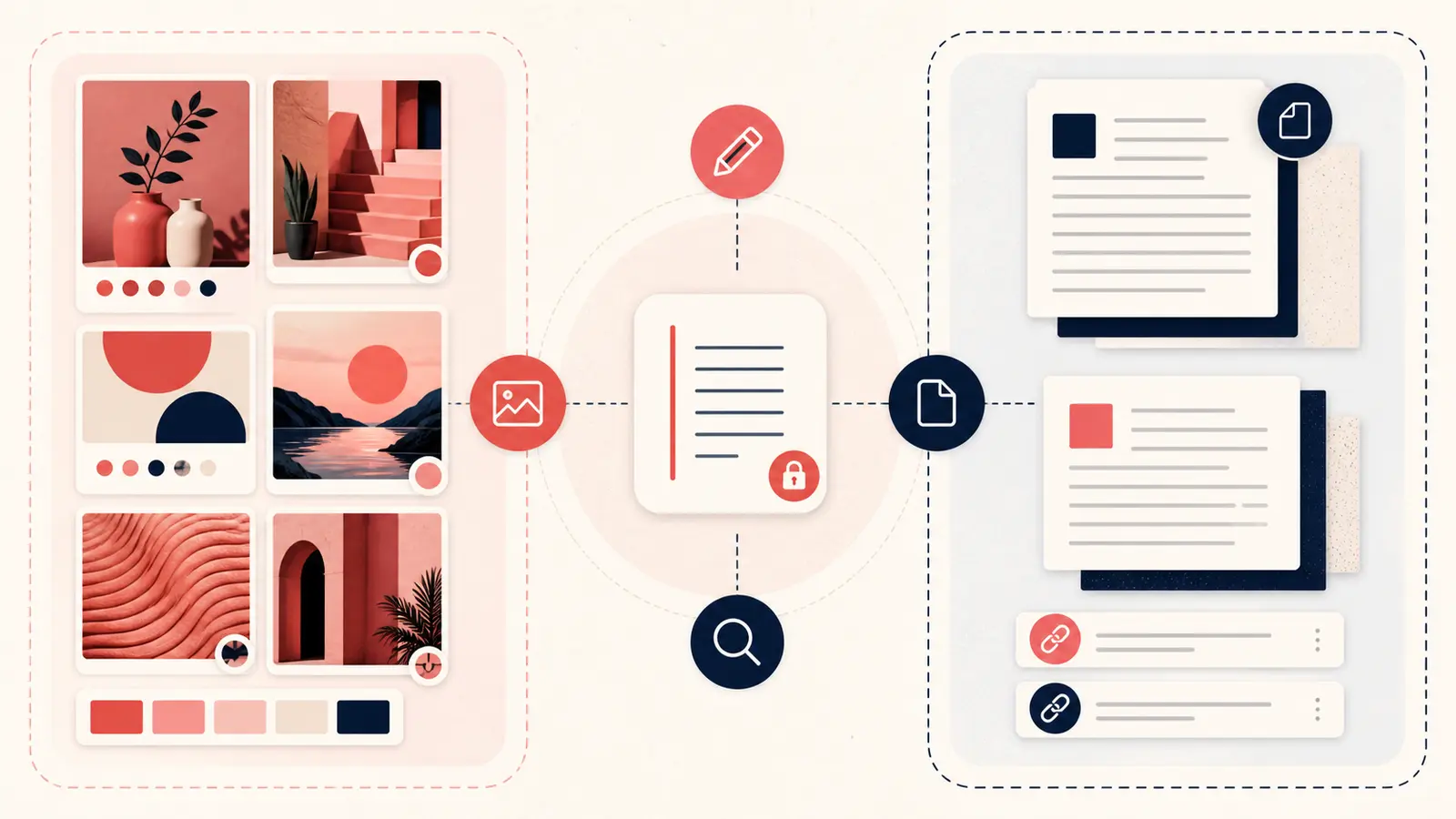
Use a hybrid workflow without duplicating everything
- Discover visual candidates on Pinterest.
- Add a short note only when a candidate crosses into evaluation.
- Verify facts at the original source.
- Promote approved items to the authoritative project or reference system.
- Include the Pin URL there for visual recall.
- Keep only a status and destination link in the Pin note.
This creates a trail without copying full records into every tool.
Declare one source of truth
- Pin note owns: why it caught your attention, quick constraints, rejection reason, and research status.
- Original source owns: product specifications, price, availability, published claim, and licensing terms.
- Project system owns: final selection, budget, owner, deadline, and approval.
- Reference manager owns: citation metadata and preserved research files.
Test retrieval before committing
Add five realistic records, wait a day, and try to recover them from the details you naturally remember. Then export the data and inspect it. The right tool is the one that supports your retrieval pattern and gives you a credible exit path.
The simple rule
If you remember the image, start with Pinterest. If you remember the article, start with bookmarks. If you must cite it, use a reference manager. If other people must act on it, use a collaborative system. Combine them only at a deliberate handoff point.
Keep building your Pinterest system
Continue with the guide that matches your next step:

Get the Notestopin Chrome extension
Add private notes to any Pin, tag them, and search your saves later.
Add to Chrome