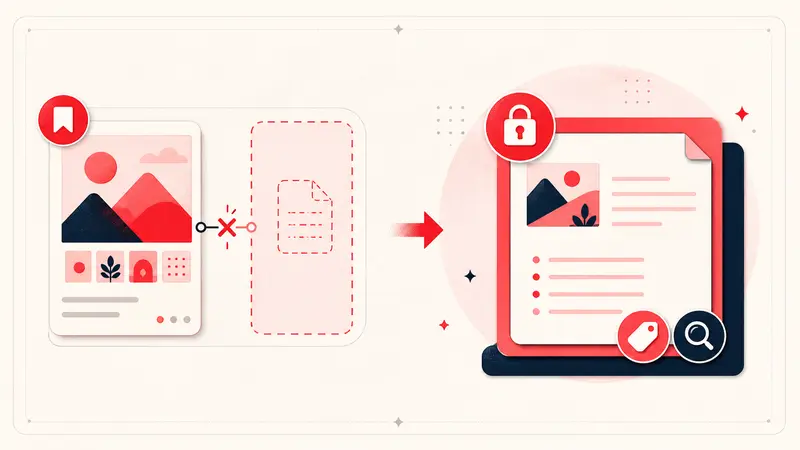
Short answer: the private note-to-self workflow many long-time users remember is not a dependable part of Pinterest’s current planning experience. Availability has changed across versions and accounts, and Pinterest’s current help documentation focuses on boards, sections, and reordering, not a robust private annotation layer.
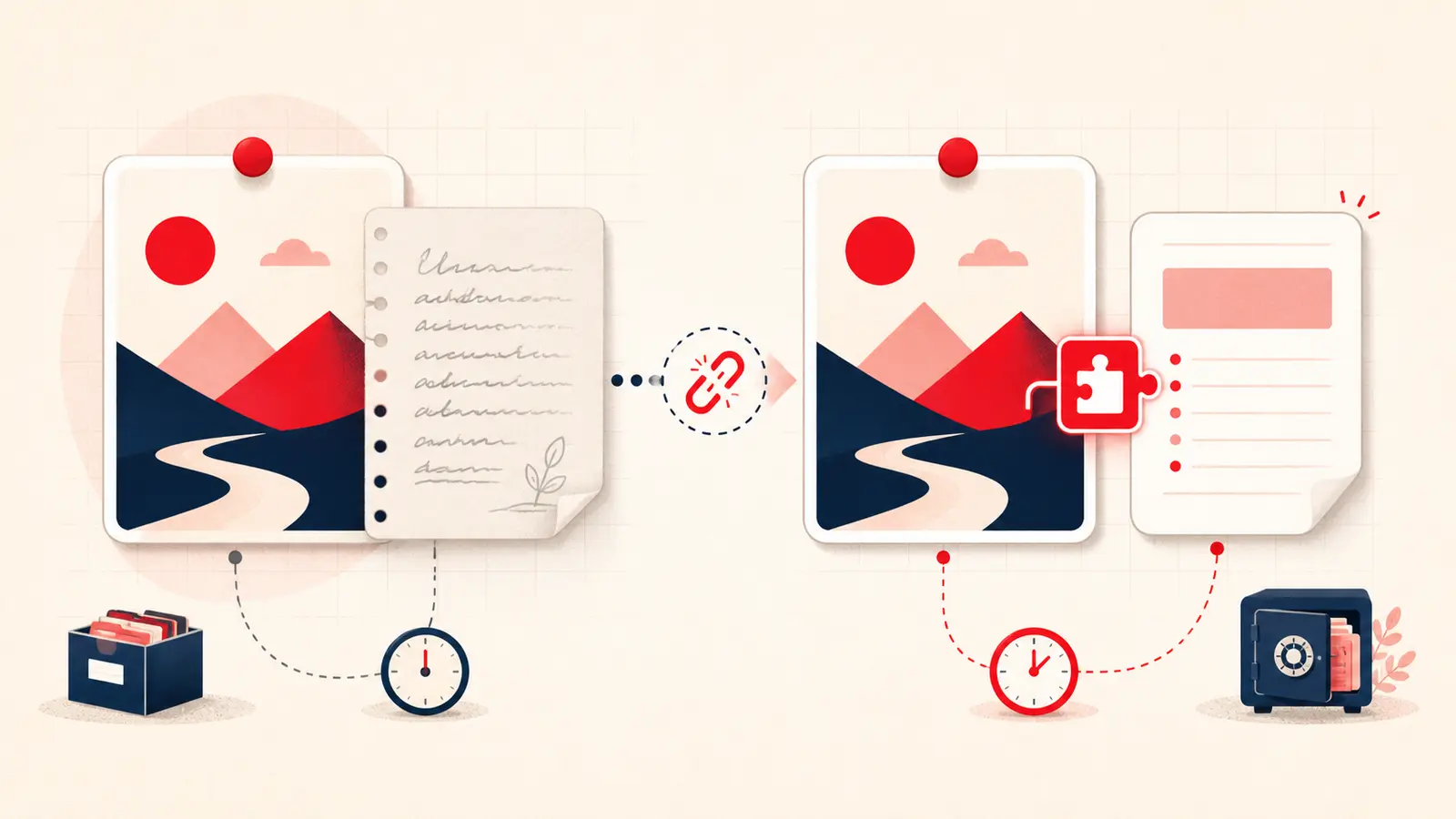
That distinction matters. A Pin can preserve the image and source link while losing the private reason you saved it. This article separates what we can verify from what we cannot, explains why the feature mattered, and gives you a safer replacement workflow.
What Pinterest notes used to solve
A private note attached a small piece of personal context to a visual reference. That context often carried more practical value than the public caption:
- “Use only the cabinet layout, not the finish.”
- “Reduce sugar by one quarter next time.”
- “Ask whether this fabric is performance rated.”
- “Backup hotel if the first neighborhood is sold out.”
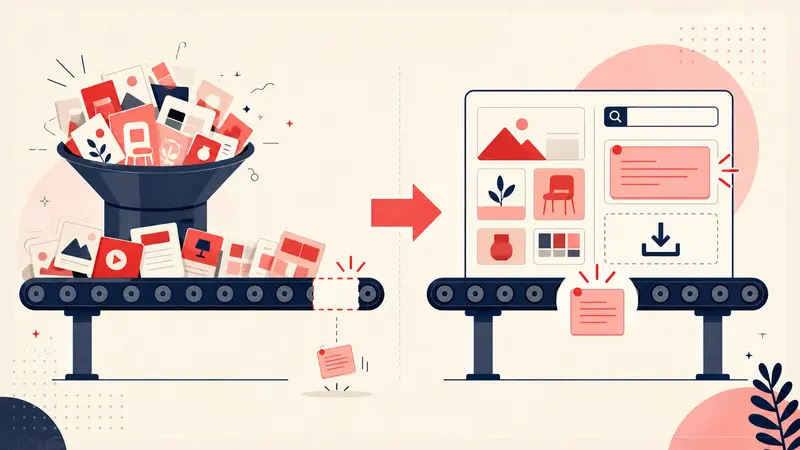
Boards answer where did I file this? A note answers why did this matter to me? Those are different retrieval problems.
What changed, and what we should not pretend to know
Users have reported the note-to-self field disappearing or behaving inconsistently over time. Pinterest does not currently document a full private Pin-annotation workflow in the same way it documents boards and board sections. That is enough to say the workflow is not something a serious project should rely on.
It is not enough to claim a secret product strategy or a single deletion date. Unless Pinterest publishes that history, explanations about advertising, shopping, or “streamlining” are speculation. The useful fact is simpler: if you cannot see the field in your account today, you need a replacement that you control.
Can old Pinterest notes be recovered?
Do not install an extension expecting it to recover private text that Pinterest no longer exposes. A browser extension can create a new note layer; it cannot reconstruct missing historical content.
Before giving up on an old note, check the places where you may have copied the same context:
- Open the original Pin and inspect any description you wrote yourself.
- Search related board and section names for clues.
- Check previous exports, screenshots, emails, or project documents.
- Request your Pinterest account data and inspect the export, understanding that a specific legacy field may not be present.
Keep expectations modest: recovery depends on what Pinterest retained and includes in your account data.
Rebuild the workflow without repeating the same risk
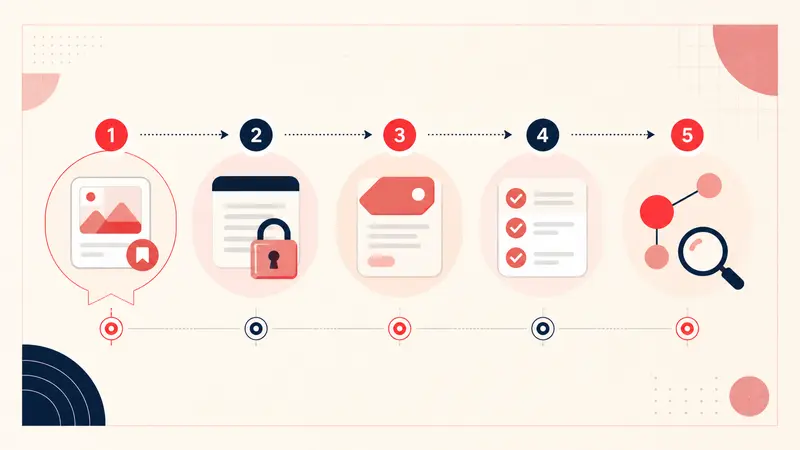
A reliable replacement should preserve four things: the Pin identity, your note, a retrieval method, and an export path. Notestopin can keep notes in Chrome’s Local workspace or sync new account notes through the optional Cloud workspace. Local notes stay separate until you explicitly merge them. You can export the library as Markdown or JSON.
For each important Pin, capture one compact record:
Reason: what caught my attention
Constraint: budget, size, place, date, or material
Status: idea, compare, chosen, rejected, done
Next step: the smallest action that reduces uncertainty
This format is fast enough to use while browsing and specific enough to search later.
A five-minute migration plan
- Install the note tool you intend to keep using.
- Choose one active board, not your entire Pinterest history.
- Add context only to the ten Pins most likely to influence a decision.
- Create two or three consistent tags for project and status.
- Export a backup after the first session so you understand the exit path.
The goal is not to recreate every old note. It is to make the next important save durable.
The lesson from the missing feature
Platforms are excellent discovery layers, but personal context deserves a layer you can search and export. Save the image on Pinterest. Save the reasoning somewhere you control. That separation makes the workflow more resilient the next time a platform changes.
Keep building your Pinterest system
Continue with the guide that matches your next step:

Get the Notestopin Chrome extension
Add private notes to any Pin, tag them, and search your saves later.
Add to Chrome