How to Never Lose Your Pinterest Ideas Again: Backup, Export, and Sync Explained

Salo By Salo 9 min read
How to Never Lose Your Pinterest Ideas Again: Backup, Export, and Sync Explained

Pinterest is one of the most popular platforms for visual inspiration, research, and idea collection. From home decor and fashion concepts to marketing strategies, recipes, and creative projects, users save thousands of Pins every year. While Pinterest makes it easy to collect ideas, relying solely on a platform for your notes and research comes with significant risks. Digital platforms are not permanent. Accounts can be suspended, content can disappear, or interface updates can hide or restructure your saved Pins. To truly take ownership of your creative and research work, you need a robust system for backup, export, and syncing your Pinterest notes. This ensures that your ideas are safe, accessible, and organized no matter what happens online.

The Hidden Risks of Platform Dependency

When you rely entirely on Pinterest or any proprietary platform, you are at risk of vendor lock-in. Every note, tag, and saved Pin exists on servers controlled by a company outside your direct control. If Pinterest changes its interface, limits features, shuts down accounts, or suffers a technical failure, you could lose access to years of valuable research. This is often called the data trap. Without an exit strategy, you are not truly the owner of your content. Ownership is not just about saving Pins; it is about control, portability, and security. Understanding this risk is the first step toward building a long-lasting research system that protects your creative efforts.

Even experienced users underestimate how quickly boards become unmanageable. As you save more Pins and create hundreds of boards, the sheer volume of information can make searching, finding, and contextualizing your ideas increasingly difficult. A structured approach to backup and export helps you avoid losing not only your Pins but also the context and annotations that make them valuable.

Why Backup Is Essential for Pinterest Notes

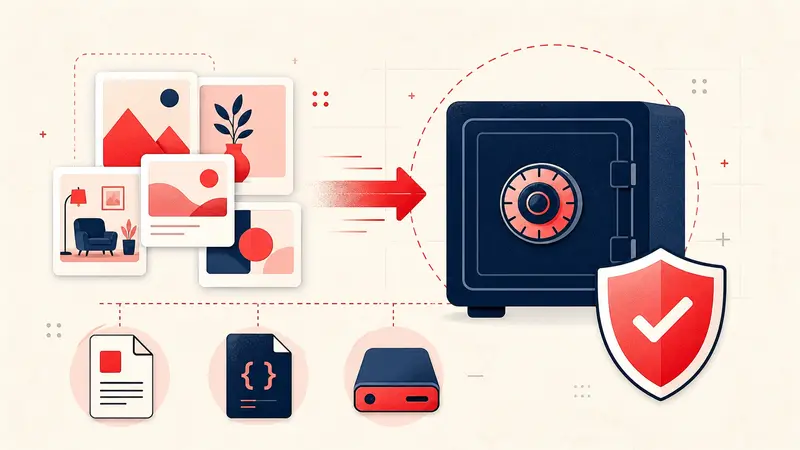
Backing up your Pinterest notes is critical for several reasons. First, it ensures that your research, creative ideas, and personal annotations remain safe even if the platform changes or disappears. Second, a backup allows you to migrate your data to other systems, integrate with productivity apps, or reference your research offline. Third, regular backups reduce anxiety about losing information and allow you to focus on creating and curating ideas rather than worrying about potential data loss.

For professional users such as writers, designers, marketers, and academics, backups are even more crucial. Losing a curated set of references for a project, client presentation, or academic research could set back months of work. Backups are also essential for collaborative projects where multiple team members rely on shared visual references. By exporting and storing your notes externally, you can provide a stable foundation for future use.

Notestopin: The Solution for Exporting Pinterest Notes

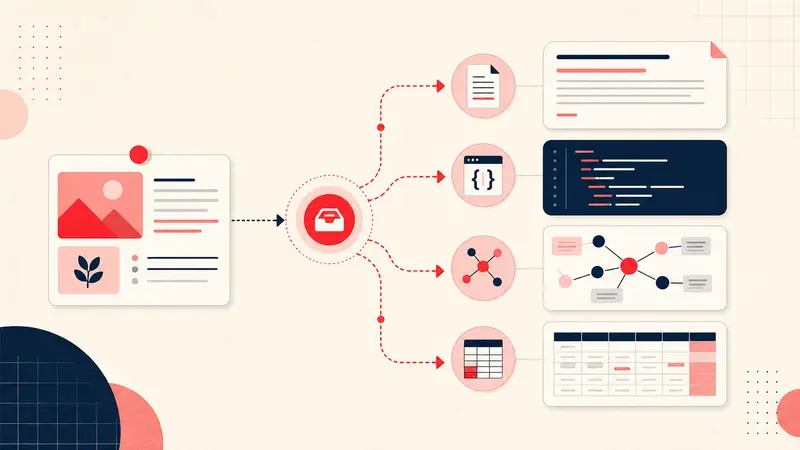
Notestopin is a Chrome extension built with data ownership in mind. It allows users to attach private notes and tags to any Pin, creating a structured, searchable database. Importantly, Notestopin provides robust export features that let you back up all your data in standardized formats such as JSON and Markdown.

Exporting your notes in JSON is particularly useful for developers or users who want to manipulate data programmatically. This format preserves all tags, metadata, and Pin links. Markdown exports, on the other hand, are ideal for note-taking apps like Obsidian, Notion, or any system that supports plain text documentation. Markdown keeps your notes readable and editable while preserving formatting, headings, and links.

Integrating Pinterest Notes Into Your Workflow

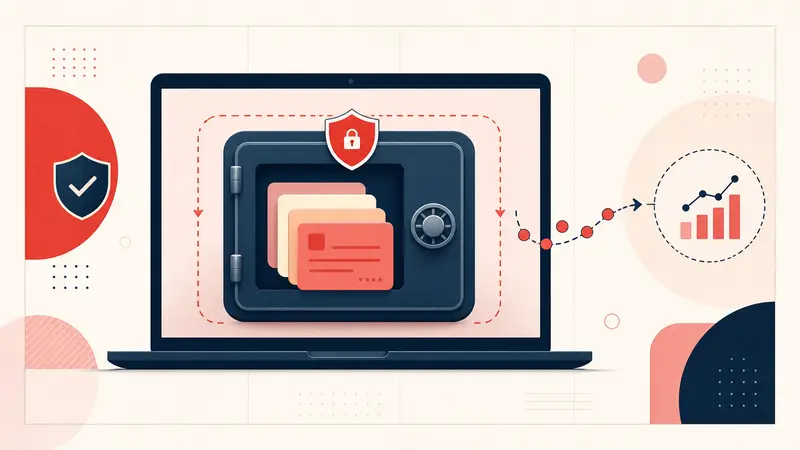
Exporting notes is only one step. The real value comes when your exported data is integrated into your workflow. By importing Markdown exports into apps like Obsidian or Notion, you transform your Pinterest research into a searchable, cross-referenced knowledge base. This integration allows you to connect visual inspiration with textual analysis, project plans, research outlines, or storyboards.

For writers, this means creating visual story bibles. Each character, location, and scene can be tied to Pins, complete with private notes, historical references, or costume inspiration. For marketers, Pinterest research on trends, packaging, or campaign visuals can be integrated alongside textual competitive analysis and keyword research. For designers, mood boards can coexist with project documentation, client feedback, and color palette notes.

This system allows for deeper insight, better organization, and the ability to analyze connections across multiple sources. Suddenly, Pinterest notes are no longer scattered, isolated items—they are structured assets that drive your projects forward.

Syncing Across Devices Safely

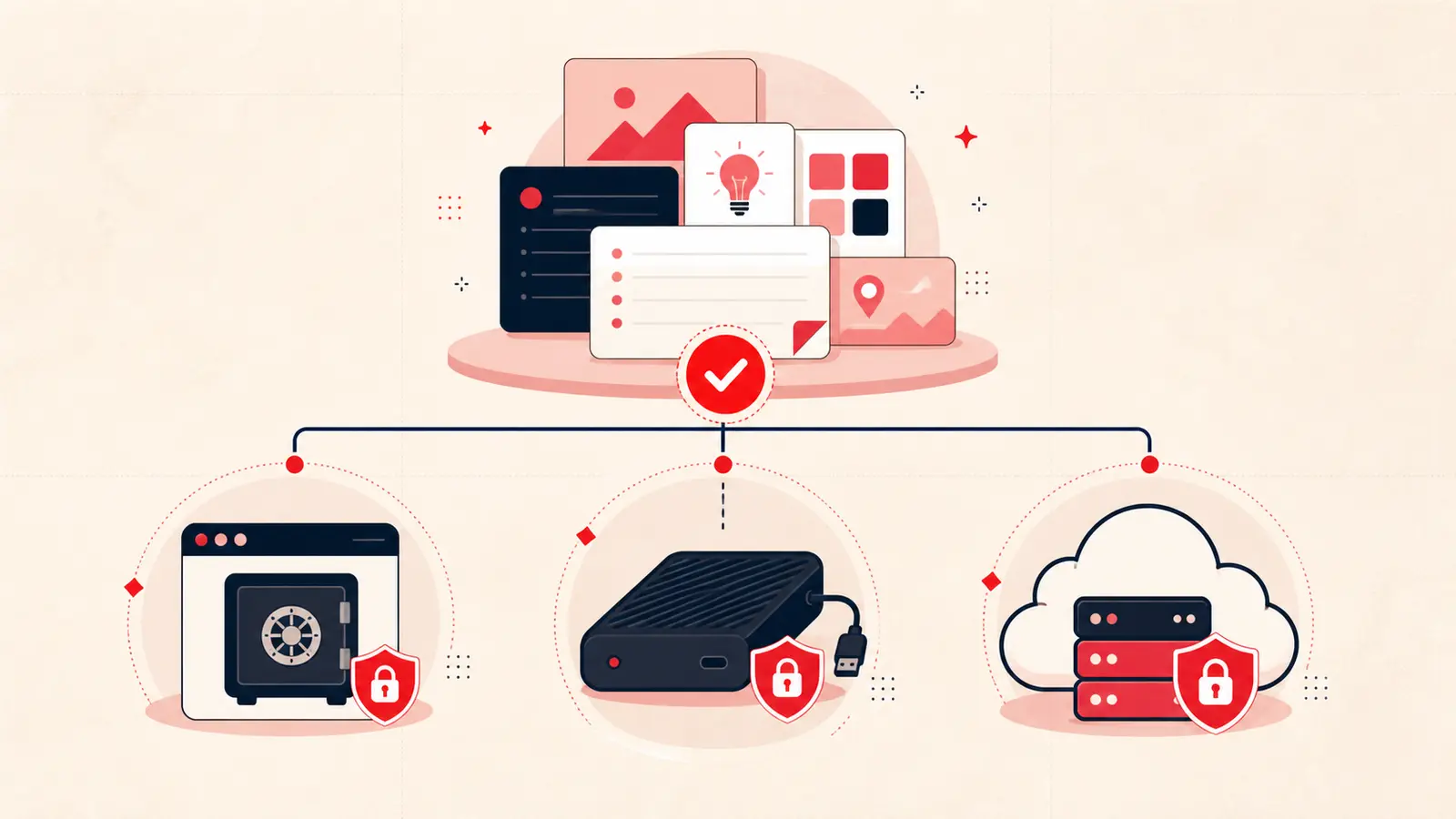
One concern for many users is accessing notes across multiple devices. Notestopin supports lightweight Chrome sync for small amounts of data. For larger datasets, exporting your notes and storing them in a cloud-synced note-taking app is often the safest approach. This allows you to access your research on multiple devices without relying on proprietary cloud storage, maintaining full ownership and privacy.

Combining local storage with selective syncing gives the flexibility of cross-device access while preserving the security and independence of your data. Users can work offline, make annotations, and then sync or export at their convenience. This hybrid workflow balances convenience, privacy, and reliability, ensuring your Pinterest research is always available where you need it.

Maintaining Platform Independence

True backup and export practices ensure independence from any single platform. By annotating Pins locally, exporting notes regularly, and integrating with tools like Obsidian or Notion, you are not locked into Pinterest or a single extension’s server. Your work is portable, secure, and fully under your control. This independence allows you to migrate your data, archive it, or repurpose it without restriction.

Many users fail to recognize that their creative and research output is at risk if it exists only on one platform. By maintaining platform independence, you secure not just your Pins, but the intellectual value of your projects, client research, and personal inspiration. It also allows you to future-proof your workflows against unexpected platform changes or account limitations.

Advanced Strategies for Organizing and Protecting Pinterest Notes

Practical Use Cases for Backup and Export

Writers can maintain storyboards and character visual references. Marketers can preserve trend research and campaign ideas. Designers can save mood boards, client inspiration, and portfolio references. Academics can organize visual research and historical references systematically. Home planners can retain wedding ideas, DIY projects, and renovation inspiration. In all cases, exporting notes ensures that this information is safe and usable outside Pinterest.

SEO and Long Term Value

Maintaining a structured, exportable Pinterest research library has SEO and content marketing implications. Notes and annotations can feed blog content, social media strategies, or educational guides. By converting visual research into structured, text-searchable content, you increase the discoverability of your ideas across platforms. Exported data can be repurposed for articles, guides, ebooks, or marketing content without losing the context of the original Pins.

Conclusion: Take Control of Your Pinterest Ideas

Pinterest is a powerful tool for idea collection, but relying on it exclusively exposes your work to risks. Backup, export, and syncing practices transform your Pinterest boards into a secure, organized, and independent research system. Using Notestopin to annotate, export, and integrate your notes ensures you maintain ownership, privacy, and accessibility. By combining local storage, regular exports, integration with note-taking apps, and structured organization, you can protect your creative work and never lose your Pinterest ideas again.

In 2026 and beyond, professional creators, researchers, and planners will prioritize platform independence and data ownership. Your Pins are not just images—they are ideas, research, and intellectual property. Protect them wisely, organize them intentionally, and integrate them into your workflows to maximize their value.

Salo

About the Author

Salo is a product designer and power user who writes about digital organization, Pinterest workflows, and tools for better thinking.

Get the Notestopin Chrome extension

Add private notes to any Pin, tag them, and search your saves later.

Add to Chrome