Pinterest Research Workflow: Turn Pins Into a Structured Reference Library

Salo By Salo 9 min read
Pinterest Research Workflow: Turn Pins Into a Structured Reference Library

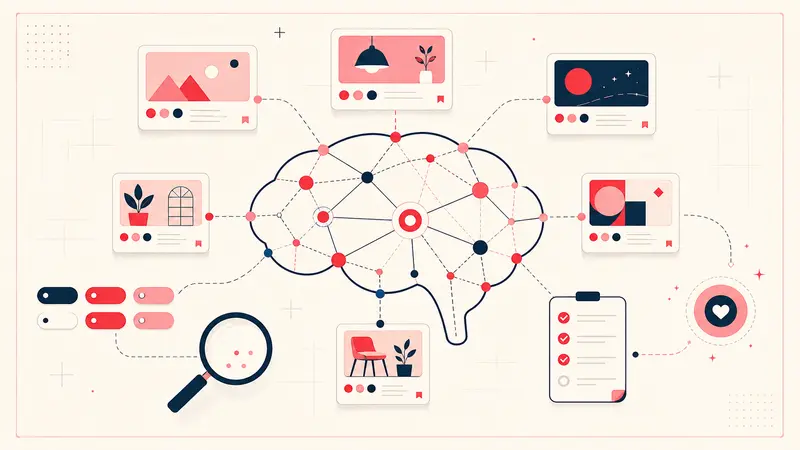
Pinterest is often seen as a platform for inspiration, recipes, fashion ideas, and home decor. However, for writers, academics, designers, marketers, and researchers, Pinterest can become something far more powerful. With the right workflow, it can evolve from a casual mood board tool into a structured reference library that supports deep research, long term projects, and organized creative thinking.

This guide will show you how to build a professional Pinterest research workflow in 2026. You will learn how to collect Pins strategically, document sources properly, cross reference ideas, organize projects with tags, and transform scattered inspiration into a searchable, structured system. Whether you are writing a novel, preparing academic material, planning a brand identity, or researching historical settings, this workflow will help you use Pinterest with clarity and intention.

Why Pinterest Is Powerful for Research

Pinterest is fundamentally a visual search engine. Unlike traditional search engines that prioritize text, Pinterest organizes content around images. This makes it ideal for visual research such as costume design, architecture, interior design, product packaging, typography, photography references, and historical settings.

For writers, Pinterest can function as a visual story archive. For academics, it can serve as a supplementary reference bank. For marketers, it can operate as a competitive research dashboard. The problem is not the lack of content. The problem is structure.

Most users save Pins quickly without documenting why they saved them. Over time, boards become cluttered. You may remember that you saved an image of Victorian street fashion or a medieval castle interior, but you cannot recall the original source, context, or how it connects to your project. This is where a structured Pinterest research workflow becomes essential.

Step 1: Define Research Categories Before You Save

Before you start saving Pins, define clear research categories. Instead of creating vague boards such as Inspiration or Ideas, create specific boards aligned with your project. For example, if you are writing a historical novel set in nineteenth century London, you might create boards titled Victorian Architecture, London Street Scenes 1800s, Victorian Fashion Details, and Industrial Era Interiors.

If you are building a brand identity for a client, you might create boards titled Color Palette Research, Typography References, Packaging Inspiration, and Social Media Layout Concepts.

Clarity at the board level reduces future confusion. However, boards alone are not enough. Pinterest boards are broad containers. Within those boards, you need micro organization.

Step 2: Add Context With Private Notes

One of the biggest limitations of Pinterest is the lack of structured private note taking per Pin. When conducting serious research, context is everything. Why did you save this image? What detail matters? Is it the lighting, the clothing cut, the typography style, or the architectural structure?

Using a tool like Notestopin, you can attach private notes directly to each Pin. This allows you to record detailed observations, citations, reminders, and analytical thoughts. For example, under an image of a Victorian street scene, you could write:

Source reference: Victorian London Street Life, page 42. Note the gas lamps positioned at regular intervals. Cobblestone street texture appears uneven. Clothing layers suggest winter season. Useful for Chapter 3 opening scene.

This transforms a simple saved image into a documented research asset. Over time, these notes build a searchable knowledge base inside your Pinterest account.

Step 3: Document Citations and Sources Properly

When conducting academic or professional research, source tracking is essential. Many Pins link back to blogs, archives, museums, or online stores. Sometimes the original source is not obvious. It is important to click through to the originating website whenever possible and verify the creator or publication.

In your private note field, include structured citation details such as author name, book title, article title, publication year, or URL. Even a simple format like Source: Author, Title, Year helps maintain academic discipline.

If you are a student or academic, this step prevents future frustration when compiling bibliographies. If you are a content creator, it protects you from misattribution and strengthens credibility.

Step 4: Use Tags for Cross Referencing

Boards categorize content at a high level, but projects often overlap. A single Pin may relate to multiple themes. For example, a character costume may connect to both a specific character and a specific location. Instead of duplicating Pins across multiple boards, use tags to create cross references.

For a novel project, you might use tags such as CharacterA, LocationB, PoliticalFaction, or WinterScene. For a branding project, you might use tags such as LuxuryTone, MinimalLayout, EarthyPalette, or ProductLaunch2026.

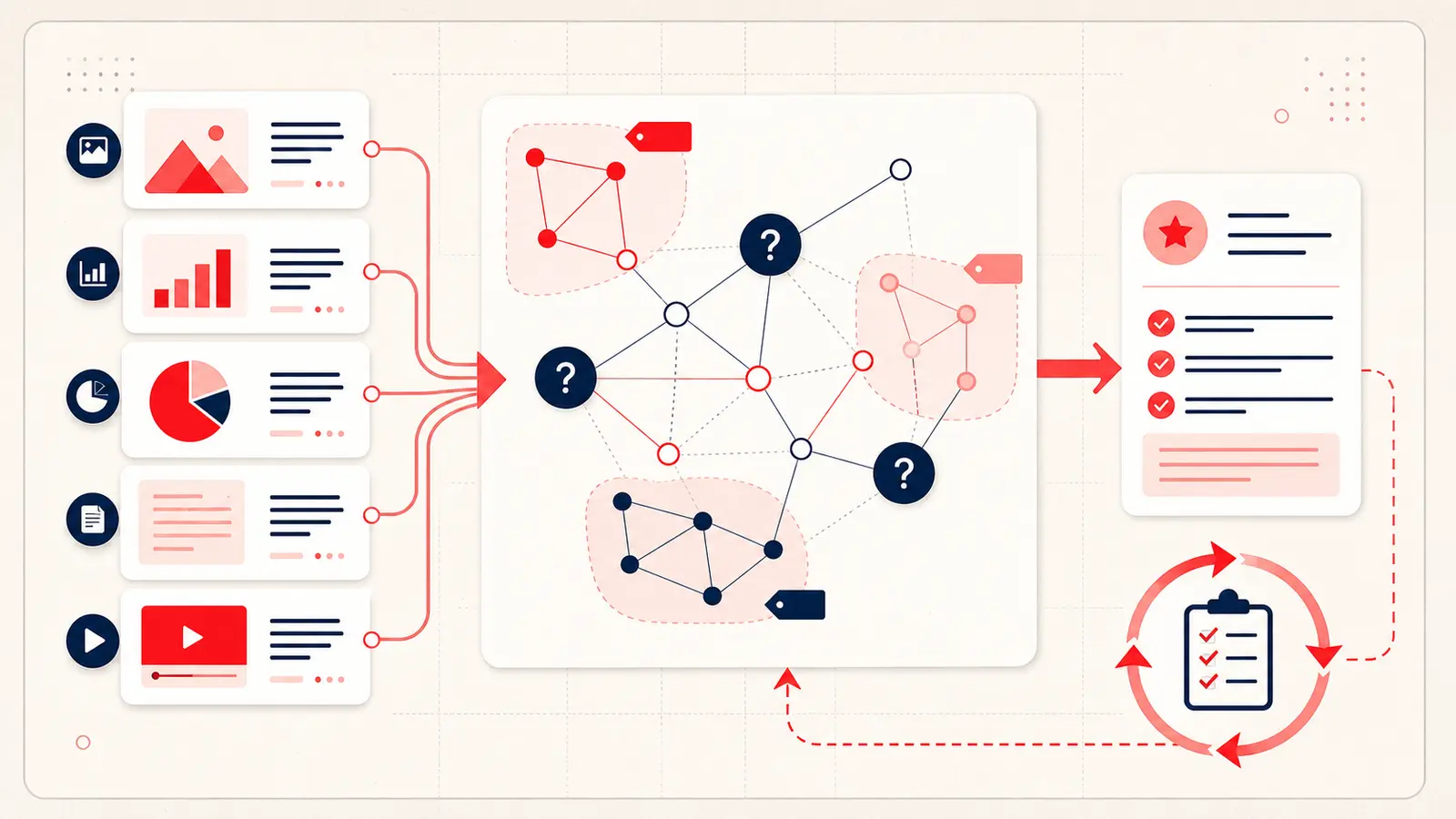
When tags are applied consistently, you can search by tag and instantly retrieve all related Pins across different boards. This creates a relational structure similar to a database. Your Pinterest account evolves from a collection of images into a connected research network.

Step 5: Build Visual Story Bibles

Writers often create story bibles to track characters, timelines, and settings. Pinterest can function as a visual story bible when used strategically. Each character can have associated visual references including clothing, facial features, gestures, environments, and symbolic objects.

With proper notes and tags, you can connect a character to specific locations and events. For example, you might tag an image with CharacterA and AbandonedFactory. In your note, you describe how this location appears in Chapter 12 during a confrontation scene.

This allows you to visually map your narrative world. Instead of relying only on text documents, you have a visual companion system that supports continuity and immersive world building.

Step 6: Organize Research for Academic Projects

Pinterest is not limited to creative writing. It can support academic research in fields such as art history, architecture, fashion studies, media analysis, and cultural studies. When analyzing visual trends or historical artifacts, Pinterest provides rapid access to diverse imagery.

To maintain academic rigor, create boards aligned with research questions. For example, if you are studying the evolution of advertising design, you might create boards for 1950s Print Ads, 1980s Magazine Layouts, and Modern Digital Campaigns. In each Pin note, document publication details and analytical observations.

By combining visual references with structured commentary, Pinterest becomes a supplementary visual archive that complements traditional academic databases.

Step 7: Create Actionable Research Summaries

Collecting information is only useful if it leads to action. After saving and annotating a group of Pins, periodically review them and write summary notes. Identify patterns. Are certain color palettes recurring? Are specific design structures dominant? Do historical references reveal consistent details?

You can use your private notes to add conclusions such as Common theme: muted earth tones and natural textures. Repeated architectural motif: arched windows with iron frames. Character wardrobe consistency: high collar and dark wool fabrics.

This transforms passive scrolling into active research synthesis.

Step 8: Maintain a Clean and Scalable System

A structured Pinterest research workflow must remain scalable. As your project grows, so will your collection of Pins. Review boards regularly. Archive outdated material. Merge redundant boards. Standardize your tagging format to avoid inconsistencies such as using both CharacterA and character a.

Consistency ensures that your research library remains searchable and efficient months or even years later.

Benefits of Turning Pins Into a Structured Reference Library

When Pinterest is used intentionally, it provides several advantages. It accelerates visual discovery. It centralizes inspiration and documentation. It reduces time wasted searching for previously saved material. It supports creative continuity. It enhances academic discipline through source tracking. It bridges the gap between visual and textual research.

Instead of being overwhelmed by hundreds of disconnected images, you gain a curated and searchable system aligned with your goals.

Final Thoughts on Building a Pinterest Research Workflow

Pinterest is more than a mood board platform. With structured boards, consistent tagging, detailed private notes, and proper citation practices, it can become a powerful research environment. The key is intentional organization.

By transforming each saved Pin into a documented research asset, you create a visual reference library that supports writing, design, academic work, and strategic planning. In 2026, the most productive Pinterest users are not those who save the most Pins. They are the ones who structure them.

Start small. Define clear categories. Add context to every important Pin. Use tags consistently. Review and synthesize your findings. Over time, your Pinterest account will evolve into a disciplined and professional research system that supports your most ambitious projects.

Salo

About the Author

Salo is a product designer and power user who writes about digital organization, Pinterest workflows, and tools for better thinking.

Get the Notestopin Chrome extension

Add private notes to any Pin, tag them, and search your saves later.

Add to Chrome