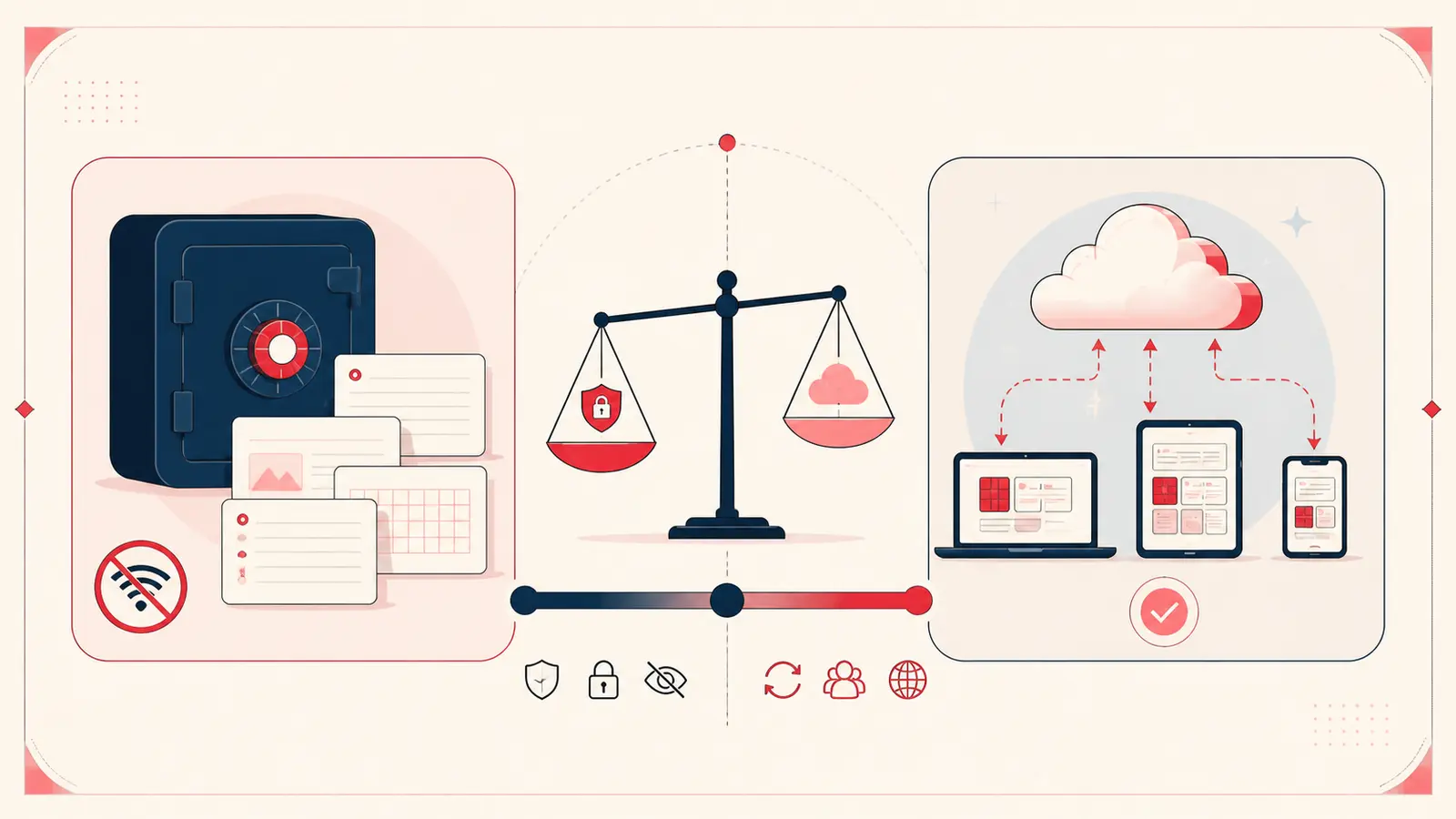
Short answer: local storage favors private single-device work and direct control; cloud sync favors device handoff and, when a product supports it, collaboration. Neither model is automatically secure, fast, or reliable. The implementation and your threat model decide that.
Notestopin now offers both. Its Local workspace stores note content in chrome.storage.local. Optional Cloud Sync creates an account workspace for access across supported devices. Existing local notes stay separate unless you explicitly merge them, and a new note is saved to the account only while Sync is enabled.
What “local” means in Chrome
Chrome’s extension documentation says storage.local data is stored locally, has a default 10 MB limit, and is cleared when the extension is removed. An extension can request the separate unlimitedStorage permission to remove that quota; Notestopin’s current manifest does request it. That permission changes storage capacity, not where Local notes are stored.
Read the current Chrome Storage API documentation for platform behavior. Local extension storage is not the same thing as a normal file you can see in Downloads, so exports remain essential.
What “cloud sync” can mean
A synced tool usually sends data to a remote service and associates it with an account or device identity. Good implementations may cache data offline, encrypt transport, support version history, and provide recovery. Poor implementations may do none of those things.
Do not treat “cloud” as one architecture. Ask who operates the service, what is encrypted, who can access plaintext, how deletion works, and whether the export is usable. Notestopin encrypts Cloud notes in transit and restricts server access, but the notes are not end-to-end encrypted with a key only the user controls. Its privacy policy describes account storage, providers, retention, deletion, and human-access limits.
Compare the tradeoffs that matter
Local-first notes
- Strengths: no central application database containing note text; local reads; usable without an application-server round trip; clear separation from an account service.
- Costs: no automatic device handoff; deletion or profile loss can remove the working copy; collaboration is manual; storage quotas apply.
Cloud-synced notes
- Strengths: convenient access across devices; easier sharing; centralized recovery and history are possible.
- Costs: account and service dependency; a larger centralized exposure surface; retention and export policies matter; network availability may affect uncached data.
Hybrid notes
- Strengths: local working copy plus controlled synchronization can provide offline access and device portability.
- Costs: more complex conflict handling, encryption, and recovery behavior; “local-first” does not mean “never transmitted.”
Privacy: ask where plaintext can exist
For a local implementation, plaintext may exist in the browser profile, memory, screen, and exported files. Anyone with sufficient access to the unlocked device may be able to reach it.
For a cloud implementation, plaintext access depends on encryption and service design. Transport encryption protects data in transit but does not by itself prove that the service operator cannot read stored content.
Notestopin’s policy draws a workspace boundary: Local note content remains in extension storage unless you explicitly merge or import it into Cloud notes. Account notes do have a server copy. Limited product-usage events are sent separately; their event properties exclude note text, tag names, search terms, Pin metadata, the Pinterest account, and the account email.
Performance and offline behavior are not slogans
Local reads avoid application-server latency, but performance still depends on indexing, data size, and device speed. A well-designed cloud tool can also feel instant because it caches locally. Similarly, a local dashboard may work offline while the Pinterest website itself still requires network access.
Test the exact workflow you care about instead of assuming either architecture wins.
Choose local when
- one primary browser profile is acceptable;
- notes contain personal planning context you do not want in an application database;
- manual backup is a responsibility you will actually maintain;
- real-time collaboration is unnecessary.
Choose sync when
- seamless switching across supported devices is essential;
- an account copy and central history outweigh local-only control;
- the provider’s encryption, access, retention, deletion, and export model meets your needs;
- if several people must edit the same record, the provider explicitly supports shared editing rather than merely device sync.
A five-minute evaluation
- Write down the devices and people that need access.
- Classify the most sensitive note you expect to store.
- Decide how much data loss is acceptable.
- Inspect permissions, privacy policy, export, deletion, and recovery.
- Test offline access and an actual restore, not just a download.
The decision
Local and cloud are not moral categories. Local is a strong fit for a private single-user Pin annotation layer, provided you export backups. Sync is often the better fit for access across devices, provided the service earns trust through transparent controls. Collaboration is a separate capability that should be verified rather than assumed.
Keep building your Pinterest system
Continue with the guide that matches your next step:

Get the Notestopin Chrome extension
Add private notes to any Pin, tag them, and search your saves later.
Add to Chrome