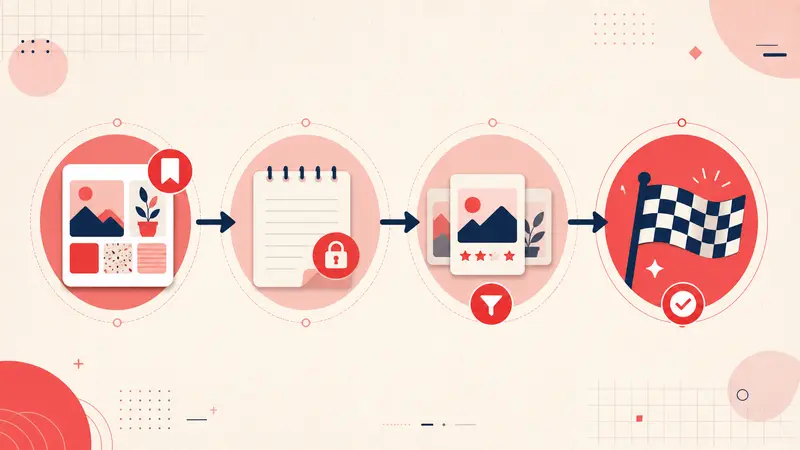
Inspiration is everywhere. You can open Pinterest and collect ideas in minutes for a kitchen remodel, a new logo direction, a fitness routine, a research topic, or a week of dinners. Saving is easy. Executing is the hard part. Most boards fail for a simple reason. They capture taste, not a plan.
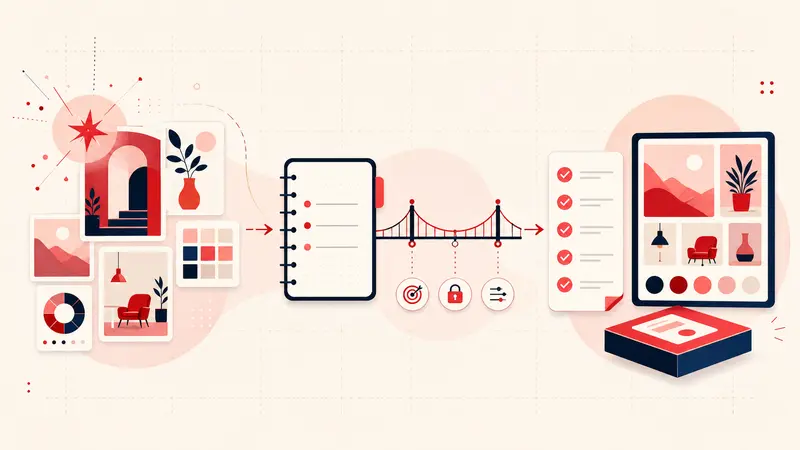
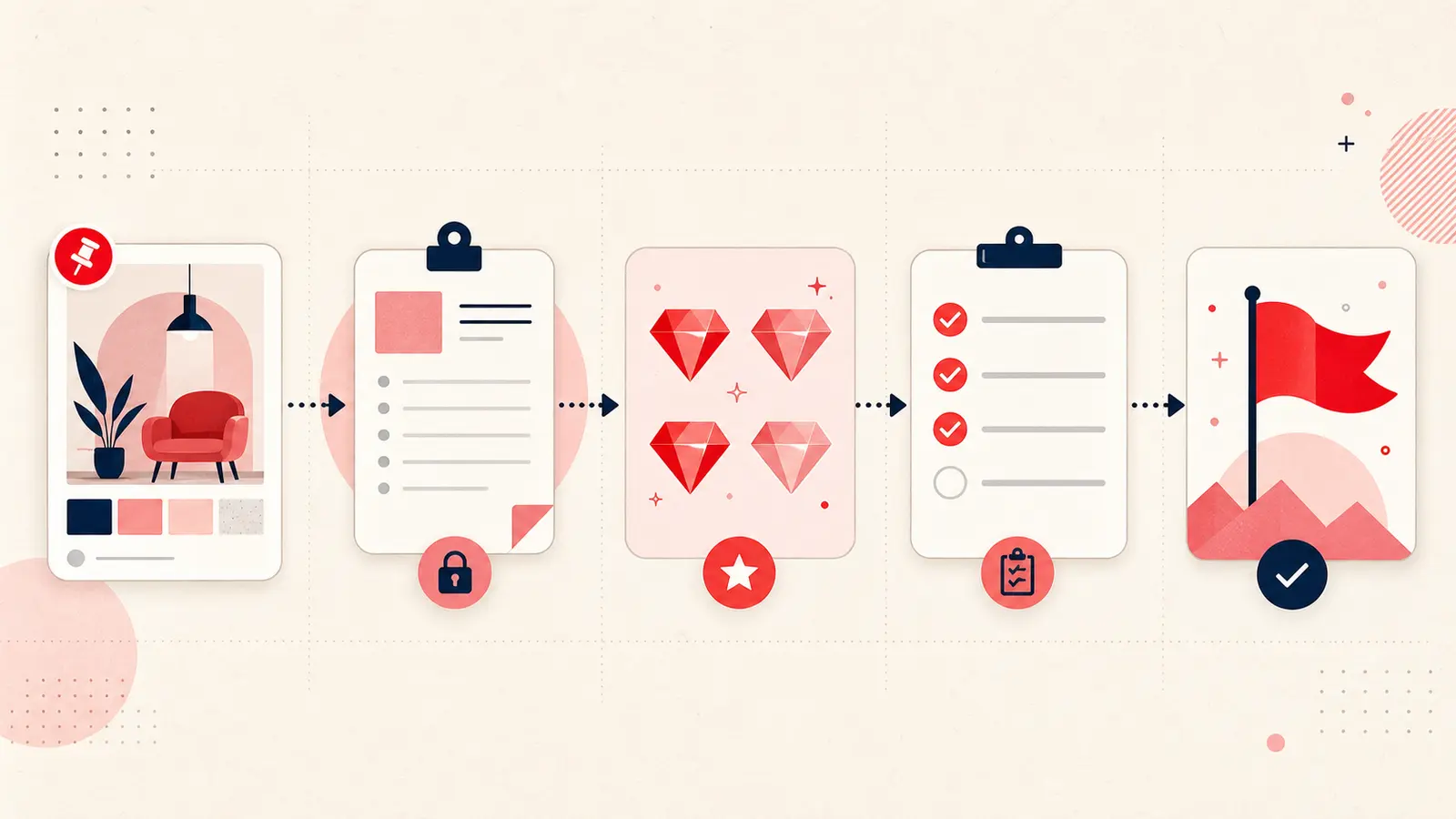
A pin is a spark. A note is the planning layer that turns that spark into decisions, actions, and outcomes. When you add a note to a saved idea, you create meaning, context, and commitment. You also create a record that your future self can understand. That is the difference between a board you browse and a board you use.
This article explains how to turn Pinterest pins into plans using structured notes, practical tagging, and review routines. The goal is not to save more. The goal is to finish more, with less friction, less rework, and fewer forgotten intentions.
The real problem with inspiration boards
Most people assume their boards will guide them later. Then later arrives, and the board feels like a gallery. You scroll, you remember why you liked something, and then you stop because you still do not know what to do next. An image rarely contains the operational details needed for action. Without structure, the board becomes a collection of wishes.
There are three common failure points:
- No context: You saved it, but you did not capture why you saved it or what problem it solved.
- No constraints: You did not record budget, size, time, skill level, or materials, so the idea is not grounded in reality.
- No next step: There is no clear action to take, so the idea stalls.
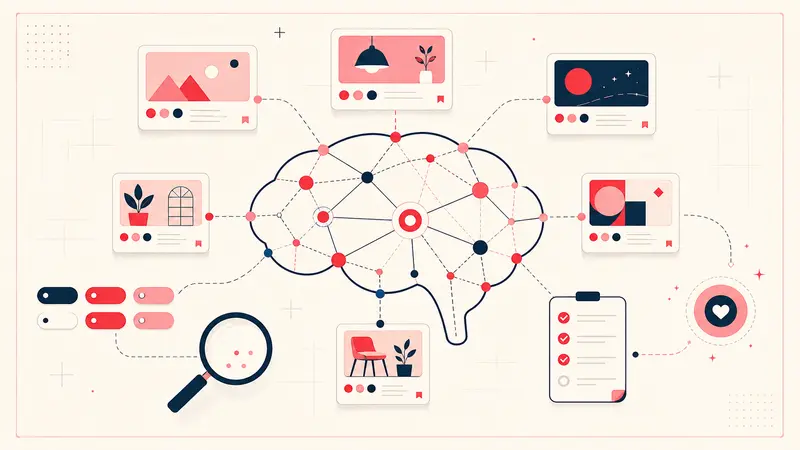
Notes solve these issues by forcing clarity. They turn passive inspiration into active planning. They also create a system that scales. As your boards grow, your notes become the index that makes ideas searchable and usable.
The planning layer: how notes turn pins into plans
Think of every pin as a draft. Your note is the edit that makes it executable. The note should answer practical questions. What exactly are you trying to do. What does success look like. What must happen first. What materials or resources are required. When will you do it. What could block progress.
Here is what that looks like in practice. Imagine you saved a pin of a backyard deck. The image is attractive, but it does not help you build. Your note adds execution detail:
- Objective: Build a small deck extension for seating
- Dimensions: Measure available space and confirm target size
- Materials: 40 boards 2x4, 10 posts 4x4, exterior screws, joist hangers, gravel, concrete mix
- Tools: Circular saw, drill, level, tape measure, safety gear
- Timeline: Weekend project in June, two work sessions
- First step: Make a quick sketch and create a purchase list
The pin stays the same. The note is what turns it into a plan. This approach works for any category because execution always requires the same underlying elements: scope, resources, time, and sequence.
Why notes make a measurable difference
Notes create leverage. They reduce cognitive load because you do not need to reconstruct your thinking each time you revisit a board. They reduce decision fatigue because you capture decisions once, then reuse them. They reduce error because you record constraints and requirements before you buy or build.
Notes also improve recall. Months later, an image might trigger a vague memory. A note tells you exactly what you intended to do, what options you considered, and what you decided. This is especially valuable for long projects, seasonal plans, and professional work where documentation matters.
For teams, notes provide coordination. Even if the pin is personal, you can capture who owns the next action, what approvals are needed, and where files live. When you share a board, a good note prevents ambiguity and aligns expectations.
What to write: the anatomy of an actionable note
Effective notes are concise, but they are not vague. The best notes are structured so your eye can scan them quickly. If you want a reliable pattern, use this framework for every pin you want to execute.
- Intent: Why you saved it and what outcome you want.
- Constraints: Budget, size, time, tools, skill level, brand preferences, location constraints.
- Plan: Key steps in order, written as short actions.
- Resources: Materials, ingredients, links, references, templates, suppliers.
- Timing: A date or timeframe, plus an estimated effort.
- Next step: One clear action that moves the idea forward.
If you want an even simpler approach, write only two lines: “Next step” and “Done when.” That alone turns most pins into executable tasks.
How to turn a pin into a task list without overthinking
Many people avoid notes because they believe planning must be detailed. It does not. Planning should be just enough to create momentum. Start small and add detail only when you are ready to act.
Use a three level method:
- Level one: Capture the purpose and a next step. This takes under one minute.
- Level two: Add constraints and resources. This takes two to five minutes.
- Level three: Add sequencing and risk notes for complex projects. This takes five to fifteen minutes.
This method prevents perfectionism. You keep moving while still building a system that supports real outcomes.
Tagging and organization: make your boards searchable and usable
Tags are the second half of the system. Notes create meaning. Tags create retrieval. When you tag consistently, you can filter pins by deadline, project phase, effort, cost, or category. This lets you generate action lists quickly without scanning hundreds of images.
Use tags that describe how you will use the idea, not just what it is. A pin can be “living room decor,” but execution tags are more powerful, like “buy this month” or “needs measurements.”
Here are practical tag families you can reuse:
- Timing tags: This week, this month, seasonal, someday
- Effort tags: quick, moderate, deep work
- Status tags: research, plan, buy, build, done
- Constraint tags: budget friendly, small space, renter safe
- Context tags: work, home, health, learning
Example for recipe planning. A recipe pin becomes far more useful when tagged and noted:
- Tags: dinner, quick, this week
- Note: Ingredients list, substitutions, cooking time, and the exact day you plan to cook it
Example for professional design inspiration:
- Tags: client name, typography, color palette, research
- Note: What element you want to reuse, where it fits in the project, and what to explore next
Use cases: examples of turning pins into plans
DIY projects
DIY pins are often the most misleading because they look simple. The note is where you capture reality. Add measurements, a materials list, and a safety check. If you do not know yet, your next step can be “measure the space” or “price materials.”
Good DIY note structure:
- Measure: key dimensions to confirm
- Buy: materials list and where to source
- Build: steps in rough order
- Risk: what could go wrong and how you will prevent it
Recipe planning
Recipes fail because they are saved without intent. Add a meal date and a shopping list, plus substitutions based on dietary needs. If you track macros or allergens, capture that in the note. If you cook for a family, note portion scaling.
Creative work and design
Creative boards become more valuable when you annotate them like a professional reference library. Instead of “nice logo,” write what specifically works: spacing, contrast, typography choice, composition, texture. Also write how it relates to your project. This trains your eye and makes the board a working asset rather than a mood gallery.
Research and study workflows
Research pins can store citations, links, and a short summary of why the source matters. Add a note that states the claim you want to support, the evidence in the source, and any questions you want to investigate. This makes future writing faster and reduces the risk of losing context.
Maintaining momentum: the review loop that makes the system work
Notes and tags create a system, but systems need a cadence. Without review, boards still become clutter. A lightweight review loop keeps your Pinterest workflow tied to real priorities.
Use a simple routine:
- Weekly: Filter by timing tags like this week and pick three pins to execute. Add or refine notes for those three.
- Monthly: Review active boards, archive ideas you no longer want, and update tags for new priorities.
- Seasonal: Plan projects that depend on weather, holidays, or budget cycles. Update timelines and resource notes.
The weekly step is the most important. Execution happens when you choose a small number of actions and commit. Notes make those actions clear, and tags make them easy to find.
Advanced tactics for higher follow through
If you want to push beyond basic planning, use these techniques for better outcomes.
Define a minimum viable version
Many pins represent an ideal. Your plan should start with the smallest version you can complete. For example, if a full room makeover is too large, your minimum might be “replace curtains and add one light.” Record that minimum in the note. This prevents stalling.
Capture decision criteria
When you are choosing between multiple pins, write what matters most. Cost. Durability. Ease of cleaning. Time to complete. Then tag finalists as shortlist. This turns browsing into selection, and selection into action.
Add a blocking list
If you repeatedly fail to execute, you likely have a blocker. Lack of tools. Lack of time. Unclear steps. Add a short “blockers” line in your note and define the unblock action. For example, “blocker: no drill, unblock: borrow from friend or rent.”
Benefits you can expect when you use notes intentionally
- Clarity: You know what to do next without guessing.
- Actionability: Your saved ideas become real tasks with steps and timing.
- Organization: Notes and tags create a searchable library you can reuse.
- Productivity: Less time browsing, more time executing.
- Better memory: Context stays attached to the idea instead of living only in your head.
- Higher quality outcomes: Planning reduces errors, rework, and abandoned projects.
Conclusion: from inspiration to execution
Pinterest is excellent at helping you discover what you like. It is not designed to guarantee that you finish what you save. The bridge between discovery and execution is a structured note. Notes add context, constraints, resources, and a next step. Tags make the system searchable and make weekly planning fast.
Start with one board and apply the planning layer to your most important pins. Add a clear next step, a timeframe, and the resources you need. Tag the pin so you can retrieve it when you plan your week. Then review weekly and commit to a small number of actions. When you do this consistently, your boards stop being a gallery and become a practical system that turns inspiration into results.
Get the Notestopin Chrome extension
Add private notes to any Pin, tag them, and search your saves later.
Add to Chrome