This is a modeled workflow teardown, not a customer case study. It shows how a designer or event planner can test whether Pin-level annotations reduce duplicated research in their own process. No named customer, measured time-saving result, or universal productivity claim is implied.
The workflow being tested
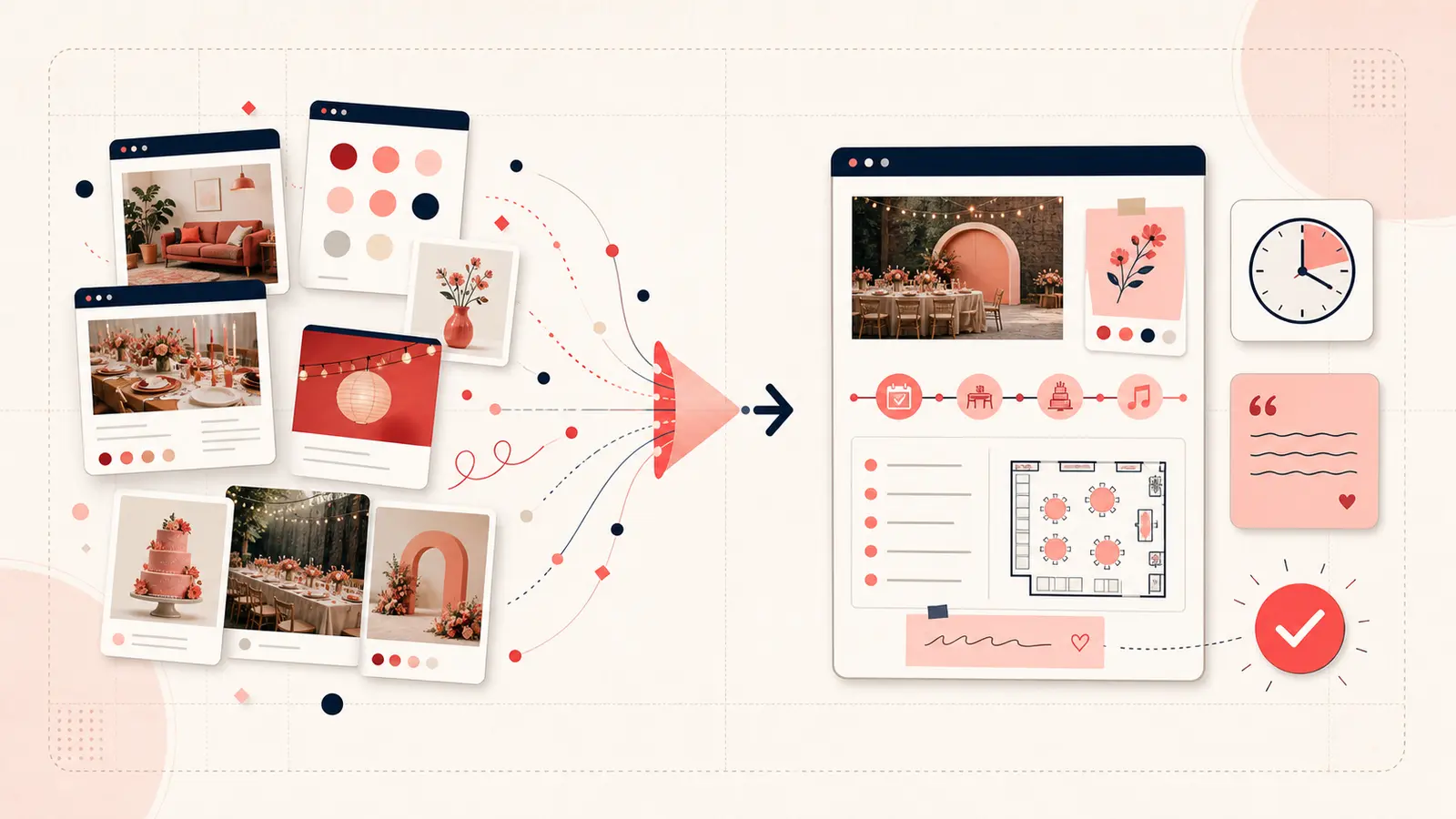
The common starting point uses Pinterest for visual discovery, vendor tabs for source research, and a spreadsheet for quotes and status. That system is valid—especially for contracts, totals, and collaboration—but it creates a handoff every time a visual candidate moves into the tracker.
The test is whether a lightweight note on the Pin can handle early-stage context before a candidate deserves a formal row.
What stays in Pinterest and what stays elsewhere
- Pin note: why the reference matters, constraints, source, rough quote, status, and next check.
- Spreadsheet or project system: approved budget totals, contractual dates, payment status, owners, and shared deliverables.
- Email or vendor portal: the authoritative conversation and attachments.
The note is an index back to evidence. It should not become a shadow contract.
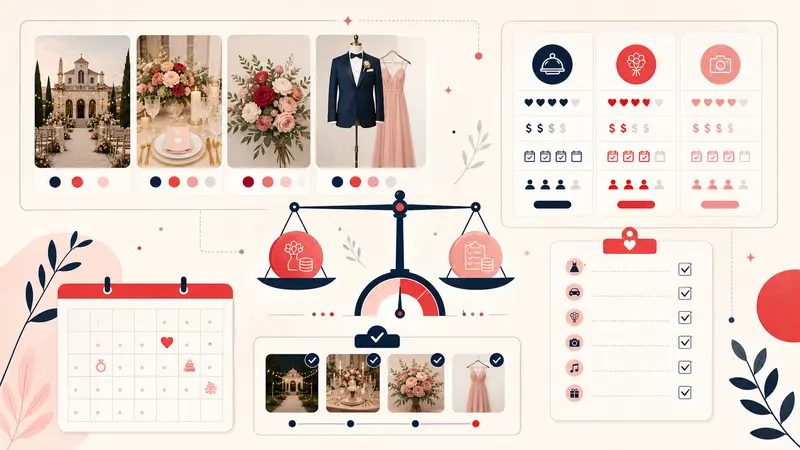
A modeled event-planning example
Suppose a planner saves a ceremony-arch reference. A useful annotation would be:
Use: shape and asymmetry only
Venue constraint: freestanding; no wall fixings
Budget signal: request partial-floral and rental-base quotes
Source: original florist portfolio linked from Pin
Status: verify
Next: confirm load-in width and venue flame/material rules
This note does not claim the pictured installation is available or suitable. It records exactly what must be checked.
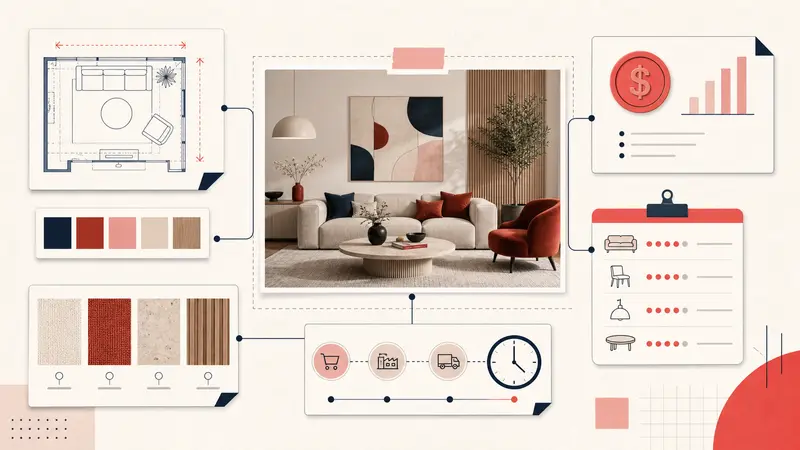
A modeled interior-design example
Use: sofa proportion and arm profile
Room constraint: overall width ≤ 84 in; delivery path includes 32 in doorway
Material: performance fabric required
Status: shortlist if dimensions verify
Next: obtain manufacturer tear sheet and fabric sample
The visual remains fast to scan, while the decision criteria remain attached to it.
The before-and-after process
Before
- Save the Pin.
- Open the source.
- Copy the URL into a tracker.
- Write an unlabeled comment.
- Reopen both systems later to remember the relationship.
After
- Save the Pin.
- Add a short note only when it becomes a candidate.
- Tag it by project and status.
- Move approved candidates into the formal tracker.
- Keep the Pin URL in that final record for visual reference.
The second workflow is not automatically better. It is better only if it reduces repeated handoffs without creating conflicting records.
How to measure the workflow honestly
Test one live project for a week. Record:
- how many candidates entered the formal tracker;
- how many source pages had to be found twice;
- how many spreadsheet rows lacked enough context to identify the image;
- how often the Pin note answered a question without reopening another tool;
- how many notes became stale or duplicated authoritative data.
Compare those counts with the previous project. This produces evidence for your workflow instead of relying on a marketing estimate.
Where Pin-level notes help most
- high-volume discovery before a shortlist exists;
- visual options that share similar names;
- rejection reasons likely to be forgotten;
- client conversations where the image and rationale must be seen together;
- projects where a small constraint eliminates many candidates.
Where they should not replace professional systems
Use the appropriate system for signed approvals, personal data, contracts, final budgets, schedules, and collaborative task ownership. Pin annotations are a private capture and retrieval layer, not a full client portal or project-management database.
The useful conclusion
The strongest version of this workflow is selective: capture decision context beside promising visuals, then promote approved choices into the system of record. Test it with your own counts. Keep it only if it removes rework without weakening documentation.
Keep building your Pinterest system
Continue with the guide that matches your next step:

Get the Notestopin Chrome extension
Add private notes to any Pin, tag them, and search your saves later.
Add to Chrome