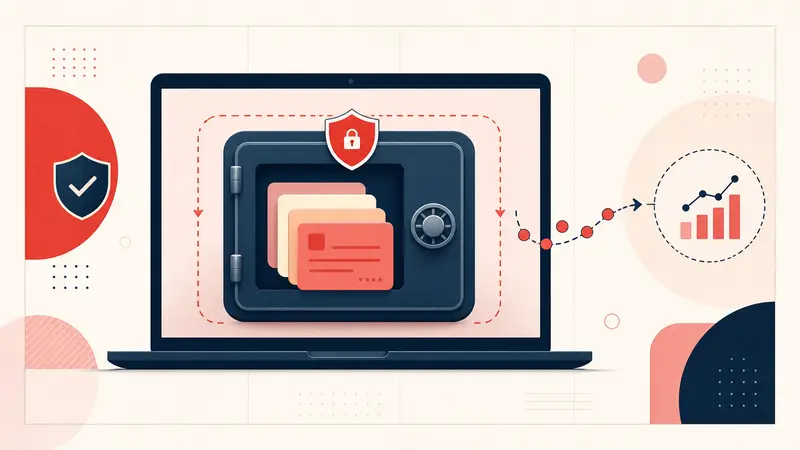
Local-first means the primary working copy of your note content lives on your device. In Notestopin's Local workspace, notes, tags, links, and Pin metadata are stored in chrome.storage.local inside the Chrome profile. Cloud Sync is a separate, optional account workspace: a note reaches it only when you save with Sync enabled, explicitly merge a local note, or import it into Cloud notes.
The Local architecture offers meaningful privacy, speed, and ownership benefits, but it also creates backup and device limitations. This guide explains that workspace specifically and distinguishes it from optional Cloud Sync.
What local-first means in a Chrome extension
When you save a note in the Local workspace, the extension writes it to Chrome’s local extension storage. Opening that workspace and searching its library reads the local data. The note text does not need to make a round trip to an application server before it appears.
Local storage is not the same as a normal document in your Downloads folder. It belongs to the browser profile and extension. Clearing browser data, deleting the profile, losing the device, or removing an extension can affect that storage. Export is therefore part of the design, not an optional afterthought.
Benefit one: less server-side exposure
For a note kept in the Local workspace, Notestopin does not maintain a central copy of its content. The note is therefore not sitting in the account database waiting to be queried, breached, or included in a server backup. This reduces one important category of exposure. Notes saved, merged, or imported into Cloud Sync do have an account copy.
Notestopin also sends a limited set of product events to its analytics endpoint, including install, update, note-created, import, review-button, and aggregate note-count events. A random installation identifier distinguishes installations, and events may be associated with a Notestopin account while signed in. According to the privacy policy, event properties exclude note text, tag names, search terms, Pin metadata, the Pinterest account, and the account email. That is more precise than claiming the extension communicates with no servers at all.
Benefit two: responsive search and offline access
Local reads avoid application-server latency. Searches in the Local workspace can run against the library already stored in the browser, and its saved note content remains available when the network is unavailable. Actual speed still depends on the device, browser, and library size; “instant” should be treated as a design goal, not a universal benchmark.
Benefit three: a clearer exit path
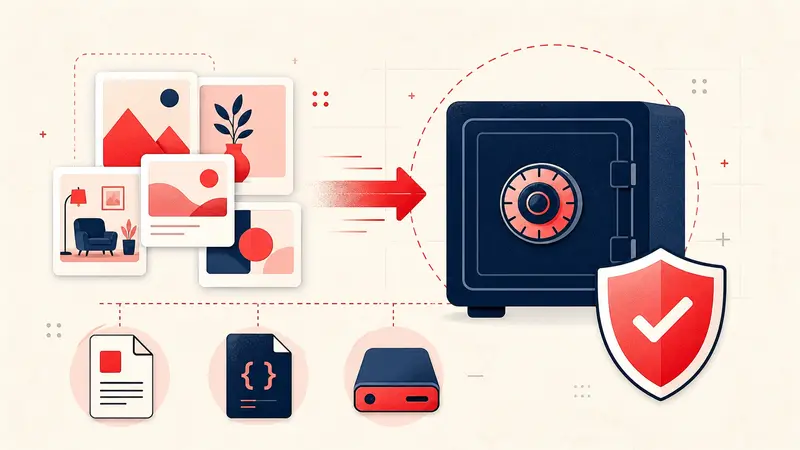
A local-first tool should make portability obvious. Notestopin can export selected Local or Cloud workspaces as:
- Markdown for a readable, portable copy of notes and front matter.
- JSON for structured backup, re-import, or transformation.
Export does not happen automatically. The user still needs a schedule and a safe destination.
What local-first does not protect against
- Someone with access to your unlocked browser profile.
- A compromised device or malicious software with sufficient access.
- Another extension abusing permissions.
- Accidental deletion, profile corruption, or a lost device without a backup.
- Exposure after you export files to an insecure location.
Local-first changes where risk lives; it does not eliminate risk.
A practical backup routine
- Export JSON after major edits or at least monthly during active projects.
- Keep one copy outside the browser profile.
- Store a second copy on another device or trusted encrypted storage.
- Occasionally open the export and confirm that recent notes are present.
- Use clear filenames with dates so you know which copy is current.
When local-first is the right choice
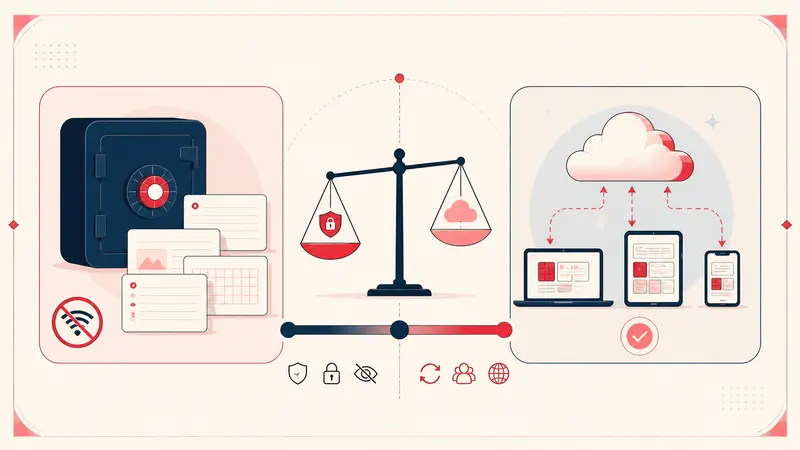
Choose the Local workspace when private personal context, offline use, and data portability matter more than automatic multi-device access. Choose Cloud Sync when access across supported devices is essential, and evaluate its encryption, account security, retention, export options, and the sensitivity of what you plan to store. Notestopin Cloud notes are encrypted in transit but are not end-to-end encrypted with a key only you control.
The honest choice is not “local good, cloud bad.” It is a tradeoff between account convenience and local control. For private notes attached to a personal Pinterest workflow, Local is a strong default when paired with regular exports; Sync is an explicit option when the benefits of an account copy outweigh that different exposure.
Keep building your Pinterest system
Continue with the guide that matches your next step:

Get the Notestopin Chrome extension
Add private notes to any Pin, tag them, and search your saves later.
Add to Chrome