Pinterest continues to be one of the most powerful visual discovery platforms in the world. From home decor and fashion inspiration to recipes, branding ideas, and digital product research, millions of users rely on Pinterest every day to organize ideas and plan projects. But if you are serious about productivity, content creation, marketing, or design, using Pinterest alone is not enough. The right Chrome extensions can completely transform your workflow, helping you save faster, organize better, research smarter, and even add private notes to your Pins.
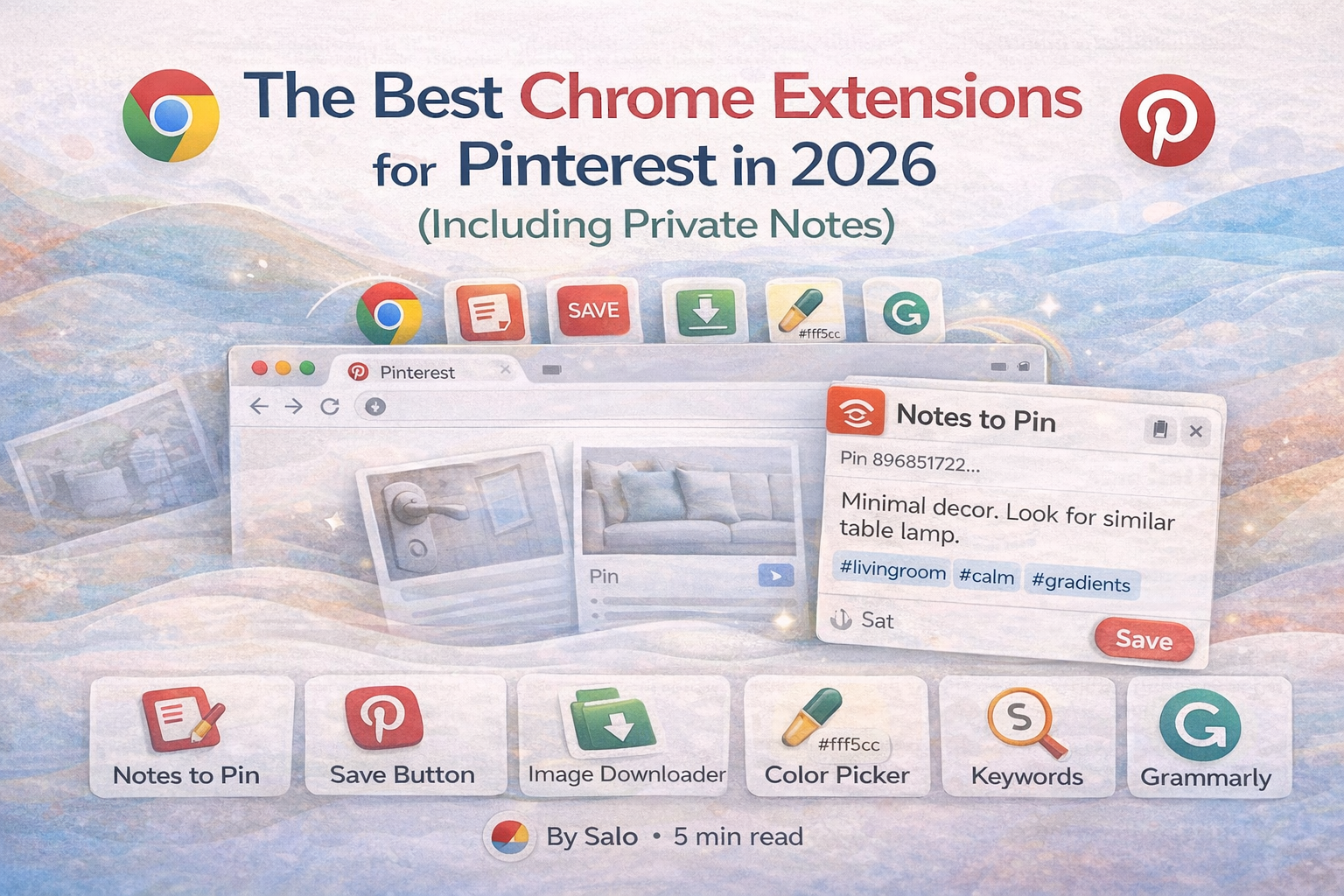
In this in depth guide, you will discover the best Chrome extensions for Pinterest in 2026. These tools are carefully selected based on usability, features, productivity impact, and relevance for creators, marketers, bloggers, designers, and everyday users. Whether you want to manage Pinterest boards more efficiently, download images, extract color codes, or add searchable private notes to your saved Pins, this list will help you build the ultimate Pinterest toolkit.
Why Use Chrome Extensions for Pinterest
Chrome extensions add extra functionality directly to your browser. Instead of switching between multiple tools, spreadsheets, and note taking apps, extensions integrate into your workflow while you browse Pinterest or other websites. This saves time, reduces friction, and increases productivity.
For Pinterest users, the main challenges are organization, research, content planning, and memory. Pinterest allows saving Pins to boards, but it does not allow private notes per Pin in a structured and searchable way. It also does not offer advanced tagging systems or powerful filtering across boards. This is where Chrome extensions step in.
Below are the best Chrome extensions for Pinterest in 2026 that can significantly improve how you use the platform.
1. Notestopin ( Chrome Web Store · Website )
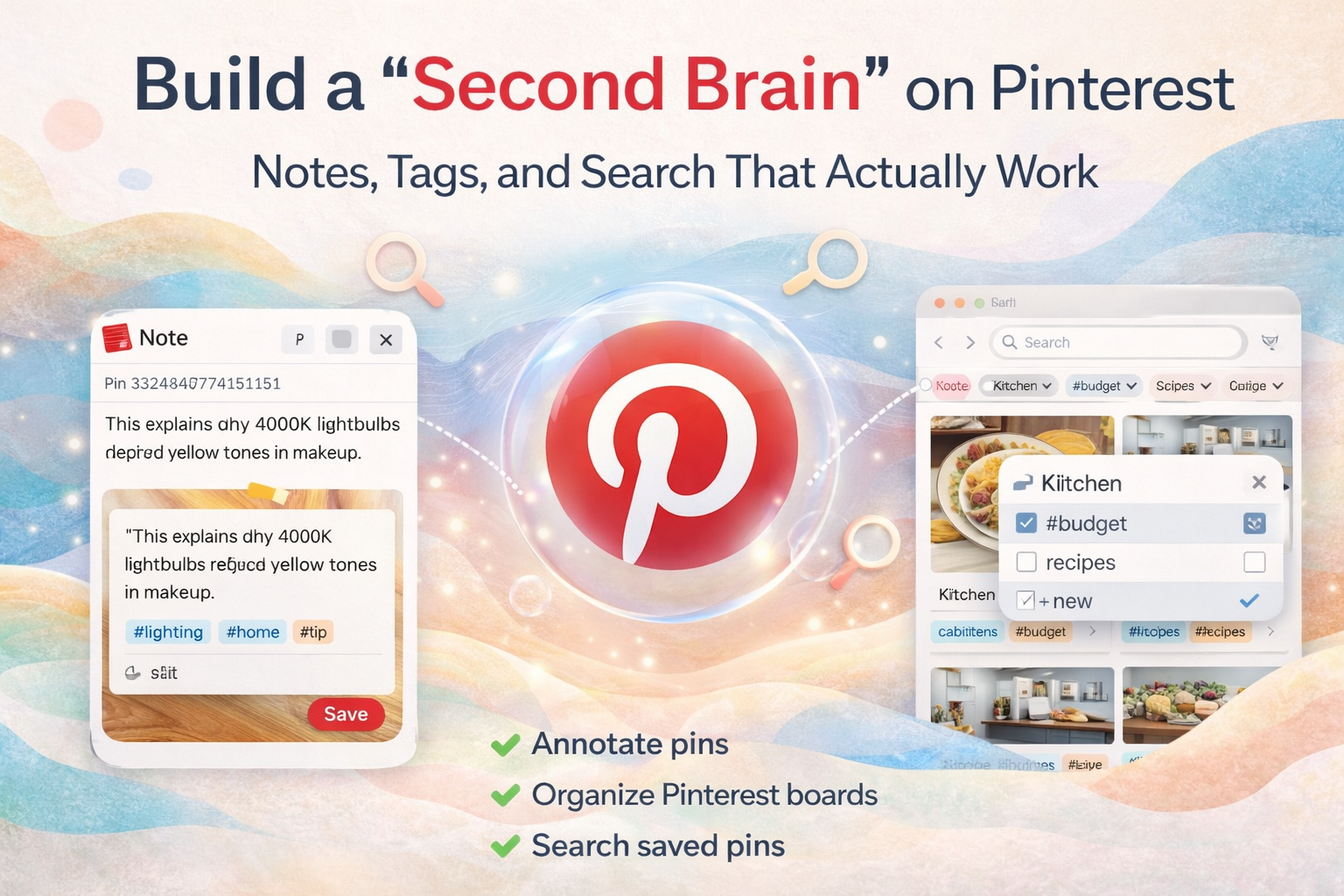
Notestopin is one of the most powerful Chrome extensions for Pinterest users who want more control over their saved content. While Pinterest is excellent for visual bookmarking, it lacks built in private note taking and advanced tagging capabilities. Notestopin fills that gap by allowing you to add private notes to any Pin, organize Pins with custom tags, and search your saved ideas efficiently.
If you use Pinterest for business research, content creation, wedding planning, home renovation ideas, academic projects, or product inspiration, you know how quickly boards become overwhelming. After saving hundreds of Pins, it becomes difficult to remember why you saved something or how it fits into your project. Notestopin allows you to write a private note attached directly to each Pin. This means you can record thoughts, strategy ideas, pricing details, color combinations, or reminders without cluttering the public description.
Another major benefit of Notestopin is its tagging system. Instead of relying only on boards, you can create custom tags such as client project, spring collection, brand research, or content calendar. This gives you a cross board organization system. For example, you can tag Pins from multiple boards with a single project name and then search for that tag instantly.
Search functionality is where Notestopin truly stands out. Pinterest search focuses on public keywords and board titles, but Notestopin allows you to search inside your private notes and tags. This is especially useful for marketers, bloggers, and ecommerce sellers who save product ideas, competitor analysis, and keyword research.
Key benefits of Notestopin include private notes per Pin, custom tagging system, searchable database of saved Pins, improved project organization, and enhanced productivity for serious Pinterest users. If you rely on Pinterest daily, this extension is a must have.
2. Pinterest Save Button ( Chrome Web Store · Website )
The official Pinterest Save Button Chrome extension is still one of the most essential tools for anyone who uses Pinterest regularly. This extension allows you to save images and ideas from any website directly to your Pinterest boards with just one click.
When browsing blogs, ecommerce stores, online magazines, or design portfolios, you can hover over images and instantly save them to your chosen board. This eliminates the need to manually download images or copy and paste links into Pinterest. It is especially useful for content creators, affiliate marketers, and online shoppers who want to curate inspiration from across the web.
For businesses, the Pinterest Save Button supports faster content curation and competitive research. You can quickly build mood boards, product research boards, or campaign inspiration boards without interrupting your browsing flow.
While this extension is simple, it forms the foundation of an efficient Pinterest workflow. When combined with advanced tools like Notestopin for notes and tagging, it becomes even more powerful.
3. Image Downloader ( Chrome Web Store · Website )
An Image Downloader Chrome extension is another valuable tool for Pinterest users who need local backups or offline access to visuals. Sometimes you may want to download multiple images from a board for reference, design mockups, presentations, or client work.
A good image downloader allows you to scan a page and select multiple images for download at once. This saves significant time compared to saving each image individually. For designers and content creators, this can be helpful when building lookbooks, brand boards, or social media templates.
It is important to use downloaded images responsibly and respect copyright rules. Many Pins link back to original creators, so always verify usage rights before republishing or using images commercially.
When used ethically, an Image Downloader extension can support research, archiving, and creative workflow management.
4. ColorZilla ( Chrome Web Store · Website )
ColorZilla is a popular Chrome extension among designers, branding specialists, and digital marketers. When browsing Pinterest, you often discover stunning color palettes in graphics, logos, home decor images, or fashion photography. ColorZilla allows you to pick any color directly from an image and extract its exact hex code.
This is extremely helpful when building brand identities, creating social media graphics, designing websites, or matching color schemes for marketing campaigns. Instead of guessing a color or using a rough approximation, you can copy the precise value and use it in your design software.
Pinterest is full of aesthetic inspiration. With ColorZilla, you can turn visual inspiration into actionable design data instantly.
5. Keywords Everywhere ( Chrome Web Store · Website )
For bloggers, SEO specialists, and digital marketers who use Pinterest as a traffic source, keyword research is essential. Keywords Everywhere is a Chrome extension that provides search volume data, related keyword suggestions, and cost per click metrics directly in your browser.
When researching Pinterest trends, blog topics, or product ideas, you can use keyword data to validate demand. While Pinterest has its own search suggestions, combining that with external keyword data helps you make more informed content decisions.
This is particularly valuable if you drive traffic from Pinterest to a blog, ecommerce store, or affiliate site. Choosing the right keywords can significantly increase visibility and engagement.
6. Grammarly ( Chrome Web Store · Website )
Although Grammarly is not specific to Pinterest, it is incredibly useful for anyone writing Pin descriptions, blog posts, product listings, or marketing copy. Clear and error free writing improves credibility and engagement.
When creating keyword rich Pinterest descriptions, it is easy to make small mistakes. Grammarly helps refine grammar, clarity, and tone, ensuring your content is professional and persuasive.
How to Build the Ultimate Pinterest Workflow
The real power of Chrome extensions appears when they are combined strategically. Here is an example of an optimized Pinterest workflow in 2026.
First, use the Pinterest Save Button to quickly capture inspiration from across the web. Then, organize those Pins using boards based on broad themes. Next, use Notestopin to add private notes explaining why you saved each Pin, how it fits into your strategy, and what action you plan to take. Tag Pins with project names or campaign categories for easy retrieval later.
If you need color inspiration, use ColorZilla to extract hex codes from visually appealing Pins. If you are researching content ideas or product niches, validate demand using keyword tools. If you need offline access or reference files, use an Image Downloader responsibly.
This layered approach turns Pinterest from a simple inspiration board into a structured research and planning system.
Who Benefits Most from These Extensions
Content creators benefit from better organization and faster research. Bloggers can plan content calendars and track keyword opportunities. Ecommerce sellers can save product ideas and competitor research with detailed private notes. Designers can extract color palettes and collect visual references. Students and researchers can document ideas and sources systematically. Wedding planners and home renovators can attach budget notes and vendor information to specific Pins.
In short, anyone who uses Pinterest seriously will benefit from adding these Chrome extensions to their workflow.
Final Thoughts on the Best Chrome Extensions for Pinterest in 2026
Pinterest remains one of the most powerful platforms for visual discovery, planning, and marketing. However, its native features are only the starting point. By integrating the right Chrome extensions, you can unlock a higher level of organization, efficiency, and strategy.
Notestopin stands out as the most transformative tool because it adds private notes, advanced tagging, and searchable organization directly to your Pins. Combined with the Pinterest Save Button, Image Downloader, ColorZilla, keyword research tools, and writing assistants, you can create a professional grade Pinterest system.
If you want to save time, stay organized, and turn inspiration into action, start by upgrading your browser. The right Chrome extensions can turn Pinterest into a powerful productivity engine in 2026 and beyond.

Get the Notestopin Chrome extension
Add private notes to any Pin, tag them, and search your saves later.
Add to Chrome