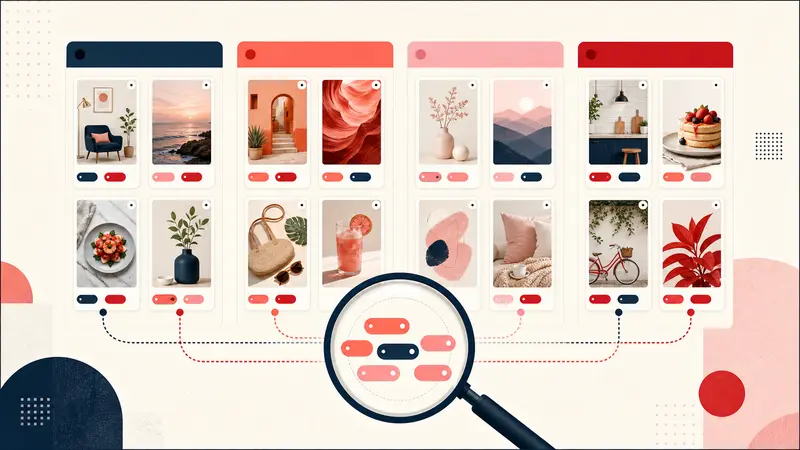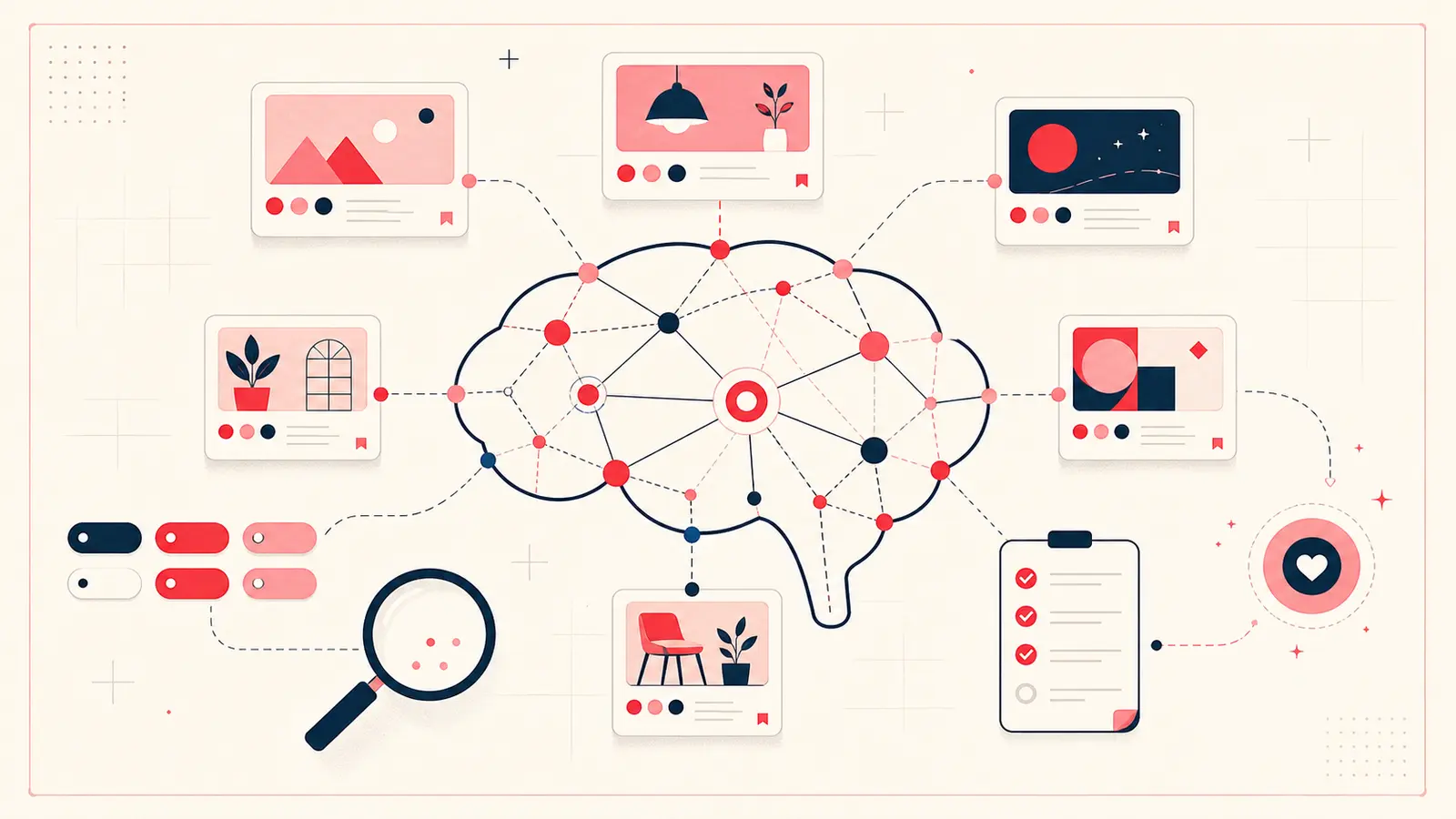
A Pinterest second brain is not a large collection of boards. It is a retrieval system for visual ideas: capture why something matters, organize it without over-filing, distill the useful detail, and turn it into a decision or output.
Pinterest already handles discovery and visual recognition well. The missing layer is your private context.
What a Pinterest second brain should do
A useful system should answer four questions quickly:
- Why did I save this?
- Which project, person, place, or decision does it support?
- What other Pins are connected to it?
- What should happen next?
If the system only helps you save more, it is an archive, not a second brain.
Step 1: capture the reason, not the whole source
Add one sentence when a Pin is likely to influence a real decision. Start with “I saved this because…” and make the reason concrete:
- “The shallow cabinet depth could solve the doorway problem.”
- “The recipe uses the same three vegetables as Tuesday’s meal.”
- “The jacket proportion works because the layer ends above the widest trouser point.”
Do not summarize every visible detail. Capture the information the image cannot remember for you.
Step 2: organize with a small tag vocabulary
Use boards for broad visual territories and tags for cross-board retrieval. Three tag types cover most workflows:
- Project:
#guest-room,#italy-trip,#spring-content - Status:
#idea,#compare,#chosen,#done - Constraint:
#under-100,#small-space,#weeknight
Avoid synonyms that split one concept: choose either #shortlist or #maybe, not both.
Step 3: distill the decision
After research, update the note with the conclusion. A distilled note is short enough to scan and strong enough to prevent re-research:
Decision: choose the oak version.
Why: warmer beside the existing floor and available before install.
Rejected: walnut is better alone but makes the room too dark.
Next: confirm sample in afternoon light.
Step 4: connect evidence
Projects rarely fit inside one Pin. Link the hero idea to the specification, alternative, source, and constraint that make it viable. Backlinks then reveal every note that refers to the same evidence.
For a trip, connect the hotel to neighborhood references and nearby stops. For a room, connect the layout to dimensions, materials, and vendor options.
Step 5: express the result
The system earns its keep when saved ideas become output:
- a room brief with approved references;
- a meal plan and prep checklist;
- a travel itinerary grouped by neighborhood;
- a client moodboard with rationale;
- a content outline built from annotated examples.
Use checklists for actions and keep the source Pin attached so execution never loses the visual reference.
Search using the language in your head
Write notes with future queries in mind. You are more likely to remember “quiet courtyard,” “kid-approved,” or “fits low ceiling” than a publisher’s original Pin title. Specific personal language is what makes the library retrievable.
A ten-minute weekly review
- Finish one checklist item.
- Link one isolated Pin to its project.
- Add one useful tag to an untagged note.
- Record one final decision.
- Archive one idea that no longer matters.
Back up the second brain
A second brain should have an exit path. Export readable Markdown for long-term access and JSON for structured backup or re-import. Test the files occasionally; a backup you have never opened is only a hope.
Start with one active project
Do not annotate thousands of old Pins. Choose the project you are already working on and add context only when a save enters the decision process. A small system you use beats a perfect taxonomy you abandon.
Keep building your Pinterest system
Continue with the guide that matches your next step:

Get the Notestopin Chrome extension
Add private notes to any Pin, tag them, and search your saves later.
Add to Chrome