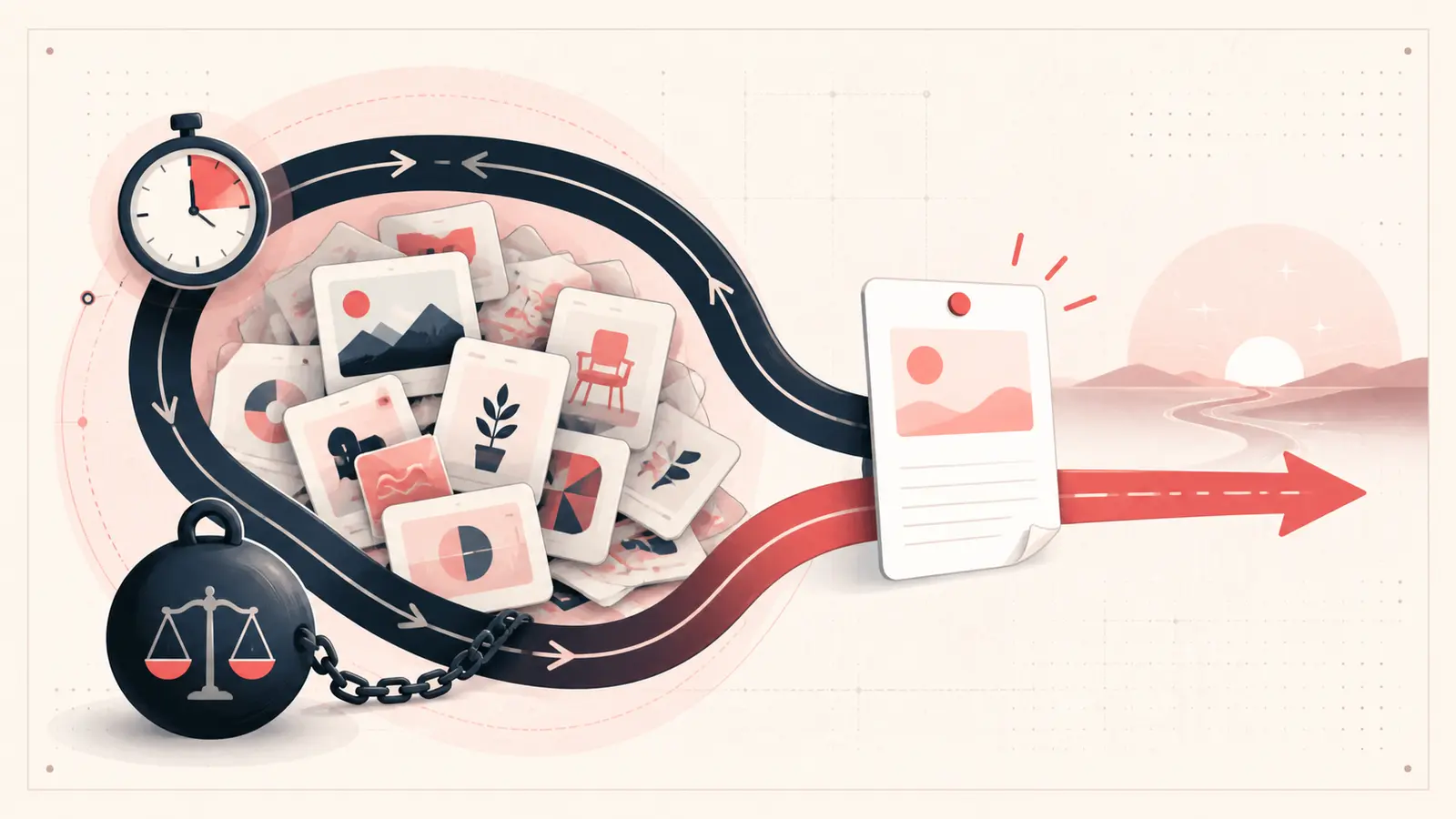
Saving a Pin without a note is not automatically a problem. Most inspiration does not deserve documentation. The cost appears when a Pin becomes part of a purchase, project, recipe, trip, or client decision and you have to reconstruct why it mattered.
The useful question is not “Should I annotate everything?” It is “Which saves will be expensive to re-evaluate?”
Where the time actually goes
Rework usually shows up as one of four actions:
- reopening a source page to recover a price, dimension, or ingredient;
- comparing the same candidates again because rejection reasons were lost;
- searching several boards for an image you remember but cannot name;
- repeating a decision with another person because the earlier conclusion was never recorded.
These are observable workflow costs. There is no need to invent a universal “hours saved” statistic.
Measure your own rework instead of trusting a claim
For one active project, keep a simple seven-day log:
Pin revisited:
What I had to rediscover:
Minutes spent:
One sentence that would have prevented it:
Add the minutes at the end of the week. Your own total is a better business case than an unsupported productivity estimate.
Use an annotation threshold
Add a note only when at least one condition is true:
- the Pin is on a shortlist;
- the source contains a changing fact such as price or availability;
- the decision has a hard constraint;
- you rejected the option for a reason you may forget;
- another person will need to understand the choice;
- the next step is not obvious from the image.
Everything else can remain lightweight inspiration.
The smallest useful note
A useful note can be one line:
- “Layout only; finish is too cool.”
- “Shortlist, fits 84 in wall; verify return freight.”
- “Made once; reduce salt and start rice first.”
- “Skip, closed on the only day we are nearby.”
Each example preserves a decision signal the image cannot show.
A transparent cost calculation
If you want an estimate, use your own numbers:
Monthly rework = Pins re-evaluated × average minutes per re-evaluation
For example, revisiting 12 candidates at three minutes each is 36 minutes. That is an illustration, not a benchmark. The number may be near zero for casual boards and much higher for procurement or research.
When notes are not worth the effort
Do not annotate a Pin merely to make a board look organized. Skip the note if the save is disposable, the source is self-explanatory, or you are unlikely to act on it. Documentation has a cost too.
The practical rule
Save broadly during discovery. Annotate when an idea crosses into comparison or action. That keeps Pinterest enjoyable while protecting the thinking that would be annoying or costly to rebuild.
Keep building your Pinterest system
Continue with the guide that matches your next step:

Get the Notestopin Chrome extension
Add private notes to any Pin, tag them, and search your saves later.
Add to Chrome