Pinterest is one of the fastest ways to collect recipes. You see a photo, you save it, and you move on. The problem shows up later in the kitchen. You open the pin and land on a long story, a wall of ads, and a recipe that is missing the practical details you actually need, like exact timing, pan size, substitutions, or whether your family will even eat it.
Most people treat Pinterest recipe boards like a visual cookbook. Power users treat them like an evolving system. The difference is private notes. When you annotate a recipe pin with substitutions, timing, and ratings, you convert a one time inspiration save into a repeatable workflow. You stop cooking from strangers’ assumptions and start cooking from your own tested version.
This article lays out a simple recipe workflow that works for weeknight dinners, meal prep, baking, and entertaining. It is built around two ideas: the Recipe Card Note and the Iteration Log. Together they make your Pinterest recipe board faster to use, easier to search, and more reliable over time.
Why Pinterest recipes break down in real life
A recipe pin usually captures a photo and a link, not operational cooking information. The blog post may be long, the recipe may be optimized for engagement, and the steps may assume tools or ingredients you do not have. Even when the recipe is good, it often lacks the small details that make the difference between success and frustration.
Common pain points include:
- Missing timing detail: cook times vary by oven, pan, thickness, and batch size.
- Ingredient mismatch: you have different brands, dietary constraints, or substitutions.
- No rating history: you cannot remember if it was worth repeating.
- Too much scrolling: you waste time finding the ingredient list and key steps.
Private notes solve these problems by capturing your personal version of the recipe, including what to do, what to avoid, and what to change next time.
The Recipe Card Note: extract the key info once
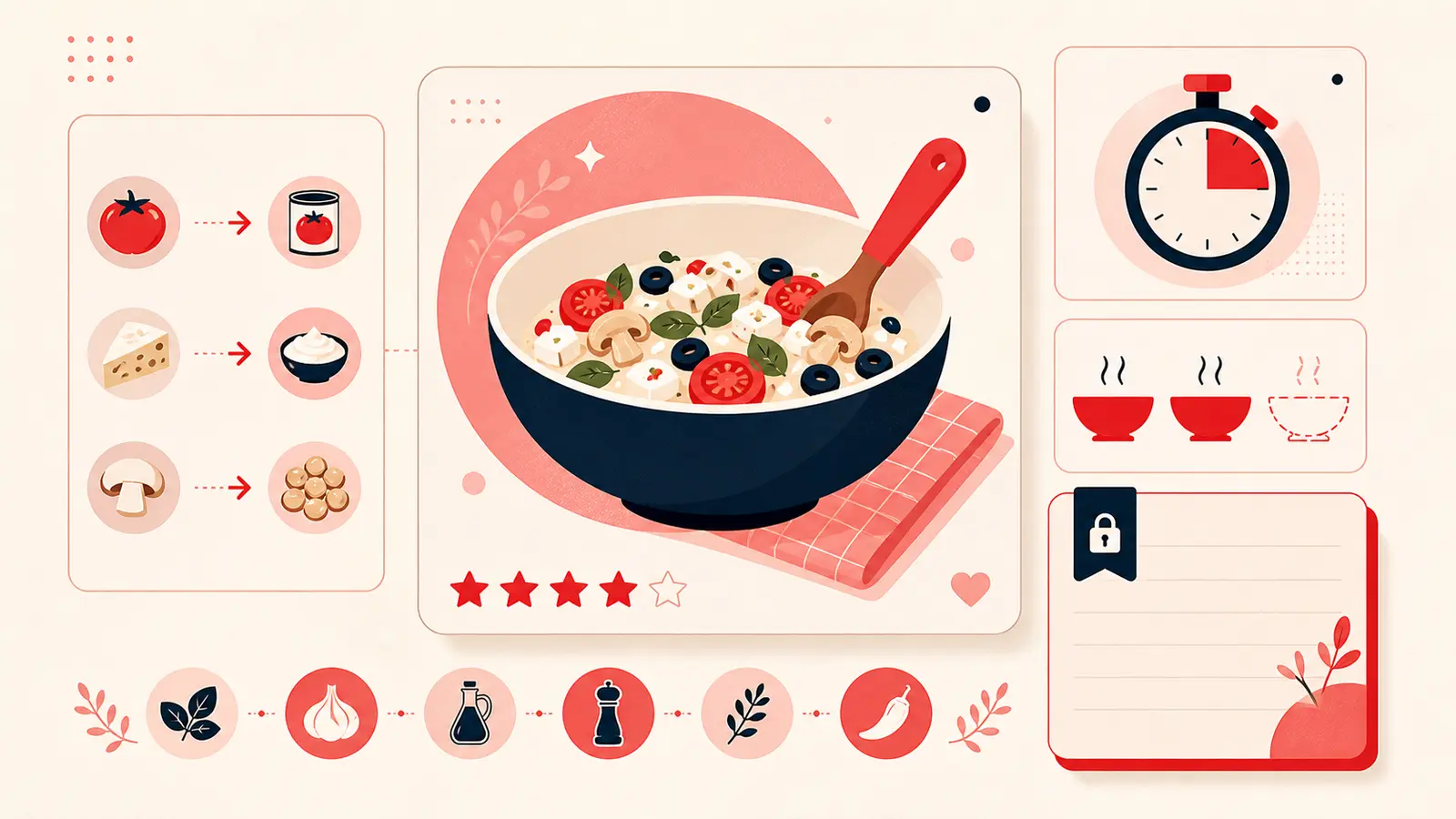
The first time you save a recipe pin that you genuinely want to cook, add a short note that functions like a recipe card. The goal is not to rewrite the whole recipe. The goal is to extract the information you need when you are actually cooking.
A strong Recipe Card Note includes:
- Temperature: oven or stovetop setting
- Total time: prep time and cook time
- Key steps: the few steps you must not miss
- Pan or equipment: sheet pan, cast iron, Dutch oven, blender
- Serving size: how many portions and whether it scales
- Make ahead: whether it stores well, freezes, or reheats well
Here is an example of a note format that stays readable:
Temp: 350F | Time: 10 prep, 20 bake | Pan: 9x13 | Key steps: rest 5 min, do not overmix | Serve: 6 | Make ahead: good next day, reheat 8 min
This removes the need to scroll through the original page every time. You still keep the link for full detail, but your working summary is right next to the pin.
The Iteration Log: capture what you changed and why
Cooking is iteration. The first time you make a recipe, it may be decent. The second time, you adjust salt, spice, texture, or sweetness. By the third time, you often have a better version than the original, tailored to your taste and your kitchen.
The Iteration Log is a short running history of changes you made. It should record what you changed, what happened, and whether you would repeat that change.
Examples of useful iteration notes:
- “Added more cumin and smoked paprika, better depth.”
- “Used Greek yogurt instead of sour cream, texture stayed creamy.”
- “Reduced sugar by 25 percent, still sweet enough.”
- “Baked 5 minutes longer, center needed it.”
- “Too salty with brand X broth, use low sodium next time.”
Over time, your pin becomes a personal recipe file. You are no longer starting from scratch. You are starting from your refined version.
Substitutions that deserve to be written down
Substitutions are where private notes pay off the most, especially if you cook around dietary preferences, allergies, or availability. The key is to write substitutions that affect chemistry, texture, and timing, not just easy swaps.
High impact substitution categories:
- Dairy: yogurt, sour cream, milk alternatives, cheese swaps
- Flour: gluten free blends, bread flour vs all purpose, almond flour
- Sweeteners: honey, maple, sugar substitutes, reduced sugar adjustments
- Proteins: chicken thigh vs breast, tofu preparation, fish thickness differences
- Acids and leaveners: vinegar, lemon, baking soda, baking powder interactions
When you record a substitution, also record the outcome. Did it stay moist. Did it brown differently. Did it need longer cooking. That is what makes the note useful later.
Timing notes: the difference between stress and flow
Recipes often give timing that is technically correct but unhelpful in real kitchens. Private timing notes should reflect your equipment, your pace, and the real sequence of tasks.
Add timing notes like:
- “Start rice first, then prep vegetables.”
- “Marinate minimum 30 minutes, best overnight.”
- “Preheat oven early, takes 12 minutes.”
- “Sauce thickens after resting, do not over reduce.”
- “Double batch adds 8 minutes bake time.”
These are the notes you will actually read while cooking, because they reduce uncertainty.
Ratings and repeatability: make your board self correcting
If you do not track whether a recipe was worth repeating, your board grows into an uncurated pile. Ratings keep it clean. They also save time because you stop experimenting when you need reliability.
Use a simple system:
- 5 stars: repeat often, reliable
- 4 stars: good, repeat with minor tweaks
- 3 stars: fine, not special
- 2 stars: not worth repeating
- 1 star: failed or disliked
Add one sentence explaining the rating, like “great flavor, a bit dry, add more sauce” or “too sweet, would reduce sugar.” That single line prevents you from wasting time again.
Tags that make recipe boards searchable
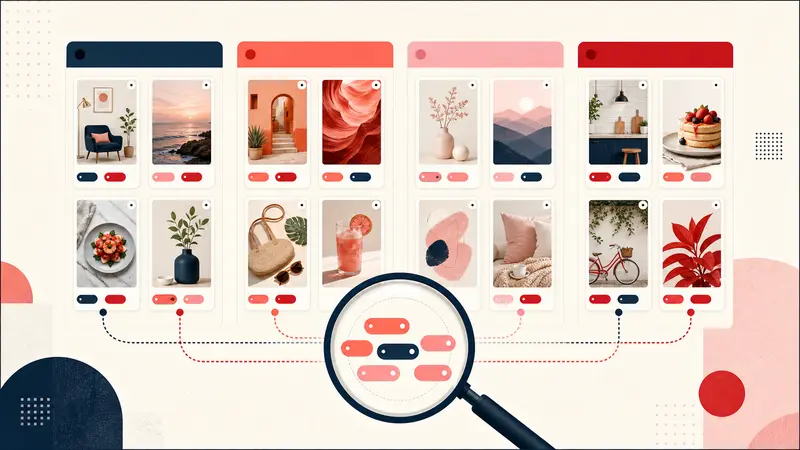
Notes capture content. Tags capture retrieval. If you tag consistently, you can plan meals quickly without scrolling.
Useful tag sets for recipe pins:
- Meal type: breakfast, lunch, dinner, snack, dessert
- Time: 15 min, 30 min, slow cook, meal prep
- Method: sheet pan, air fryer, instant pot, grill, no bake
- Diet: vegetarian, high protein, gluten free, dairy free
- Occasion: weeknight, guests, holiday, picnic
Once tagged, you can filter down to “30 min weeknight dinner” or “meal prep high protein” and your board becomes a planning tool.
Example: a complete note that stays compact
Here is a sample note that combines the Recipe Card and Iteration Log without becoming a wall of text:
Rating: 4 out of 5 | Temp: 375F | Time: 15 prep, 25 bake | Pan: sheet pan | Key: roast veg first 10 min, then add chicken | Subs: Greek yogurt ok | Iteration: added cumin and paprika, better | Next: try lemon at finish
This is the sweet spot. It is short enough to scan while cooking, but detailed enough to be useful six months later.
Why this workflow improves every time you cook
When you attach substitutions, timing, and ratings to your pins, you build a feedback loop. Each cook makes the pin better. Each note reduces future effort. Over time, your Pinterest recipes stop being random internet recipes and become your own curated cookbook.
That is the real value. The more you cook, the more your notes reflect your preferences, your equipment, your household, and your schedule. You are not just collecting recipes. You are collecting tested knowledge.
How Notestopin fits the recipe workflow
Notestopin is designed to make this process frictionless. You add a private note to a recipe pin, tag it with the categories you care about, and then search your saves later. Instead of losing your tweaks in memory or in scattered screenshots, you keep them attached to the exact pin you saved.
If you cook regularly, this becomes a compounding advantage. Your board becomes faster to use, your meals become more consistent, and your planning becomes easier.
Conclusion: save recipes, but also save your improvements
Pinterest makes it easy to save recipes, but saving is not the same as being ready to cook. The practical workflow is simple. Extract the key details into a Recipe Card Note. Track changes and results in an Iteration Log. Add timing that reflects your real kitchen. Rate the recipe so your board stays curated.
Do this for your top ten recipes and you will feel the difference immediately. You will spend less time scrolling and guessing, and more time cooking meals that match your taste. Over time, your Pinterest recipes become your own personal cookbook, built from experience rather than hype.
Keep building your Pinterest system
Continue with the guide that matches your next step:

Get the Notestopin Chrome extension
Add private notes to any Pin, tag them, and search your saves later.
Add to Chrome