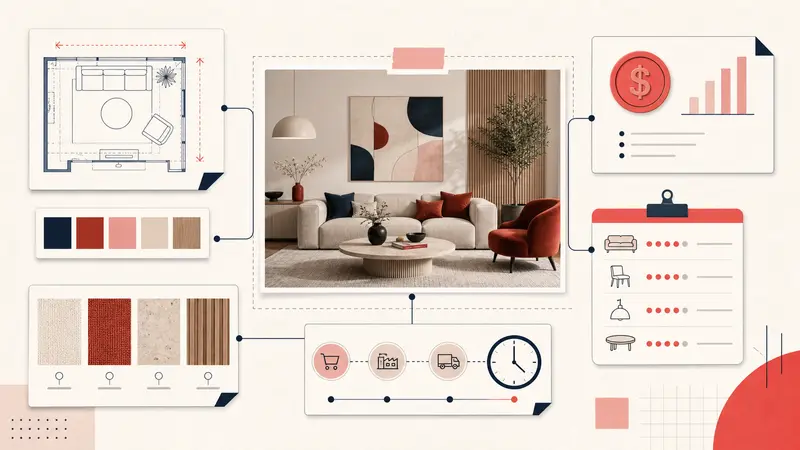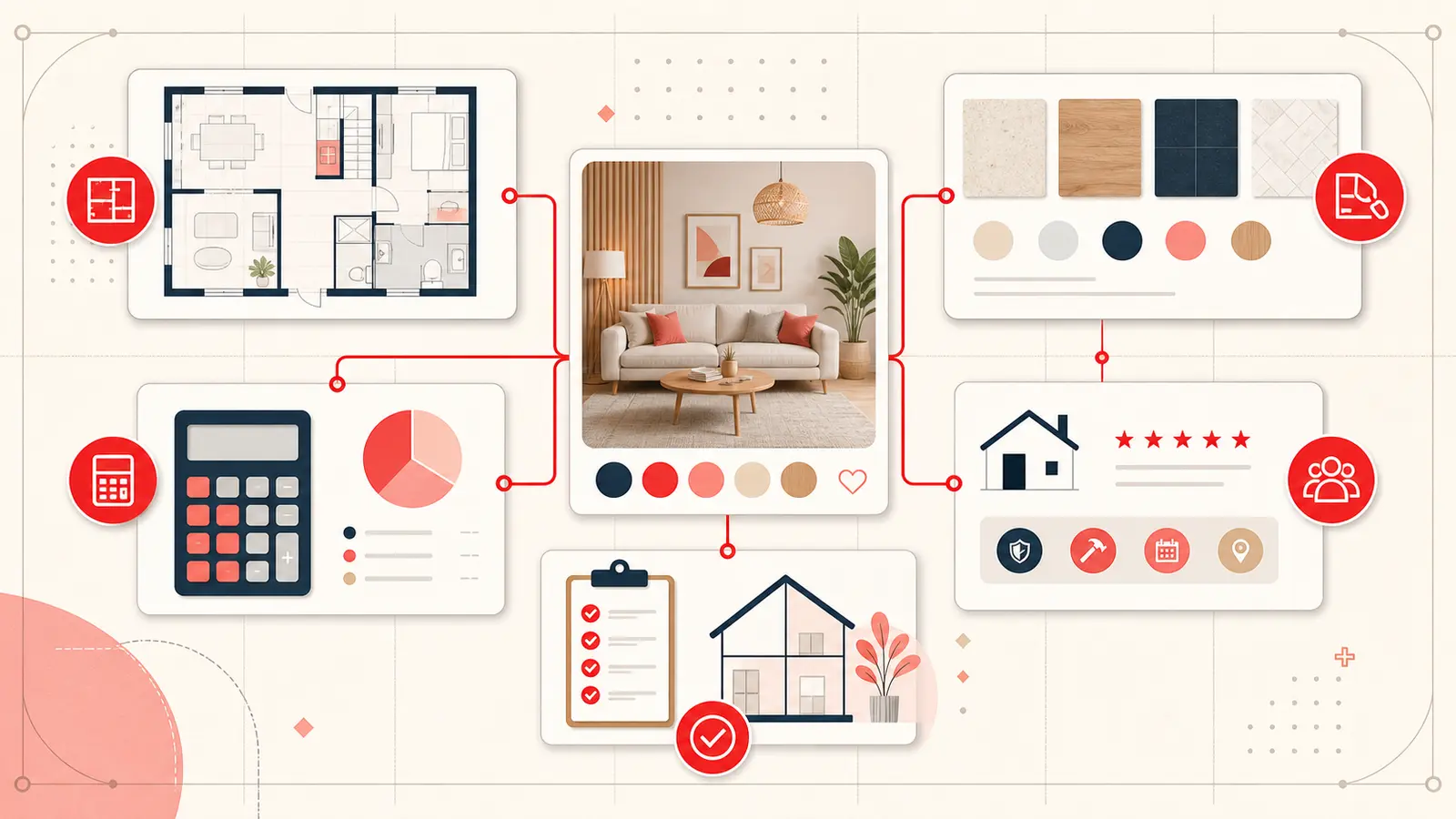
Pinterest is excellent for discovering rooms, fixtures, finishes, and layouts. A renovation fails, however, on details the image cannot show: clearances, lead times, installation requirements, maintenance, price, and whether one choice works with everything already approved.
The system below keeps Pinterest as the visual layer while adding enough project data to make decisions confidently.
Start with boards for rooms and tags for decisions
Use broad boards for stable areas such as Kitchen, Main Bathroom, Lighting, and Exterior. Avoid creating a board for every status or vendor; those categories change too quickly.
Add three kinds of tags across boards:
- Project:
#kitchen-reno,#main-bath - Status:
#research,#shortlist,#quoted,#chosen,#rejected - Decision:
#lighting,#flooring,#hardware,#paint
This lets one lighting Pin belong visually to a Kitchen board while remaining retrievable with every other lighting decision.
Use one renovation note template
Consistency makes comparison faster. Copy this structure onto shortlisted Pins:
Room:
What I like:
Dimensions / clearance:
Material / finish:
Price / source:
Lead time:
Constraint or risk:
Status / next step:
Do not fill every field during discovery. Add the full record only when a Pin enters the shortlist.
Record measurements with context
A number without a label creates false confidence. “48 inches” could mean overall width, internal opening, or required clearance. Write the object, measurement, and tolerance together:
- Vanity: maximum overall width 48 in; leave 2 in to casing.
- Dining pendant: bottom target 31 to 34 in above finished tabletop.
- Fridge: cabinet opening 36 in; verify door swing against wall.
Measurements from a Pin or retailer are reference data. Verify critical dimensions against manufacturer documentation and the real site before ordering or construction.
Make prices comparable
“$12” is meaningless if one tile is priced per piece and another per square foot. Record the comparable unit, required quantity, waste allowance, shipping, tax, and installation when they affect the decision.
A useful cost note looks like this:
$9.80 / sq ft · 124 sq ft measured · estimate 15% waste for layout · freight not included · installer has not approved substrate.
This is not a final budget. It is enough context to prevent a cheap-looking option from being compared with an all-in quote.
Track finishes and samples
Color names are not specifications. Record brand, product line, finish, sample location, date, and light conditions. Photograph samples together when possible, then link the photo or result back to the inspiration Pin.
- Paint: sample on north wall; too cool at 4 PM.
- Stone: honed finish approved; polished version rejected for glare.
- Hardware: brushed finish works; bright brass conflicts with faucet.
Link choices that must work together
Renovation decisions are interdependent. Connect the floor to the cabinet, the cabinet to the hardware, and the hardware to the faucet. A linked trail helps you answer “what else changes if we reject this?”
Keep rejection reasons too. “Beautiful, but unavailable before install date” stops an impossible option from re-entering the conversation.
Run a weekly decision review
- Filter the active project tag.
- Resolve or assign one open question on each shortlisted Pin.
- Move quoted items to chosen or rejected.
- Add purchasing or sample tasks to the relevant Pins.
- Export a backup after major approvals.
The goal is a decision log attached to visual evidence, not a second project-management system.
The finished renovation board
A useful board lets you see the direction, search the constraints, explain why something was chosen, and find the next action. That is the point where Pinterest stops being a pile of beautiful rooms and becomes a practical renovation reference.
Keep building your Pinterest system
Continue with the guide that matches your next step:

Get the Notestopin Chrome extension
Add private notes to any Pin, tag them, and search your saves later.
Add to Chrome