A privacy-first Pinterest note tool should make a narrow, verifiable promise: explain where note content is stored, what leaves the device, which permissions are required, how backups work, and what risks remain.
“Private” should not mean “trust us.” It should be possible to compare the product’s architecture and policy with its behavior.
What Notestopin stores locally
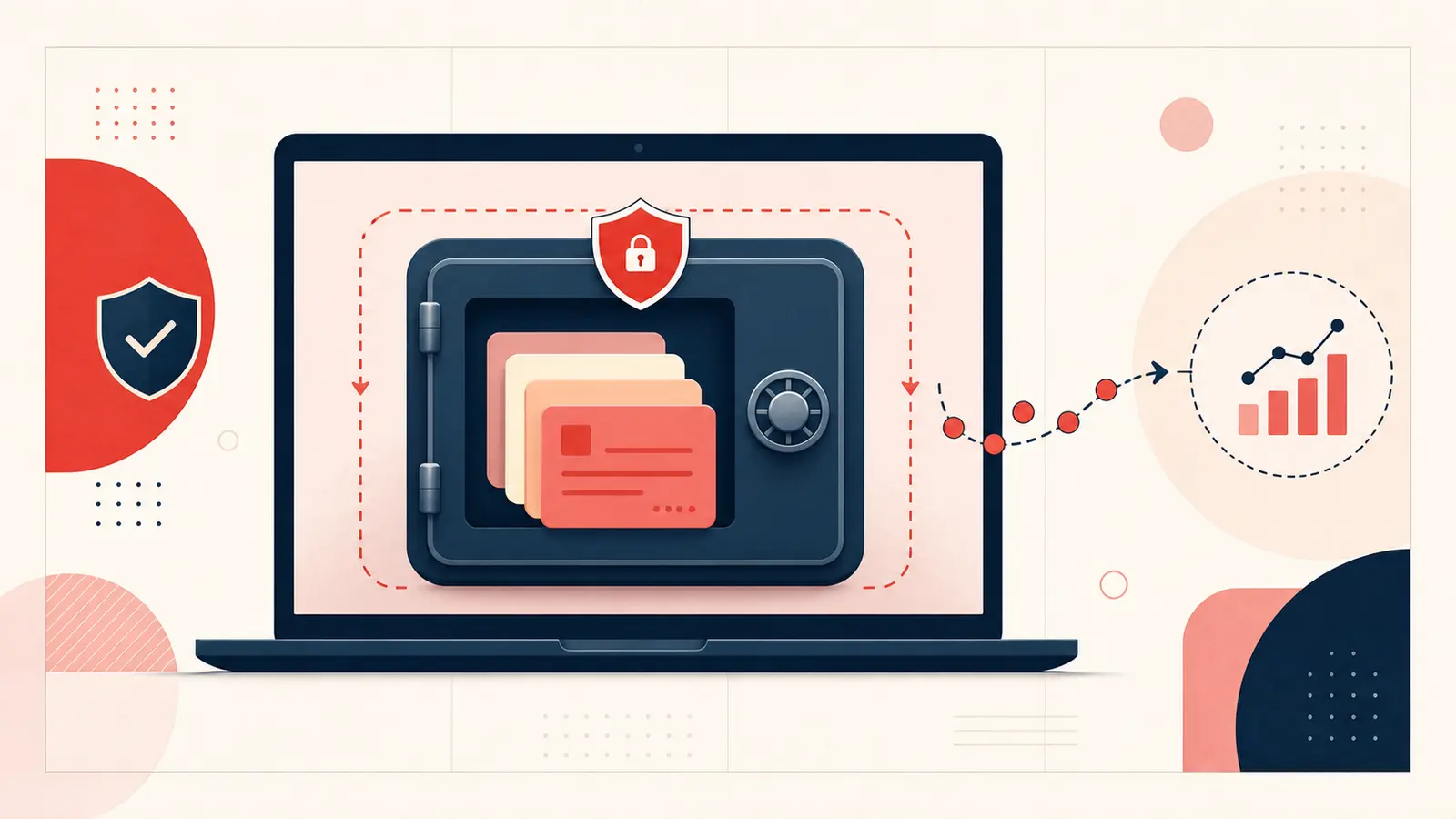
Notestopin’s privacy policy states that notes, tags, links, and Pin metadata are stored in chrome.storage.local inside the user’s browser profile. The product does not maintain a server-side copy of that note content.
This reduces server-side exposure and lets the dashboard search the local library without sending note text to an application database.
What still leaves the device
Local note storage does not mean the extension has zero network activity. The policy documents limited pseudonymous usage events—such as install, update, note-created events, and aggregate note counts—processed through a Notestopin endpoint and PostHog. Those events use a random identifier and do not include note content or the Pinterest account.
This distinction is important: note content stays local; limited product analytics do not.
Why local storage changes the privacy model
A centralized note service holds many users’ text in one backend. A local-first note layer keeps each user’s primary note library in that user’s browser profile. This removes the service’s server database as a place where note content could be searched, copied, or breached.
It does not make the text invulnerable. Risk shifts toward the device and browser profile.
The threats local storage does not solve
- Physical or remote access to an unlocked device.
- Malware, a compromised browser, or another malicious extension.
- Accidental deletion of the Chrome profile or extension data.
- Unencrypted exports stored in email, cloud drives, or shared folders.
- Sensitive text visible on screen or in browser backups.
Do not use a general planning extension as a password vault, medical record, or place for secrets that require dedicated encryption and access controls.
Permissions to review before installing
Check the Chrome Web Store permission list and the product privacy policy. Ask:
- Which websites can the extension read or modify?
- Does it require an account?
- Is note content transmitted to a remote API?
- Are analytics events documented separately from content?
- Can you export and delete your data?
Permissions are capabilities, not proof of misuse, but they define the maximum access you are granting.
Backups are part of privacy
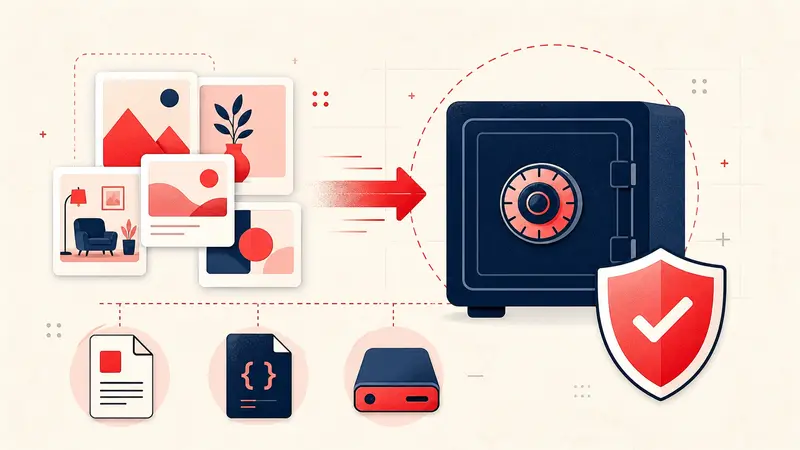
Privacy without recoverability can become data loss. Export Markdown for a readable copy and JSON for structured backup or re-import. Store exports somewhere appropriate for their sensitivity, and delete outdated copies you no longer need.
A practical routine is one local export after major project changes plus a second encrypted or access-controlled copy outside the browser profile.
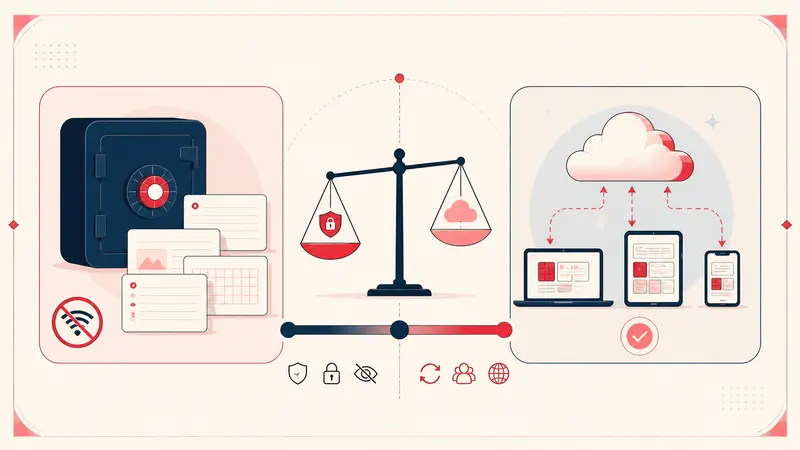
When cloud sync may still be the better choice
A local-only system is less convenient when several people need to edit the same notes or when seamless device handoff is essential. In those cases, choose a synced tool with clear encryption, retention, access control, and export policies.
Privacy is a set of tradeoffs. A well-secured, transparent cloud service may fit a collaborative project better than local storage copied around manually.
A practical privacy checklist
- Read the current privacy policy.
- Review extension permissions.
- Write one non-sensitive test note.
- Export it and inspect the file.
- Decide where backups will live.
- Avoid storing credentials or highly sensitive records.
- Remove the tool and its data if the architecture no longer matches your needs.
The honest privacy promise
Local-first Pinterest notes offer a meaningful benefit: the service does not need a server-side copy of your private planning context. The honest version of that promise includes the analytics boundary, device risks, and backup responsibility. Clear limits make the privacy claim stronger, not weaker.
Keep building your Pinterest system
Continue with the guide that matches your next step:

Get the Notestopin Chrome extension
Add private notes to any Pin, tag them, and search your saves later.
Add to Chrome