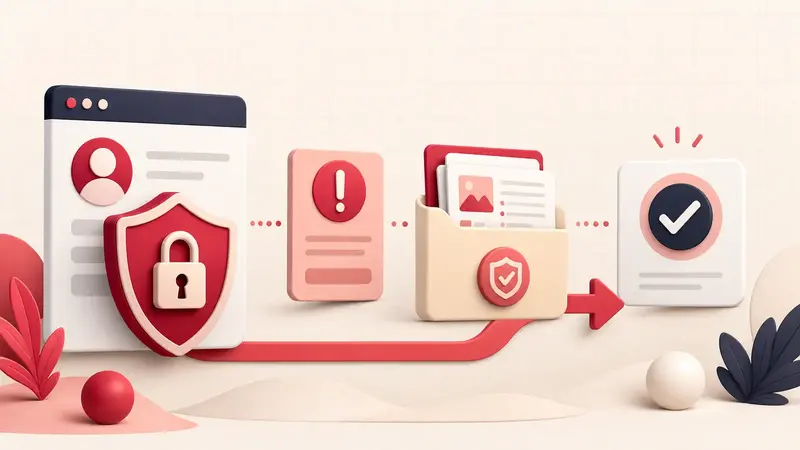
Verified August 31, 2026: Pinterest distinguishes between deactivation, where content is no longer available, and limited distribution, where content may remain accessible by direct link but stop appearing in search or recommendations. The response depends on which action occurred and why.
Users regularly report confusion when a notice shows a small or unclear preview of the affected Pin. Do not appeal from memory alone. Identify the content, the policy category, and whether the notice concerns Community Guidelines or copyright before choosing a response.
Identify the exact action
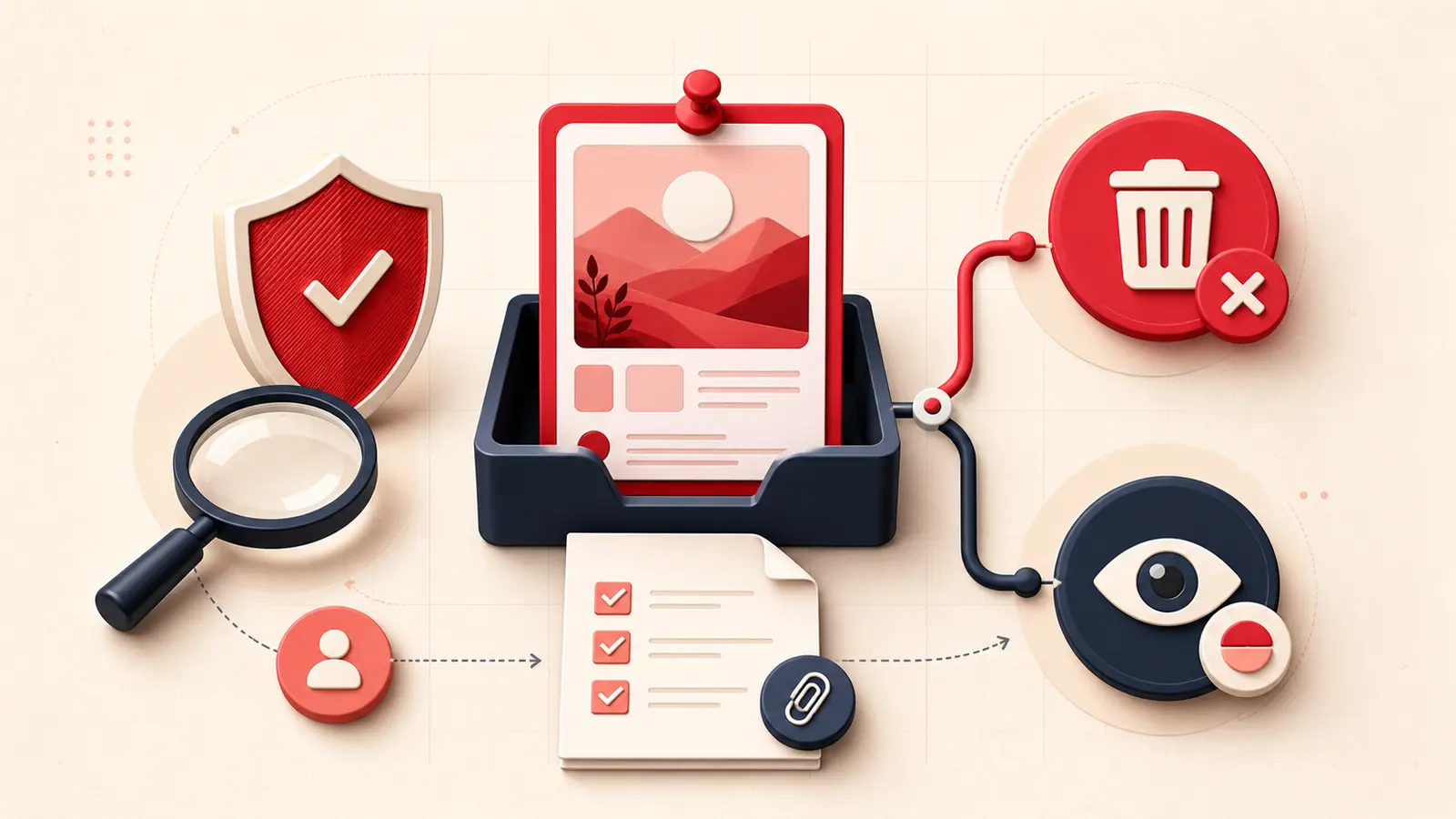
- Removed or deactivated: the Pin is not available on Pinterest.
- Distribution limited: the Pin may still open directly but is withheld from discovery surfaces.
- Feature restricted: comments, recommendations, saving, or another capability may be limited.
- Copyright removal: a rights-holder process applies, including strikes and possible counter-notification.
- AI label: this is a disclosure label, not necessarily a removal; Pinterest documents a separate support appeal.
Pinterest explains these distinctions in its current enforcement policy.
Preserve the notice and identify the Pin
- Save the email or in-product notice and case identifier.
- Record the Pin URL or numeric Pin ID if provided.
- Capture the policy category and exact wording.
- Locate your original file, source URL, caption, board, and publication date.
- Record whether you created the Pin or saved someone else's existing Pin.
Do not repost the same content while it is under review. Repeated uploads can complicate the record and may look like an attempt to evade enforcement.
Compare the content with the cited policy
Review the current policy section named in the notice. Evaluate the complete Pin:
- image or video;
- title and description;
- destination link and redirects;
- board name and surrounding context;
- product or health claims;
- ownership and permission;
- whether minors, sensitive material, or misleading presentation are involved.
A harmless-looking image can still be actioned because of its link, text, board context, or rights status. Conversely, an automated match can be wrong. Your appeal should explain the relevant signal, not only say that the image “looks fine.”
Appeal a Community Guidelines decision
Pinterest says appeals may be available in-product, through the Help Center, or from the one-click link in an enforcement email. In the appeal:
Pin: URL or ID
Decision: policy category and date
Context: what the content depicts and why it was saved or published
Policy fit: the specific reason you believe the rule does not apply
Evidence: original source, rights, age/context, destination-page details, or other verifiable facts
Request: review this Pin and reverse or clarify the action
Avoid guessing that “the AI did it.” Pinterest documents automated, manual, and hybrid enforcement; you usually cannot know which path produced a specific action.
Treat copyright removal as a separate legal path
Pinterest's copyright policy offers two different responses:
- Counter-notification: for a good-faith belief that a copyright removal was erroneous. Pinterest warns of legal and financial consequences for fraudulent or bad-faith submissions and says contact information may be forwarded to the reporting party.
- Copyright-strike appeal: for circumstances where you cannot or do not want to make the representations required by a counter-notice but believe the strike should be removed.
Saving an image from another account, finding it through search, or seeing it used elsewhere does not establish permission. Seek qualified advice when ownership or fair use is genuinely disputed.
If the Pin was saved, not uploaded by you
Record that fact accurately, but do not assume it automatically defeats the action. Pinterest's transparency materials describe saved content as associated with the saving account, and enforcement can affect matching Pins. Focus the appeal on what you know: where you found it, whether you altered it, and why the cited policy appears or does not appear to apply.
Document patterns without creating a shadow archive
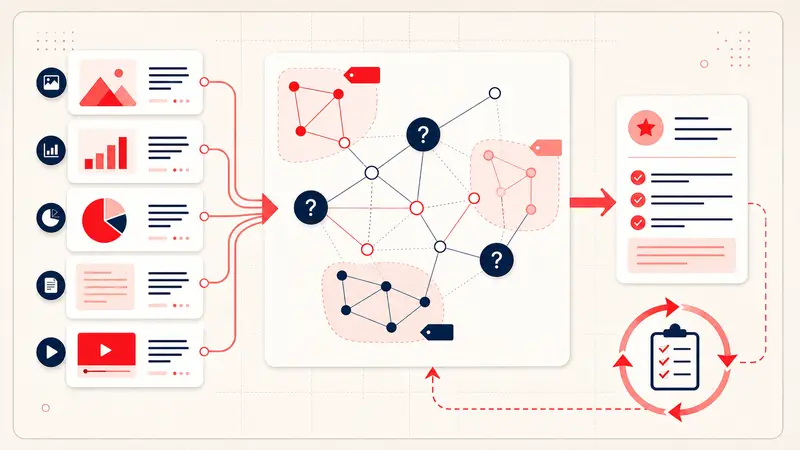
For repeated notices, keep a private log:
- notice date and category;
- Pin ID and source;
- created versus saved;
- appeal date and result;
- policy or content pattern;
- corrective action.
Preserve originals only when you own them or have the right to keep them. A troubleshooting archive should not become an unauthorized republication library.
Know when the problem is account-wide
If you see a login suspension notice, cannot access any boards, or receive an account-level decision, switch to the account-suspension process. If multiple boards merely vanish without an enforcement notice, use the missing-boards checklist before assuming moderation.
The reliable response
Identify the Pin, distinguish removal from limited distribution, use the policy-specific appeal, preserve evidence, and avoid rapid duplicate submissions. That process cannot guarantee reversal, but it gives a reviewer a precise decision to evaluate.
Keep building your Pinterest system
Continue with the guide that matches your next step:

Get the Notestopin Chrome extension
Add private notes to any Pin, tag them, and search your saves later.
Add to Chrome