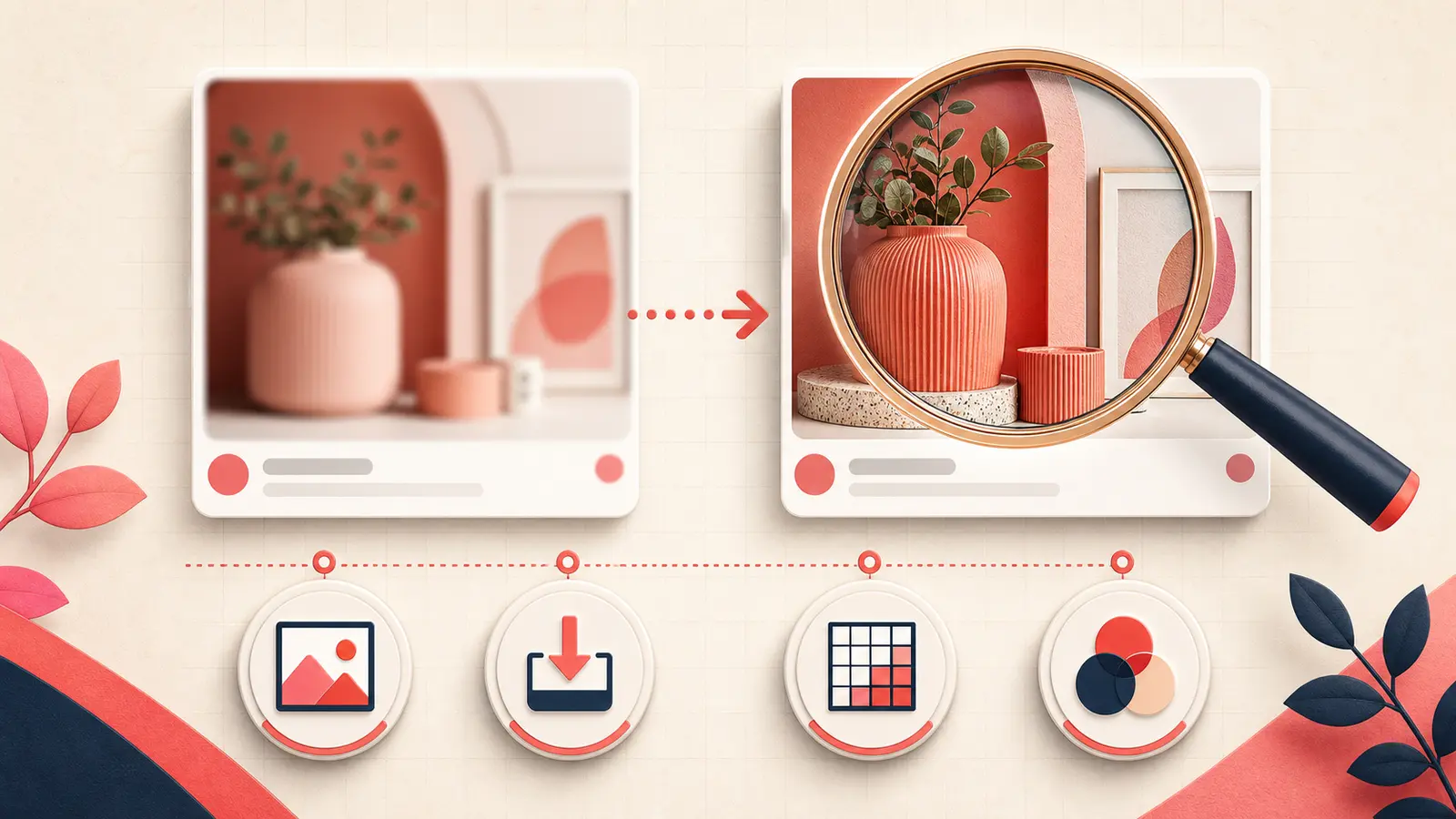
Verified August 31, 2026: “Pinterest is blurry” describes at least three different problems: a low-resolution feed preview that sharpens in close-up, a creator upload that remains soft everywhere, or a browser/app rendering fault affecting many Pins.
Recent users have reported feeds that appear blurry until a Pin is opened, including a multi-user discussion from October 2025 and creator upload concerns in February 2026. These reports suggest recurring experiences, but only a scope test can identify your case.
Run the close-up test
- Screenshot the Pin in the home or board feed.
- Open the same Pin in close-up and wait for loading to finish.
- Open its original destination image if you have permission.
- Compare another device and network.
- If you published it, compare the original upload at 100% scale.
- Feed blurry, close-up sharp: likely preview/loading/rendering behavior rather than a damaged original.
- Every view blurry: inspect the source file and upload pipeline.
- All Pins blurry only on one device: inspect app, browser, network, zoom, and graphics rendering.
Start with a suitable source image
Pinterest recommends high-quality vertical creative and a 2:3 ratio for distribution. A practical standard Pin canvas is 1000 × 1500 pixels. Uploading a small image and enlarging it does not create missing detail.
For text-heavy graphics, inspect the exported file before upload:
- text is rasterized cleanly at final size;
- thin strokes remain readable on mobile;
- source photography is not already compressed;
- the file is not a screenshot of a screenshot;
- the canvas has not been enlarged after export.
Use Pinterest's supported image pipeline
Pinterest's current organic Pin specifications list BMP, JPEG, PNG, TIFF, and WebP, with a 20 MB maximum for web uploads. Pinterest's advertising specifications additionally explain that uploaded images are converted to standard 8-bit RGB JPEG and recommend PNG with an sRGB profile to reduce quality and color surprises.
For a clean diagnostic export:
- convert the document to sRGB;
- export at the intended pixel dimensions;
- use PNG for sharp type and flat graphics, or a high-quality JPEG for photography;
- remove unnecessary metadata only after preserving your master;
- open the exported file locally before uploading.
Do not confuse blur with Pinterest's background treatment
Pinterest says it applies a faint color layer to near-white image Pins in light mode and near-black Pins in dark mode so they remain distinct from the app background. That overlay may alter perceived contrast, but it should not erase detail like low resolution does.
Troubleshoot a blurry feed on one device
- Return browser zoom and operating-system display scaling to a known value.
- Test a normal browser window with extensions disabled one by one.
- Update the browser or Pinterest app.
- Switch between Wi-Fi and mobile data to test delayed image loading.
- Reload without cache on desktop or reinstall the app only after confirming account access.
- Compare hardware acceleration on and off if the browser renders other image-heavy sites incorrectly.
Do not clear data or uninstall before confirming you can log in again and that important local-only drafts are safe.
If only your new uploads are blurry
- upload the original export, not a messaging-app copy;
- avoid editing and re-saving the same JPEG repeatedly;
- remove tiny text and fragile one-pixel rules;
- test one PNG and one high-quality JPEG from the same master;
- publish one controlled Pin rather than ten variants;
- wait for processing, then compare feed and close-up.
You cannot replace the image or video content of a published Pin. Pinterest's creation guide says those media contents are not editable after publication, so a genuinely damaged upload requires a corrected new Pin.
Escalate with useful evidence
Provide Pinterest support with the Pin URL, source dimensions, file type and size, device/app or browser version, feed and close-up screenshots, network comparison, and the time the upload completed. State whether other people's Pins are affected.
The correct quality target
Optimize for readable mobile presentation, not maximum file size. Preserve a high-quality master, export once at a suitable 2:3 size and sRGB profile, and diagnose preview blur separately from source degradation. If many unrelated Pins blur only in feeds at the same time, treat it as a platform rendering incident rather than repeatedly recompressing good originals.
Keep building your Pinterest system
Continue with the guide that matches your next step:

Get the Notestopin Chrome extension
Add private notes to any Pin, tag them, and search your saves later.
Add to Chrome