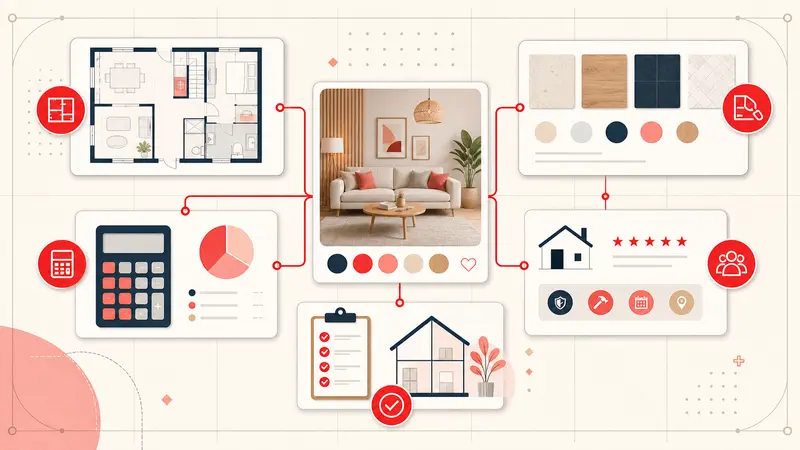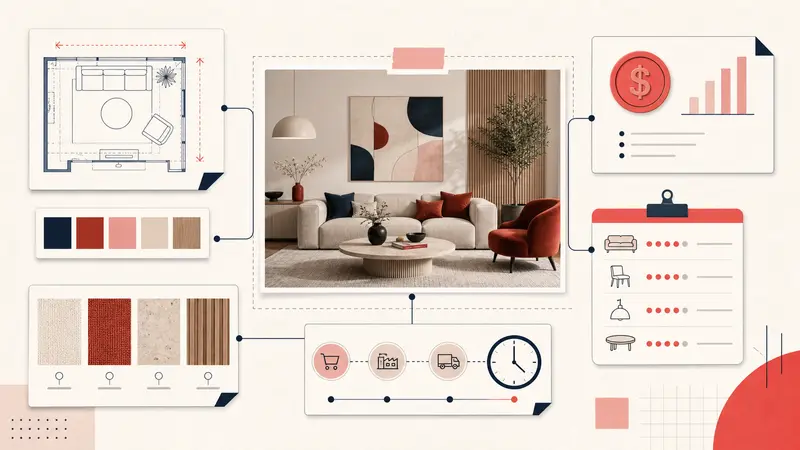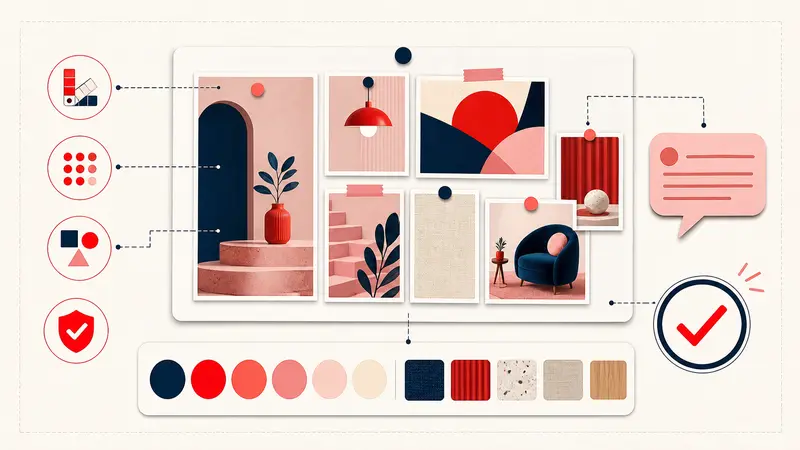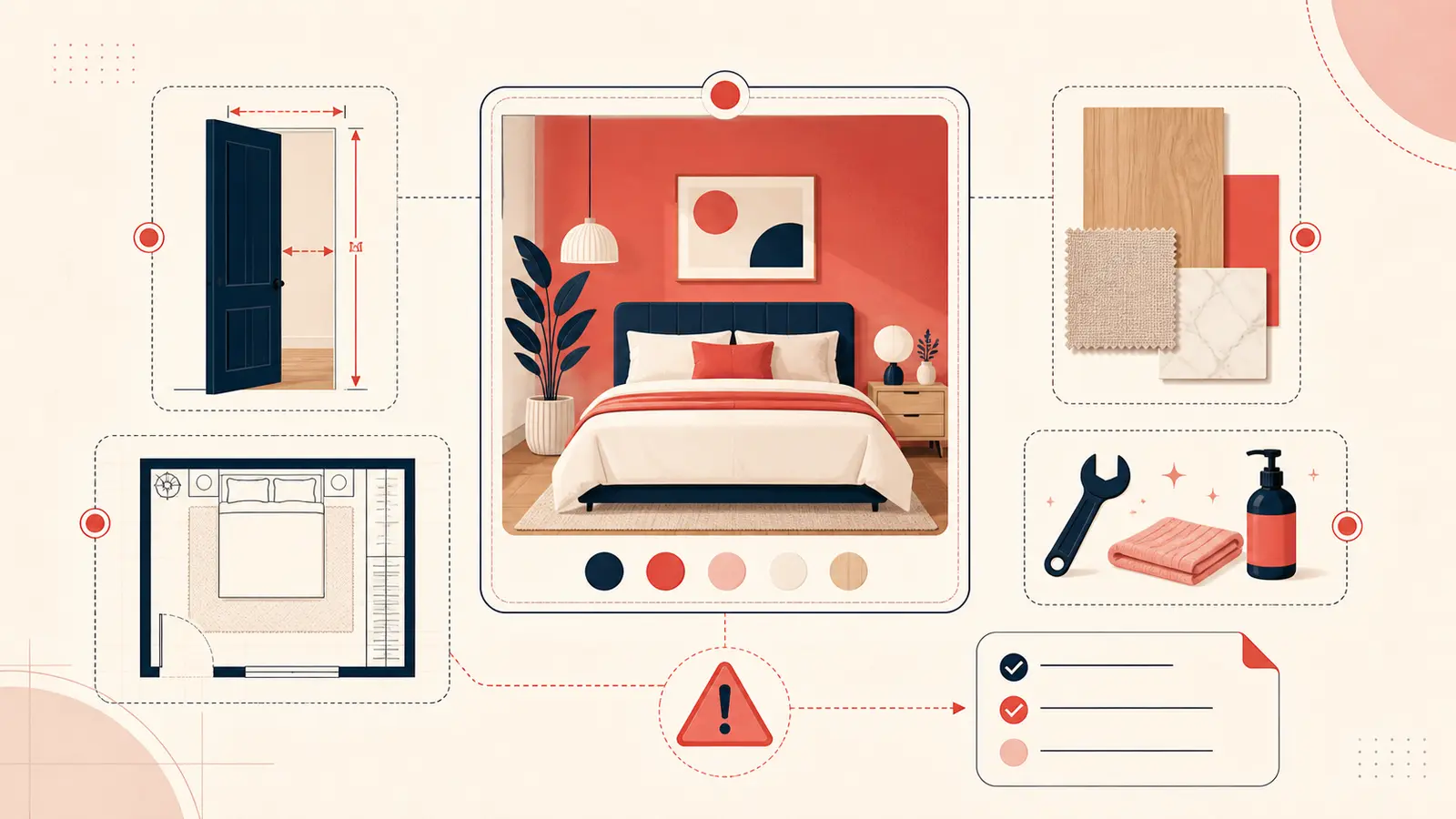
The most confident decisions in interior design usually come from the smallest details.
Consider a representative failure scenario: a living-room board looks flawless—cream sofas, warm oak coffee tables, and soft layered lighting. Every Pin seems to belong in the same magazine spread.
Then purchasing begins.
The “perfect” sofa didn’t fit through the hallway turn. The rug that looked generous online stopped short of the sofa legs, making the whole room feel oddly shrunken. The coffee table was the wrong tone—less “warm oak,” more “yellow varnish.” None of these were taste problems. They were context problems. The board was beautiful, but it wasn’t executable.
Pinterest is excellent at capturing what you like. Design work is about what will actually work: dimensions, finishes, maintenance, lead times, and budget decisions you can defend later. That’s where private notes come in. Not more inspiration—just the missing context that turns a pin into a real option.
The moment Pinterest stops being helpful
There’s a point in every project where saving more pins stops moving you forward. It usually happens right before money gets spent:
- You start seeing the same look in different variations, but can’t tell which one is right.
- You remember you liked “one of them” more, but not why.
- You begin comparing screenshots instead of making decisions.
- You open the same pins again and again because the detail you need isn’t there.
When that happens, the board turns into a loop. More saving creates more noise. The fix is not a new board. It’s writing down the one thing your future self will need to know.
A real pain point: the “doorway problem”
If you’ve ever bought furniture online, you already know this one. The listing shows “overall width,” maybe “seat depth,” and a few lifestyle photos. The pin looks perfect. Then delivery day exposes the part no one thinks about early enough: access.
Door width. Hallway turns. Elevator depth. Stair angle. Those constraints don’t show up in a Pinterest image, but they decide whether you keep the item or pay return shipping.
Private notes are where you put the tripwire reminders:
- “Check: 32-inch door + stair turn”
- “Max depth 38” (tight hallway)”
- “Needs knock-down / modular option”
It’s not glamorous, but it prevents the most expensive mistake: buying something you literally cannot get inside.
Another real pain point: the “finish drift” trap
Finish drift is when your room slowly gets off-track even though every item is “nice.” It happens because Pinterest teaches your eye to chase a vibe (warm, airy, minimal), but it doesn’t force you to name specifics.
For example: brass can be aged brass, polished brass, champagne brass, brushed brass, unlacquered brass—each one reads differently. Two “white” paints can clash because one is cool and the other is creamy. One oak is pink-toned, another is golden, another is neutral.
Without notes, you’ll keep saving “warm oak” pins and later wonder why your purchases don’t look like the board.
Notes are where you lock the decision language:
- “Warm oak = neutral, not yellow (avoid honey tone)”
- “Brass: aged/brushed only (no polished)”
- “White paint: creamy (avoid blue undertone)”
Those lines are boring until the day they save you from buying the “almost right” version for the third time.
The pain point nobody expects: maintenance reality
A pin doesn’t show you the lifestyle cost of an item.
Marble looks incredible. It also etches. Bouclé looks incredible. It also snags. Matte black hardware looks incredible. It fingerprints. Open shelving looks incredible. It collects dust.
Designers think in tradeoffs. Most Pinterest boards don’t, because the platform isn’t built to record “this is beautiful but wrong for my life.” Private notes are the place to be honest.
Examples that actually get used later:
- “Looks great, but not kid-friendly (skip)”
- “Need performance fabric (pet hair + spills)”
- “Stone: honed + sealed, avoid polished”
- “Rug: low pile only (vacuum + doors)”
What to write: the three notes that move projects forward
If you want notes that feel useful (not like homework), use three types. They mirror the actual moments where projects stall.
1) Constraint notes (the “must fit” lines)
Write the non-negotiables: max width, max depth, doorway size, ceiling height, budget cap, lead time deadline.
Example: “Maximum width 84 in; depth under 36 in; must pass through a 32 in doorway.”
2) Decision notes (the “why this one” line)
Write the one sentence that explains the choice. If you can’t explain it, it’s not a shortlist item yet.
Example: “Shortlist: slim arms + warm tone; closest match to the room plan.”
3) Next-step notes (the “what do I do now” line)
Write the next action that reduces uncertainty: measure wall, order sample, request tear sheet, check stock, confirm shipping.
Example: “Next: order swatch + compare to floors in daylight.”
A simple story-driven workflow (that matches how projects actually happen)
Here’s the pattern I see in successful room projects:
Step 1: Save freely (but don’t pretend it’s
organized).
Use Pinterest as the net. Catch ideas fast.
Step 2: When an item becomes “real,” add a
note.
The second you think “I would actually buy this,” you add
constraints + a decision line.
Step 3: Maintain a shortlist (5–10 items max).
If you have 40 “finalists,” you don’t have finalists. You
have browsing.
Step 4: Before purchase, add the boring stuff.
SKU, lead time, return policy notes, and install
requirements. This is what prevents the late-stage
headaches.
Where Notestopin fits
Notestopin exists for the part Pinterest doesn’t capture: your decision context. It lets you attach private notes to any pin so your constraints, tradeoffs, and next steps live with the visual reference—not in scattered screenshots or half-remembered thoughts.
That’s what makes boards usable months later. The pin stays pretty. The note makes it real.
Conclusion
Interior design doesn’t fall apart because people lack taste. It falls apart because details go missing at the exact moment decisions matter. Private notes fix that. They turn Pinterest from a gallery into a working file: constraints, reasons, next steps.
If you want to feel the difference quickly, pick one category—sofa, rug, or lighting—and add notes to your top ten pins today. Include one constraint, one reason, and one next step. The next time you revisit your board, it won’t feel like inspiration. It will feel like progress.
Keep building your Pinterest system
Continue with the guide that matches your next step:

Get the Notestopin Chrome extension
Add private notes to any Pin, tag them, and search your saves later.
Add to Chrome