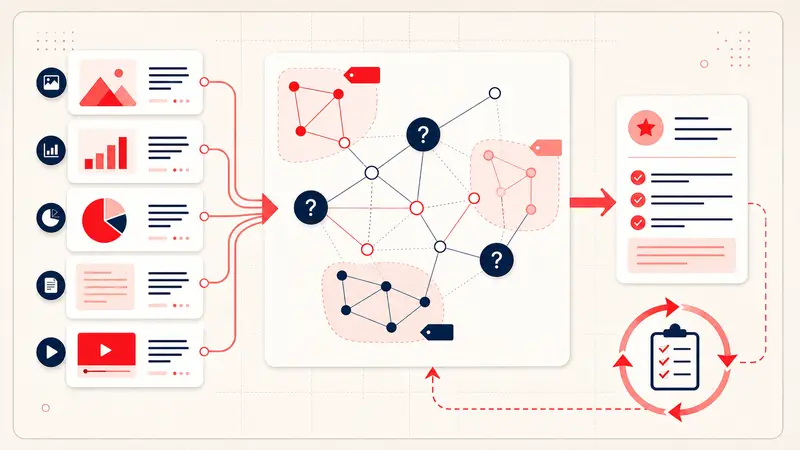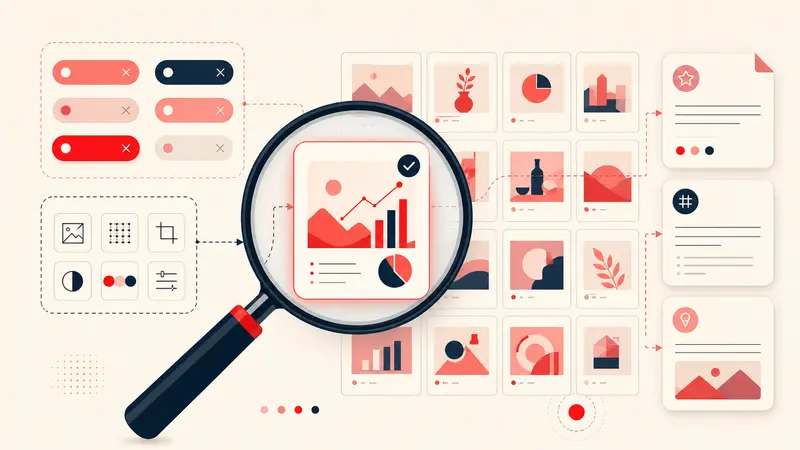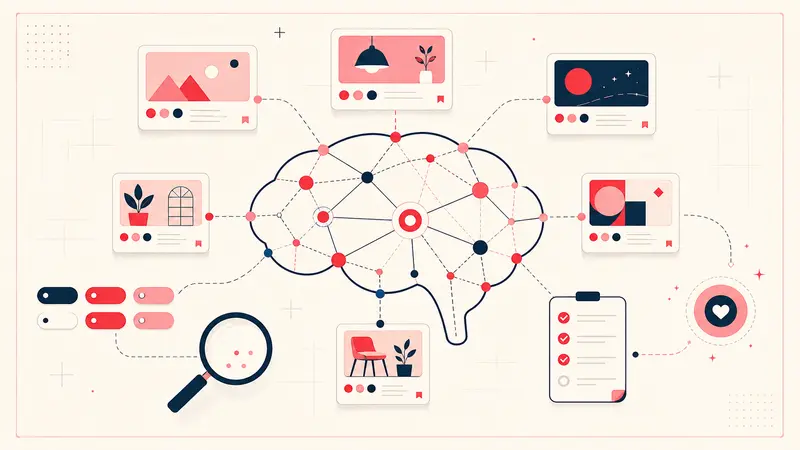
Short answer: annotations make a Pinterest library more useful today because your own words become searchable. They can also become structured input for an AI tool after export, but Notestopin does not currently generate recommendations or send note content to an AI model.
That boundary matters. “AI-ready notes” should mean clean, explicit metadata you control, not a promise that an algorithm already understands your taste.
What image recognition can see, and what it cannot
An image model may recognize a chair, estimate its color, or classify its style. It cannot reliably know that you saved the image for the fabric but dislike the legs, that the chair must fit through a 32-inch doorway, or that your price ceiling is $600.
Those personal constraints are not visible pixels. A useful annotation supplies the missing relationship between the image and your decision:
- Preference: “Keep the rounded back; avoid brass legs.”
- Constraint: “Maximum width 30 in; performance fabric.”
- Intent: “Reading chair for the north corner.”
- Status: “Compare after the fabric sample arrives.”
The benefit you can use now: better retrieval
Pinterest’s own search can search your saved Pins using the content Pinterest knows about. A private annotation layer solves a different problem: searching for language that exists only in your reasoning.
If you write “north corner, washable, under 600,” any of those phrases can become a retrieval key in the Notestopin dashboard. This does not require AI. It is ordinary full-text search over useful personal metadata, and it is often more predictable than asking a model to infer what you meant.
A note format that stays useful outside one tool
Use stable fields instead of prose when a Pin may influence a real decision:
Saved for: guest-room reading corner
Keep: rounded back, oatmeal texture
Avoid: brass base, deep seat
Constraints: width ≤ 30 in; budget ≤ $600
Status: shortlist
Next: verify dimensions on the original retailer page
This format works in search, Markdown, JSON, spreadsheets, and, if you deliberately choose to use one, an external AI workflow.
How exported notes can support an AI workflow
Notestopin exports one Markdown archive for reading and a JSON backup for structured processing. The JSON format is the better starting point when you want to classify or summarize notes with another tool.
- Export JSON from the Notestopin dashboard.
- Remove notes that contain client, address, budget, or other sensitive details you do not want to share.
- Work on a copy, never your only backup.
- Ask for a bounded result, such as grouping shortlist items by constraint or identifying missing fields.
- Verify every proposed conclusion against the original Pin and source page.
Do not upload a full private library merely because a tool accepts files. Check its retention, training, sharing, and deletion terms first.
Useful prompts are narrow and auditable
Good requests operate on facts already present in the notes:
- “Group these furniture candidates by maximum width and flag entries with no verified dimension.”
- “List recipes marked make-again that have a recorded time of 30 minutes or less.”
- “Create a comparison table from price, lead time, and status; leave missing values blank.”
Avoid requests such as “tell me my taste” unless you are comfortable with a subjective interpretation. A model can summarize patterns; it cannot turn incomplete notes into verified facts.
What makes annotations genuinely AI-ready
- Use the same field names across similar Pins.
- Separate facts from opinions: “retailer lists 29 in wide” versus “looks comfortable.”
- Include units and currencies.
- Record the source and verification date for changing facts such as price or availability.
- Use explicit status values instead of vague words like “maybe.”
- Keep rejection reasons; negative preferences are often more informative than saves alone.
The honest conclusion
Notes do not magically improve Pinterest’s recommendation algorithm, and Notestopin is not currently an AI recommendation product. What annotations do is more concrete: they make your private reasoning searchable now and portable enough for carefully chosen analysis later.
Start by improving retrieval. If the exported data later supports an AI workflow, treat that as a controlled second use, not the reason to collect more personal data than you need.
Keep building your Pinterest system
Continue with the guide that matches your next step:

Get the Notestopin Chrome extension
Add private notes to any Pin, tag them, and search your saves later.
Add to Chrome