Verified August 27, 2026: an unexpected password reset, changed email, unfamiliar Pins, new boards, altered profile, or unknown login can indicate compromise. It can also result from signing into the wrong account. Verify the profile URL, then contain the incident in a deliberate order.
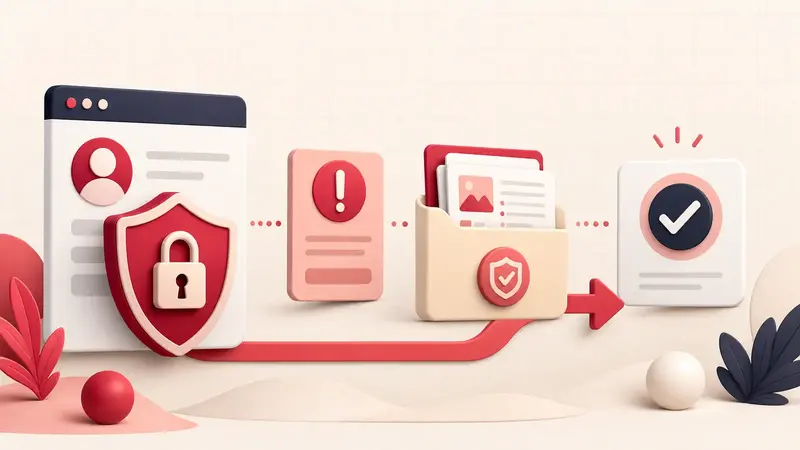
Emergency order: secure the email account first, recover Pinterest only through pinterest.com or the official app, terminate unauthorized access, inspect changes, and preserve evidence before cleaning everything.
Secure the email account first
- Use a trusted device to change the email password.
- Sign out unknown email sessions.
- Review forwarding rules, recovery addresses, app passwords, and delegated access.
- Enable multi-factor authentication.
- Check deleted, archived, and spam folders for Pinterest security messages.
If the attacker controls the mailbox, a Pinterest password reset alone will not hold.
Use only official Pinterest recovery
Navigate directly to Pinterest and use its login recovery guidance. Pinterest says suspicious activity may cause it to reset the password and log everyone out. Do not trust a recovery link sent through an unsolicited message, comment, or “support agent” account.
If the connected email was changed or is inaccessible, preserve the old profile URL and use the old-email recovery checklist.
Preserve a minimal evidence set
- security emails with full dates and sender domains;
- screenshots of changed profile fields, unknown boards, Pins, or messages;
- the expected and current profile URLs;
- time of the last known legitimate session;
- devices, browsers, and networks used recently;
- claimed domains or business assets that changed.
Do not publicly post reset links, codes, email headers containing tokens, or personal identity documents.
After access returns, remove persistence
- Set a unique Pinterest password.
- Review active sessions and sign out devices you do not recognize.
- Review linked Google or Apple identities.
- Enable Pinterest two-factor authentication.
- Check email, profile name, username, website, and business-account settings.
- Review board collaborators, group boards, messages, created Pins, and saved Pins.
- Check ad accounts, billing, catalogs, claimed websites, and conversion sources if applicable.
Pinterest's account-protection guide recommends a unique password, two-factor authentication, trusted Pinterest domains, and current device/browser security.
Clean the device without erasing evidence too early
Update the operating system and browser, remove unknown extensions or apps, run trusted security scans, and inspect whether saved passwords were exposed. If several unrelated accounts were compromised, treat the device or email account as the common failure point.
Do not reinstall or wipe the only device that contains a surviving Pinterest session until recovery information and evidence are preserved.
Separate compromise from suspension
A suspension notice means Pinterest restricted the account; it does not by itself prove an attacker. Unknown content may have contributed, but the correct response combines security recovery with the Pinterest suspension appeal checklist. Explain which actions were unauthorized and provide dates, not speculation.
Handle unauthorized content carefully
Document unknown Pins, boards, messages, advertisements, or collaborators before removing them. If an item is part of an active policy appeal or financial dispute, preserve its URL and screenshots. Then delete or correct unauthorized changes once they are recorded and the account is secured.
Watch for recovery scams
- No legitimate helper needs your password or current one-time code.
- Do not pay a stranger who claims to know a Pinterest employee.
- Do not install remote-control software for “account verification.”
- Do not submit credentials to a domain that merely contains the word Pinterest.
Create a post-recovery record
Incident began:
Entry point confirmed or unknown:
Email secured:
Pinterest password changed:
Sessions reviewed:
2FA enabled:
Unauthorized changes removed:
Business assets checked:
Backup completed:
The containment principle
Recovering the Pinterest password is only one step. A durable recovery secures the upstream email, removes alternate access, checks downstream business assets, and leaves a record of what happened.
Keep building your Pinterest system
Continue with the guide that matches your next step:

Get the Notestopin Chrome extension
Add private notes to any Pin, tag them, and search your saves later.
Add to Chrome